Enterprise social media management with governance built in
The speed of AI content, with the controls your company needs.
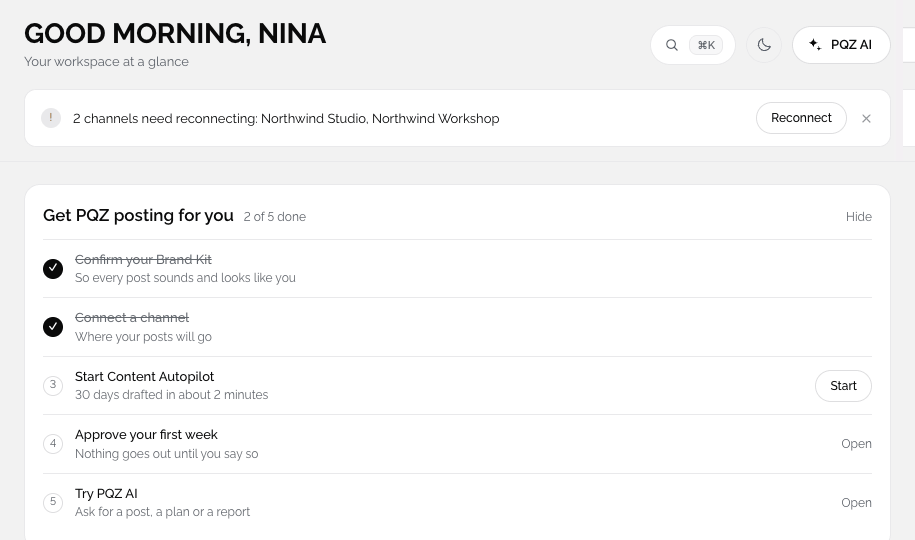
Roles, approval rules, audit log export, Google and Microsoft sign-in, two-factor authentication, API and webhooks. Facts only from your Brand Kit, and nothing publishes without approval by default.
AI content without governance is a risk nobody signs off
Large brands want the speed of AI content, but legal, compliance and brand teams need to know what is said, who approved it and where it came from. Most AI tools can answer none of those questions.
Scale adds its own problems: dozens of markets, hundreds of accounts, agencies and regional teams all posting under one brand, with no shared record of decisions.
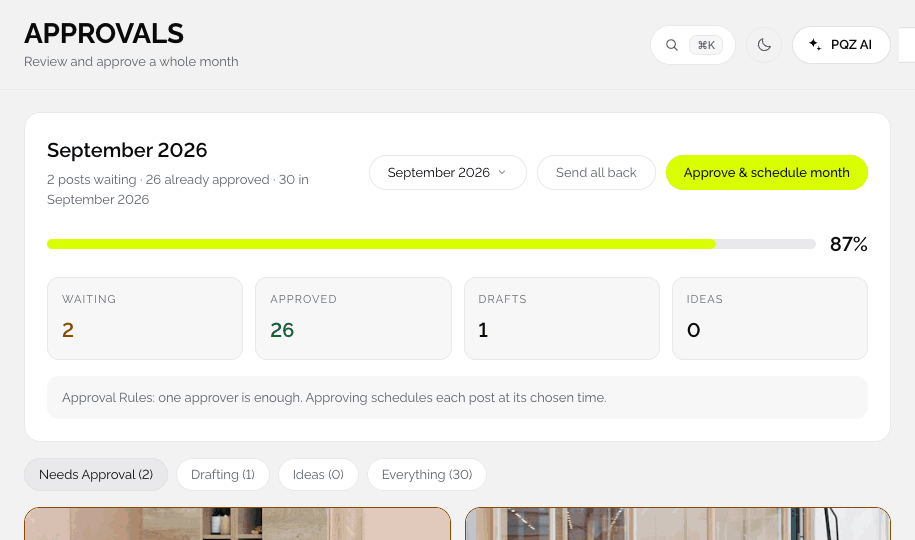
PQZ was built with approval first. Every claim comes from an approved fact with a source, every post needs a yes by default, and the audit log records who did what, when.
PQZ also gives procurement what it needs to say yes: a data processing agreement, a clear list of what is and is not used to train AI, and a security contact who answers questions directly.
Controls for teams that need a record of everything
Roles, two approvers and an audit log
Custom roles with a permissions matrix, Two approvers on every post, and an audit log of approvals, publishes and security changes with CSV export.
Connect PQZ to your own systems
Keys, events and retries
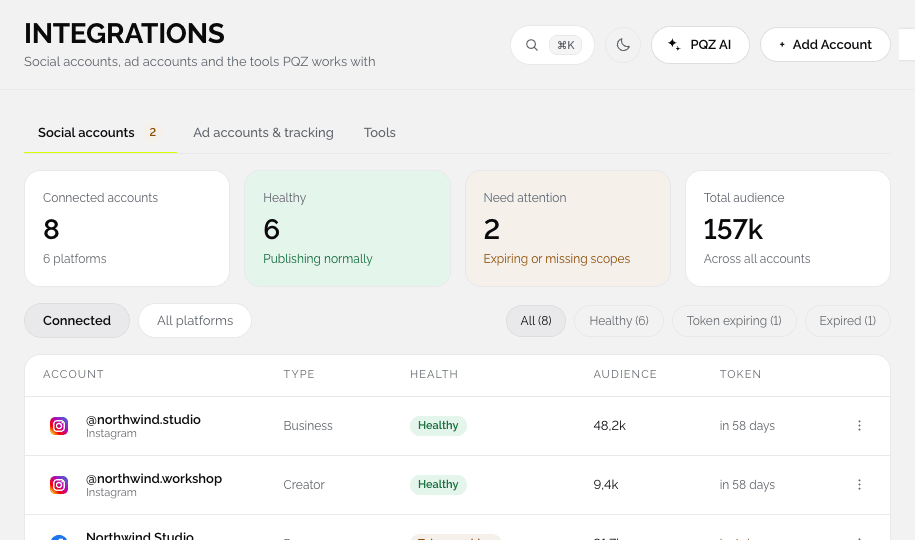
API keys can be read only or read and write, and revoked at once. Webhooks post events such as post.published, post.failed and post.approved, with five retries.
Unlimited workspaces for every brand and market
Each with its own Brand Kit and approvals
Agency includes 25 workspaces and 150 social accounts, so every brand, market or region has its own facts, voice and approval rules.






Getting started with PQZ for enterprise
A guided rollout.
Talk to sales
Scope, volume and a security review with our team.
Pilot one brand or market
Scan, set approval rules and run a month.
Roll out
Workspaces per brand or market, roles and sign-in.
Connect your stack
API keys and webhooks for your other systems.
Controls large teams ask for
Included on Agency and enterprise plans.
Approval rules
Require approval, two approvers, auto-schedule on approval.
Roles
Owner, Approver, Editor, Viewer and custom roles.
Audit log export
Every change with who and when, exported to CSV.
Google and Microsoft sign-in
Plus two-factor authentication with an authenticator app.
API keys
Read only or read and write, server-side only.
Webhooks
post.published, post.failed and post.approved, retried five times.
Approved facts only
Claims come from facts with a source.
No training on your data
Your content never trains AI models.
Unlimited workspaces
Every brand, market and agency partner.
What governance looks like in PQZ
Every claim has a source
Facts in the Brand Kit link to the page or document they came from. Pending and rejected facts are never used.
Every post has an owner
Approval rules apply to people and AI drafts alike, and the audit log records each decision.
Access is controlled
Roles limit who can draft, approve, publish or change settings, and API keys can be revoked immediately.
Security questions answered
Email [email protected] for our security documentation, or read the Security page.
Brand safety at volume
Words to avoid, approved facts and approval rules apply to every draft in every workspace, so the tenth market and the hundredth post follow the same standard as the first.
Rollout without disruption
Start with one brand or market, keep existing agencies working inside PQZ with their own roles, and add workspaces as teams are ready. Nothing needs to change on your website to begin.
Where enterprise teams use PQZ
Three patterns.
One brand, many markets
Workspaces per market, shared brand rules, local approvals.
Two approvers on everything
Claims from approved facts and a full audit trail. See AI safety.
Partners in the same system
Give agencies roles in the workspaces they manage.
Enterprise social, before and after PQZ
The same brand.