AI Product Image Generator for Social Media | PQZ

AI product image generator for on-brand social posts

Turn one product photo into a month of images: studio shots, lifestyle scenes, sale posters and carousels.

Create Image keeps your product exactly as it is, uses the colours and fonts in your Brand Kit, and shows the credit cost before anything runs.
START FREESEE PRICING
7 DAYS FREENO CARDNOTHING AUTO-PUBLISHES
PQZ · Create › Create Image
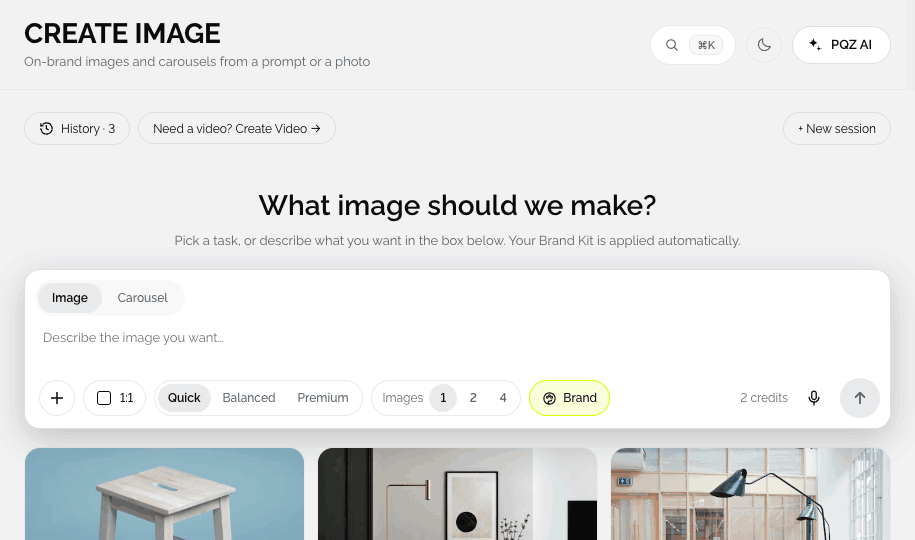
PQZ Create Image showing the gallery of image tasks: Product on white, Lifestyle scene, Change background and more
WHAT DO YOU NEED?

Pick the image job in front of you

Each task in Create Image is built for one job, with its own options and credit cost shown before you start.
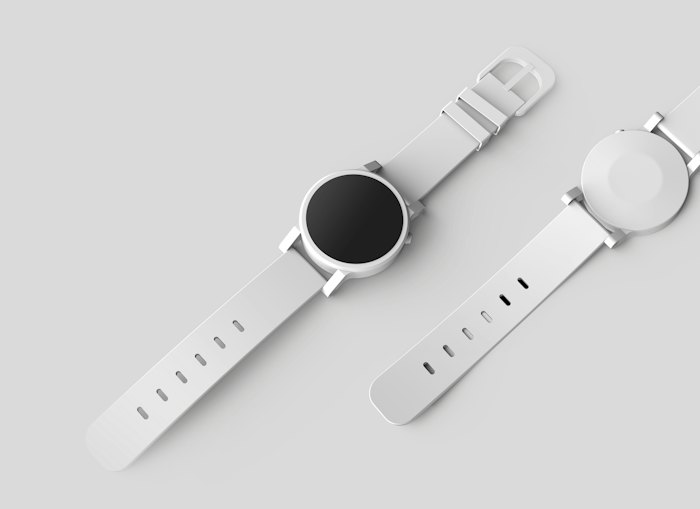
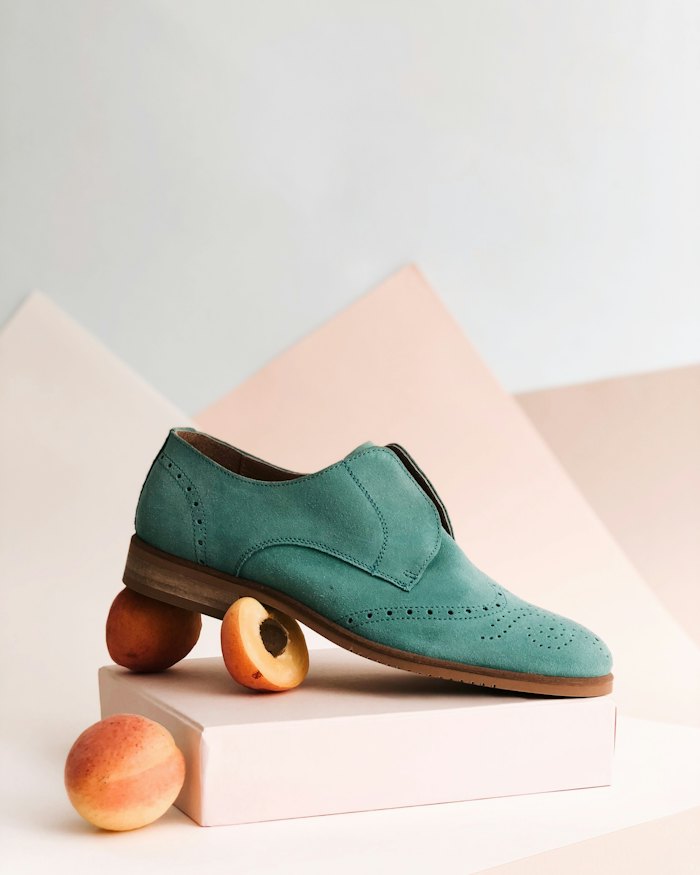
Clean studio shots from a phone photo
Product on white · 1:1
FOR MARKETPLACES AND SHOPS

Clean studio shots from a phone photo

Upload any product photo. PQZ cuts it out, sets it on pure white or a soft studio floor and adds a natural shadow. The product itself is never redrawn, so labels, logos and stitching stay exactly as they are.
✓Pure white or soft grey studio backgrounds
✓Natural shadow and reflection options
✓1:1, 4:5, 9:16 and 16:9 from one upload
Put the product where it is used
Lifestyle scene · 4:5
FOR FEEDS AND ADS

Put the product where it is used

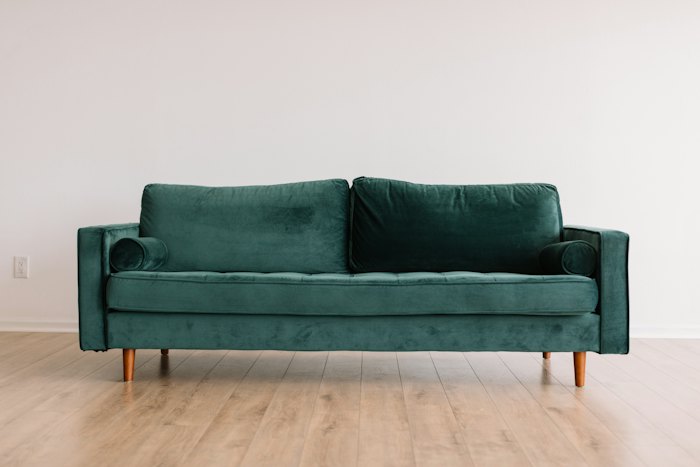
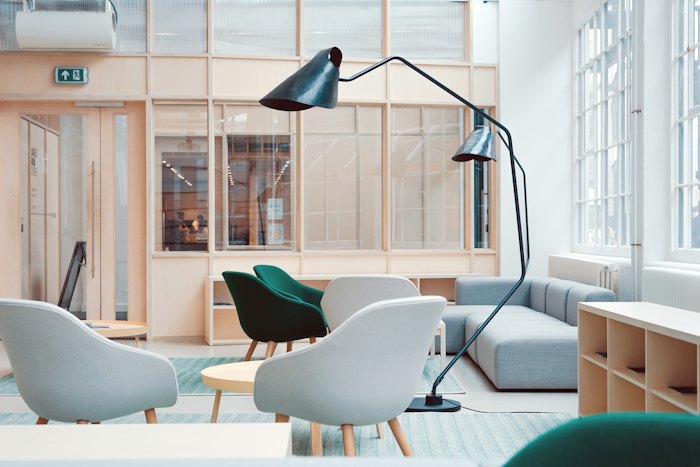
Choose a setting such as a kitchen counter, a sunlit living room or a desk, or describe your own. PQZ places the product in the scene with matching light, so it looks photographed there.

✓Scene presets or your own description
✓Light and shadow matched to the product
✓Several options per run to choose from
A sale post in your colours in one step
Sale poster · 9:16
FOR OFFERS AND LAUNCHES

A sale post in your colours in one step

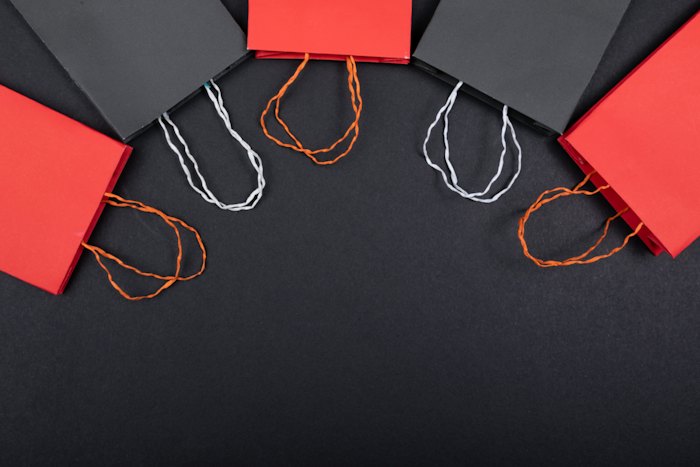
Type the offer and the dates. PQZ lays out the headline, the product and your logo in your Brand Kit colours and fonts. Offer text comes from approved facts, so the percentage is the one you set.

✓Headline, dates and button from your offer
✓Brand Kit colours, fonts and logo applied
✓Sized for feed, story and reel covers
Three to six slides that tell one story
Carousel · 5 slides
FOR EXPLAINING AND SELLING

Three to six slides that tell one story

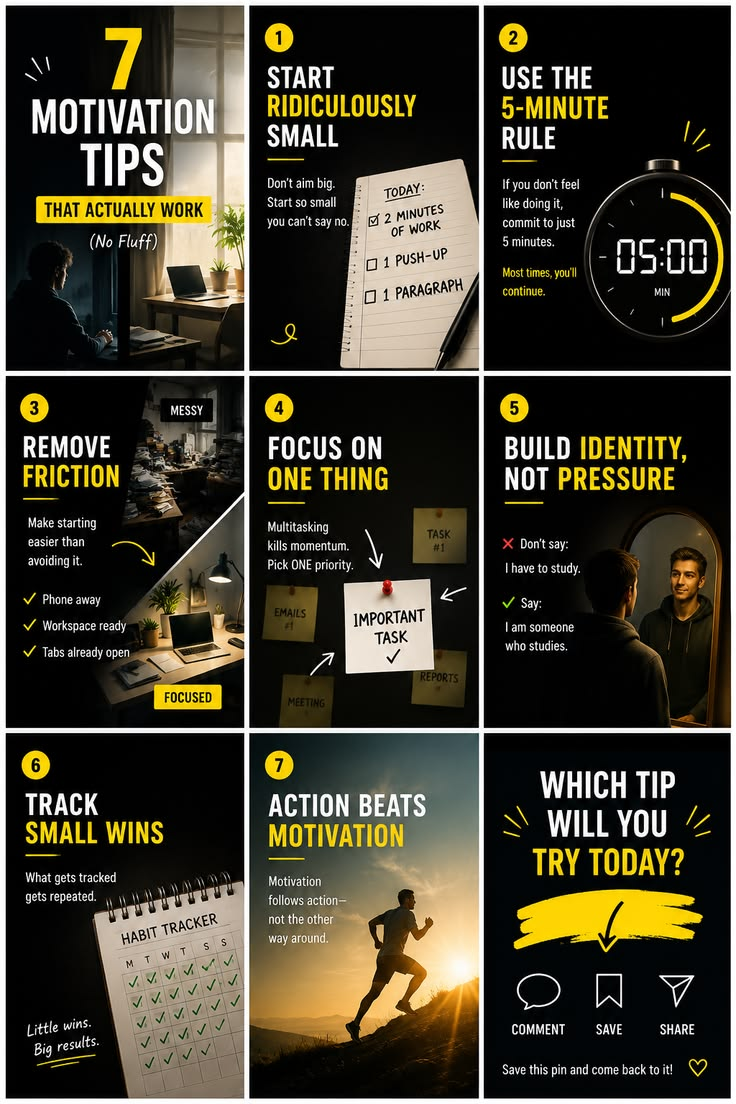
Pick a structure, such as problem to product, five tips or before and after, and PQZ writes and designs each slide. Every slide stays in the same style, and you can reorder or rewrite any of them.

✓Structures for tips, launches and comparisons
✓Consistent style across every slide
✓Edit text or swap images per slide
THE PROBLEM

Every post needs a new picture, and a shoot for each one is not an option

Social feeds eat images. A brand posting four times a week needs around seventeen visuals a month, and each channel wants a different size. Most teams end up recycling the same three product photos, paying for a shoot they can only afford twice a year, or losing an afternoon in a design tool for every sale post.

Generic AI image tools don't solve it either. They change the product, invent details that aren't there, ignore your colours and hand you a picture that still needs cropping for every feed. Create Image is built for the opposite: your real product, placed in the scene you choose, sized for each channel and set in your own brand.

BUILT FOR PRODUCT BRANDS

Studio-quality product images without a photoshoot

Your product, kept exactly as it is

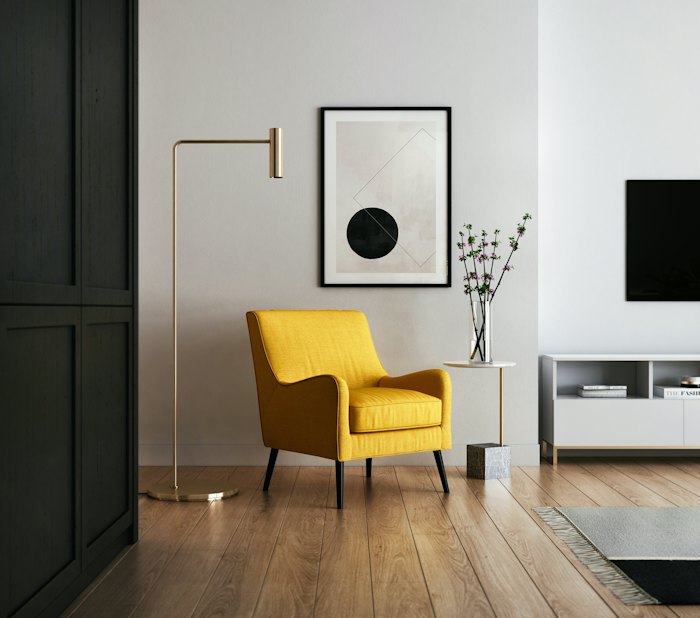
Most AI image tools redraw the product and get the details wrong. Create Image keeps your product pixel for pixel and changes only what surrounds it: the background, the light, the scene. That is why it works for real listings and ads.
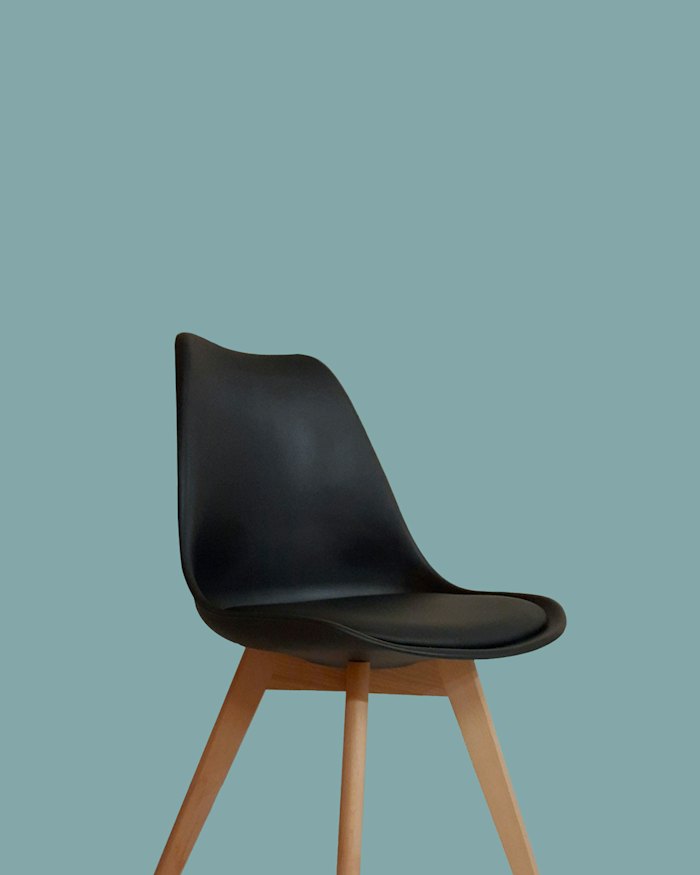
✓Product outline, label and colour are never changed
✓Balanced quality for 5 credits, Premium for 10
✓Every result can go straight into a post or an ad
Input
Original product photo
Phone photo
Results
Change background
Change background
Colour variants
Colour variants
Sale poster
20% OFF CHAIRS
Sale poster
Product on white
Product on white
Your product stays exactly as it is. Only the scene changes.Use in a post
ON BRAND BY DEFAULT

Every size and every channel from one brief

Your Brand Kit does the formatting

Pick a size, write the headline and the button, and choose a photo. PQZ applies your logo, colours and fonts, then gives you several options to pick from. Resize for every feed turns one finished design into 1:1, 4:5, 9:16 and 16:9 in a single run.
✓Logo, colours and fonts pulled from your Brand Kit
✓Headline and button text you can edit on every option
✓One design resized for every feed in one run
Create Image · Lifestyle scene5 credits
Brand
Northwind Studio
Size
4:5 Feed
Headline
Handmade oak side table
Button
Shop the collection
Product photo
Your photoGenerate
Made by hand. Built to last.
Picked
Made by hand. Built to last.
Shop the collection
Oak, finished by hand
Option 2
Oak, finished by hand
Shop now
The table your room was missing
Option 3
The table your room was missing
See the range
FROM IMAGE TO POST

Finished images go straight into your calendar

No downloading, renaming or re-uploading

Every result has the same five actions: Use in a post, Use in an ad, Save to library, Refine and Download. Use in a post opens the post editor with the image attached and a caption drafted from your approved facts.

✓Use in a post or Use in an ad from any result
✓Saved images are tagged in your Media Library
✓Refine with plain words like "warmer light"
N
Northwind StudioInstagram · Thu 10:00
Post image

The Alder sofa in forest velvet is made to order in our workshop. Tap to see all six colours.

Status
✓Image created
✓Caption drafted
3Needs approval
4Scheduled
Nina

Looks great. Can we show the rust colour in slide two?

ApproveSend back
HOW IT WORKS IN PQZ

From one photo to a finished post in four steps

No prompt writing needed. Every task starts with examples and a short list of options.

01

Pick a task

Start from one of ten task tiles, like Product on white or Sale poster, or describe what you want in the prompt box.

02

Add your photo

Upload a phone photo, pick one of your products, or choose any approved file from the Media Library.

03

Choose an option and generate

Pick a background, room, finish or size from thumbnails. The credit cost shows next to Generate before you start.

04

Use it in a post or an ad

Every result ends with Use in a post, Use in an ad, Save to library, Refine and Download.
PQZ · Create › Create Image
Create Image task gallery with ten image tasks
PQZ · Create › Media Library
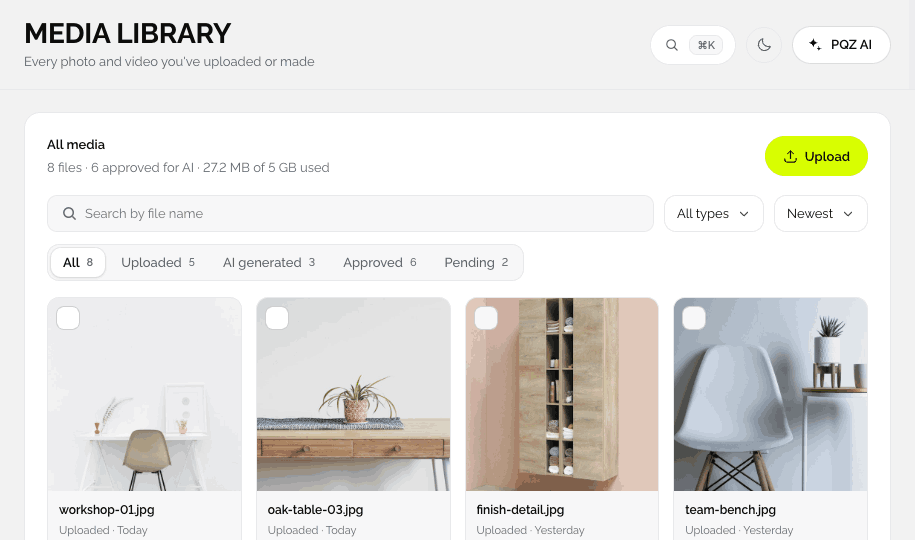
PQZ Media Library with approved photos and videos
PQZ · Create › Create Image
Create Image task page with options and the Generate button
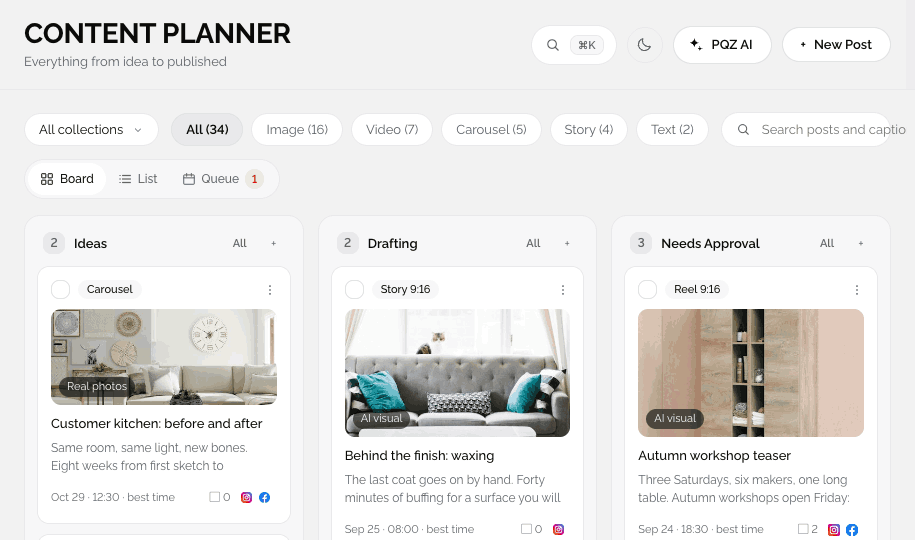
PQZ · Content › Content Planner
PQZ Content Planner board with drafted posts
TEMPLATE KITS

Template kits for your industry

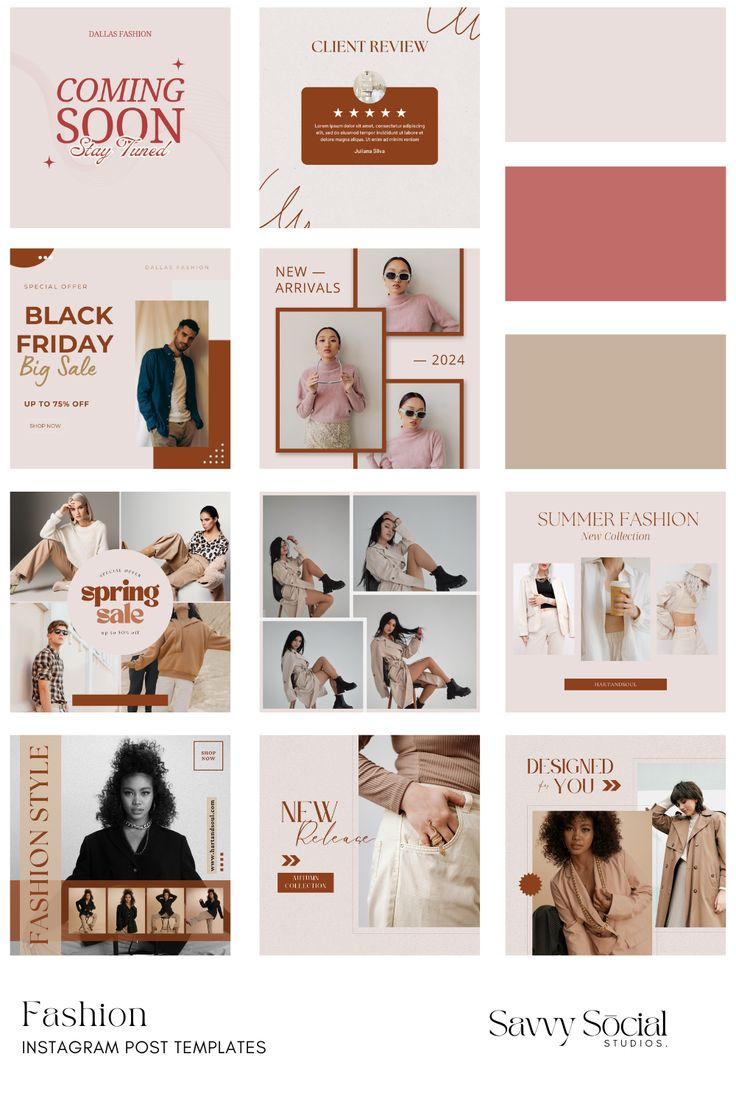
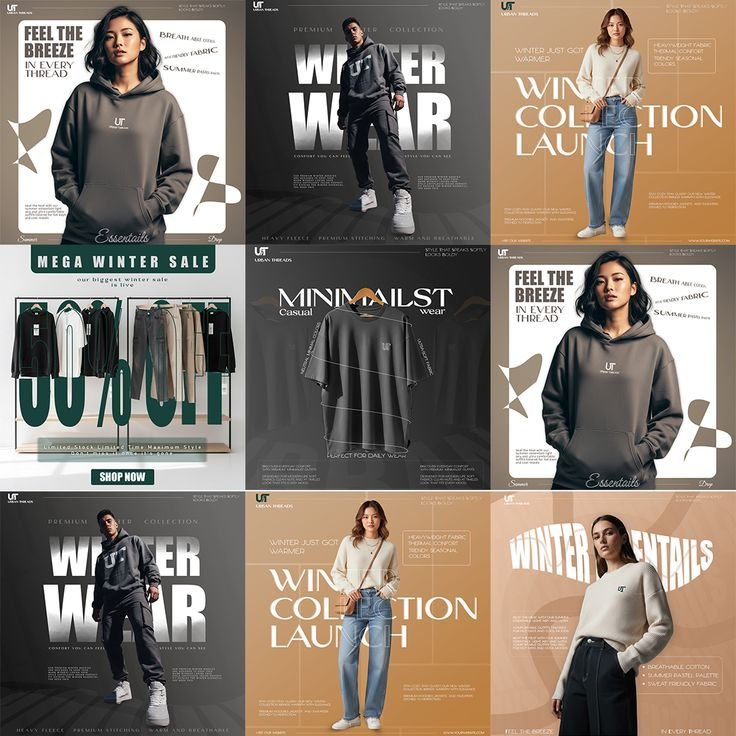
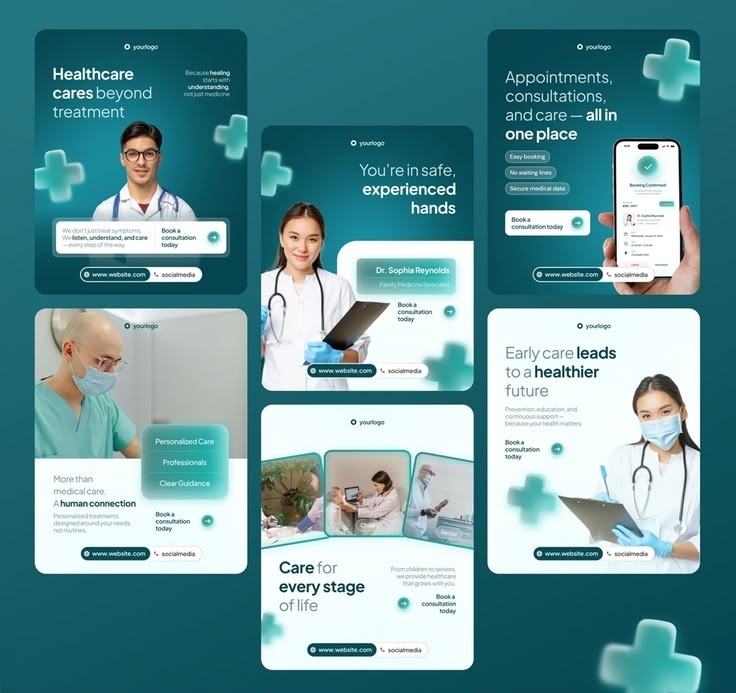
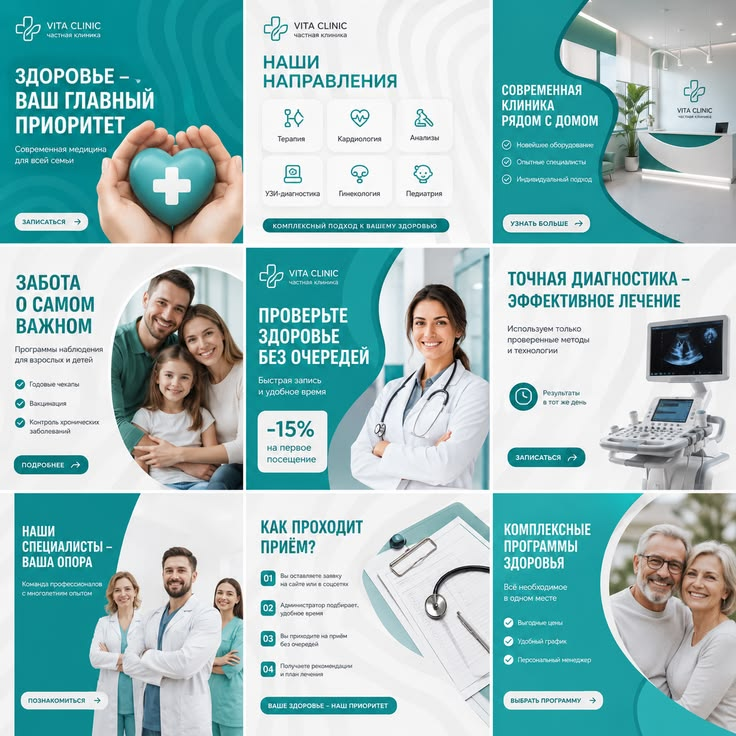
Each kit is a set of post designs from the PQZ Template Library. Pick one and PQZ rebuilds every post with your logo, colours, products and approved facts.
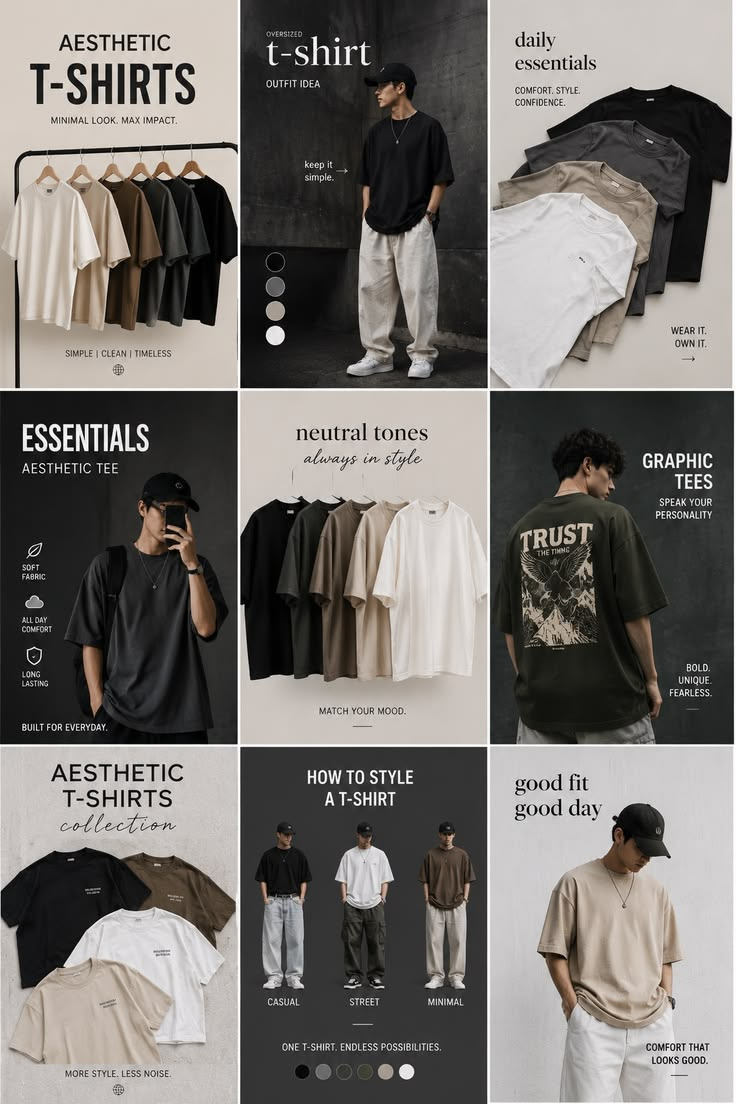
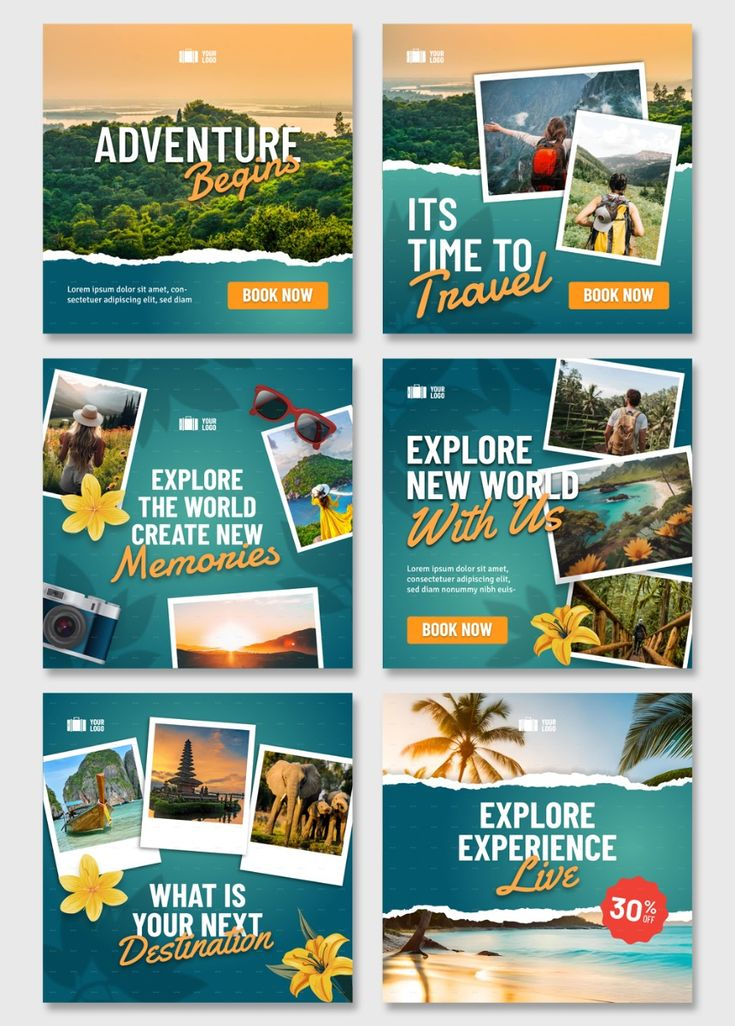
Mono Essentials template kit for Fashion & apparel
Mono EssentialsMinimal
Minimal · monochrome
New dropLookbookOutfit ideaSale of the week
Winter Layers template kit for Fashion & apparel
Winter LayersWarm
Warm · editorial
New dropLookbookOutfit ideaSale of the week
Soft Boutique template kit for Fashion & apparel
Soft BoutiquePastel
Pastel · feminine
New dropLookbookOutfit ideaSale of the week
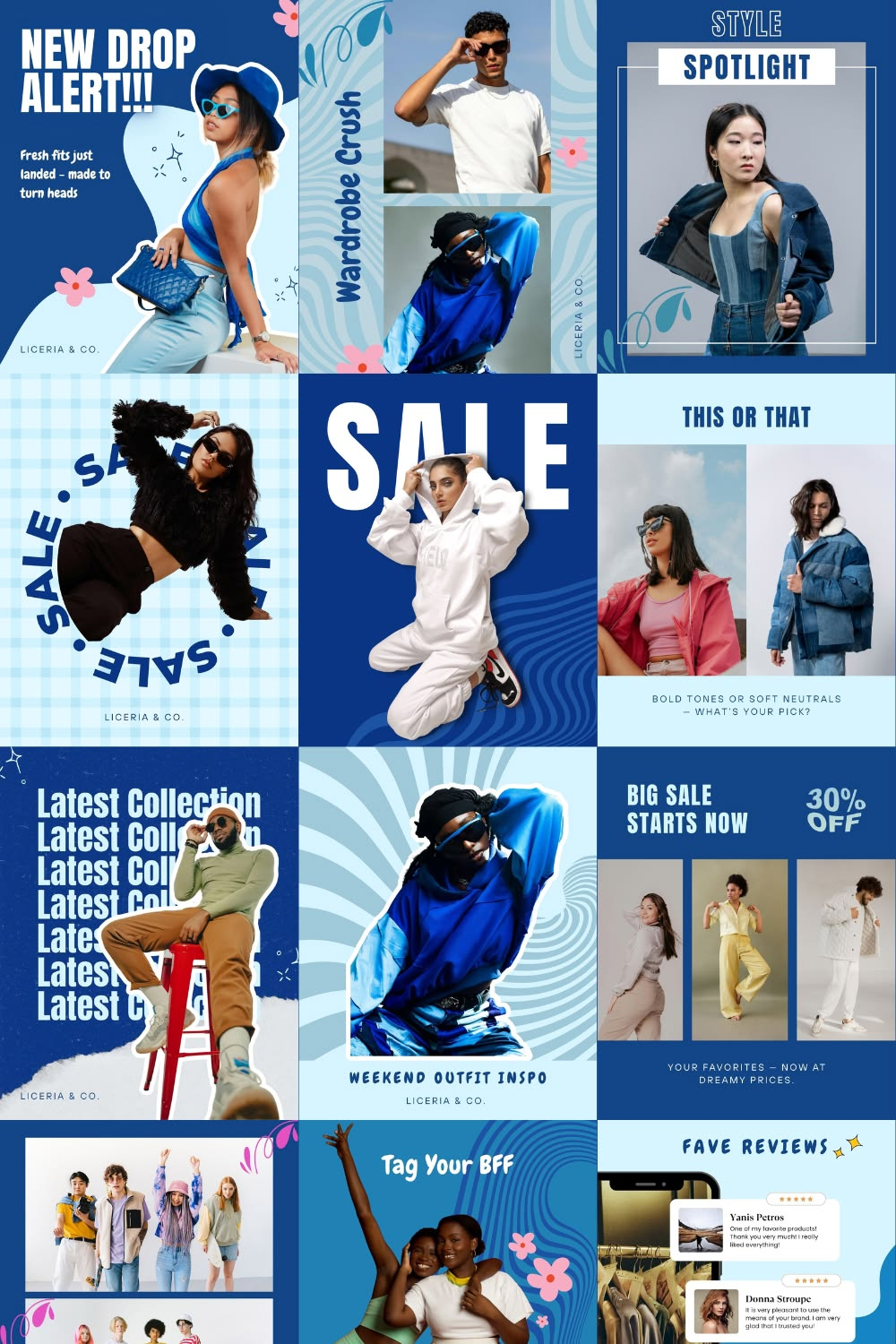
Street Drop template kit for Fashion & apparel
Street DropBold
Bold · high energy
New dropLookbookOutfit ideaSale of the week
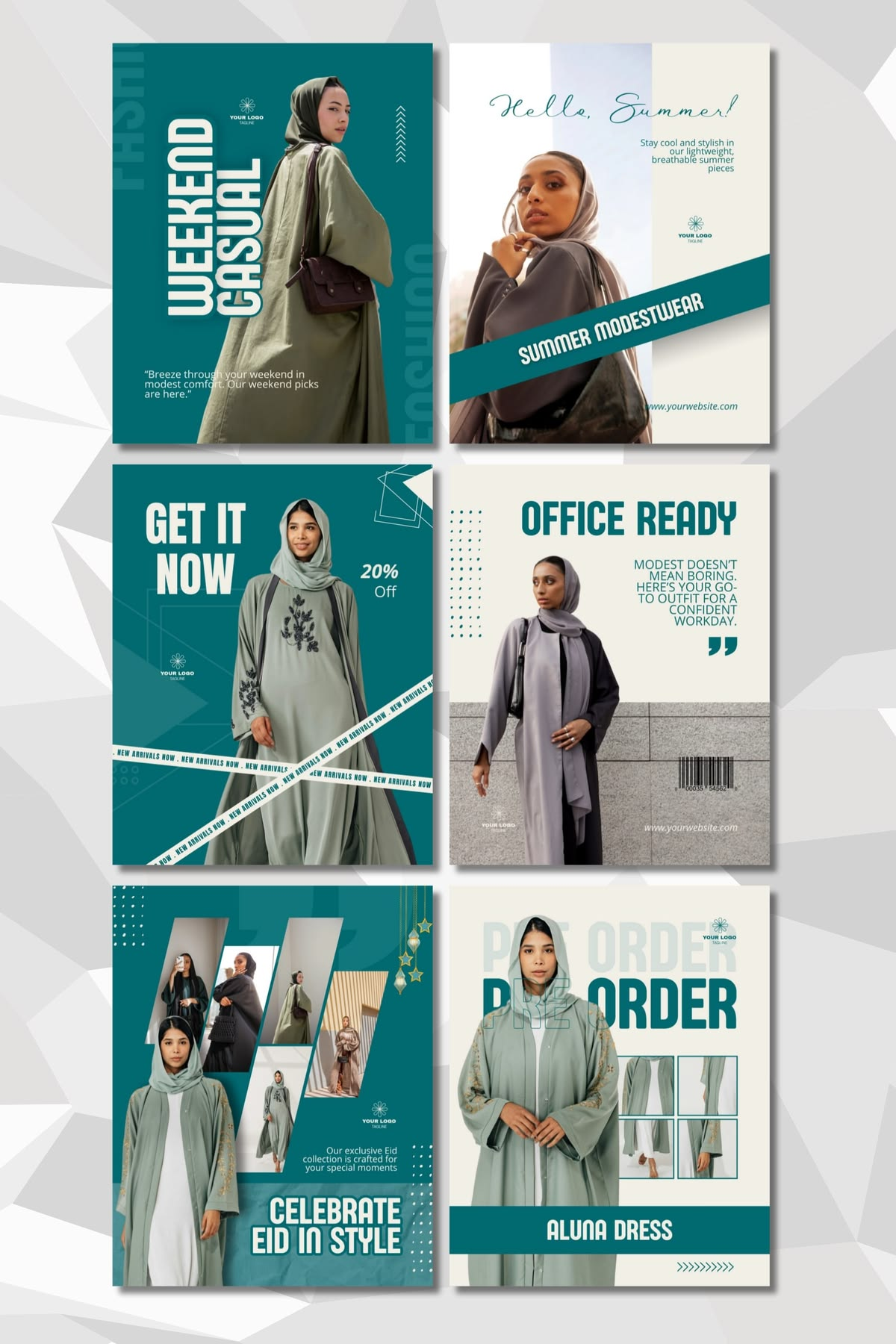
Modest Edit template kit for Fashion & apparel
Modest EditTeal
Teal · refined
New dropLookbookOutfit ideaSale of the week
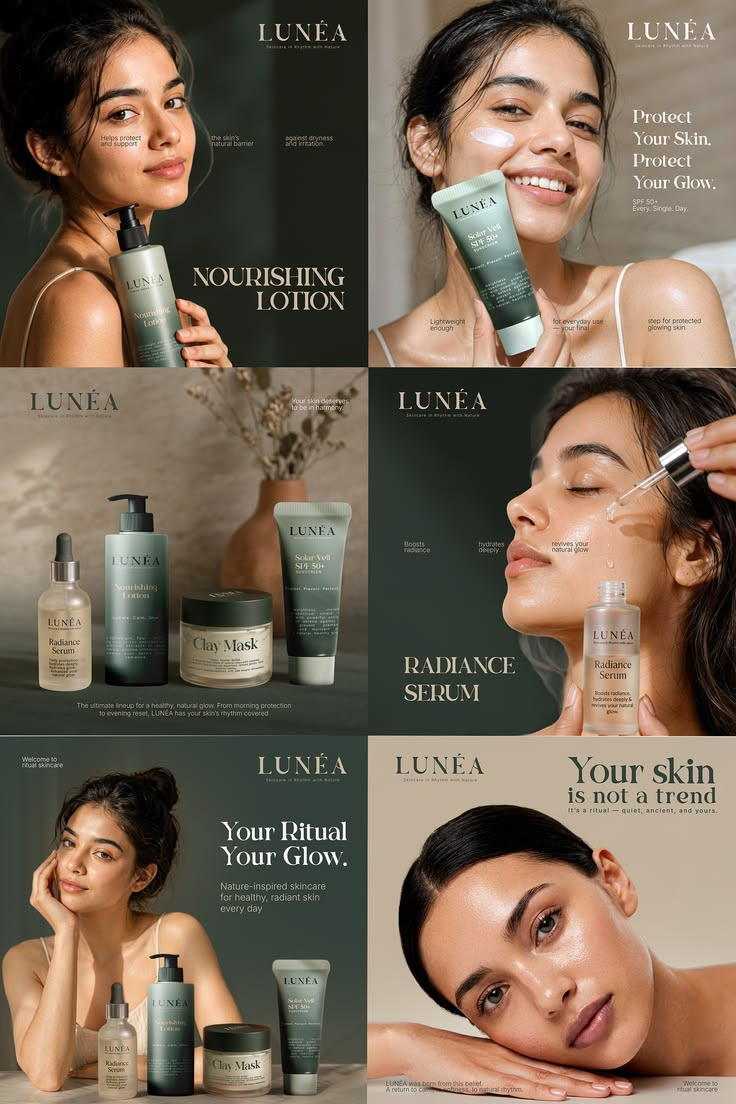
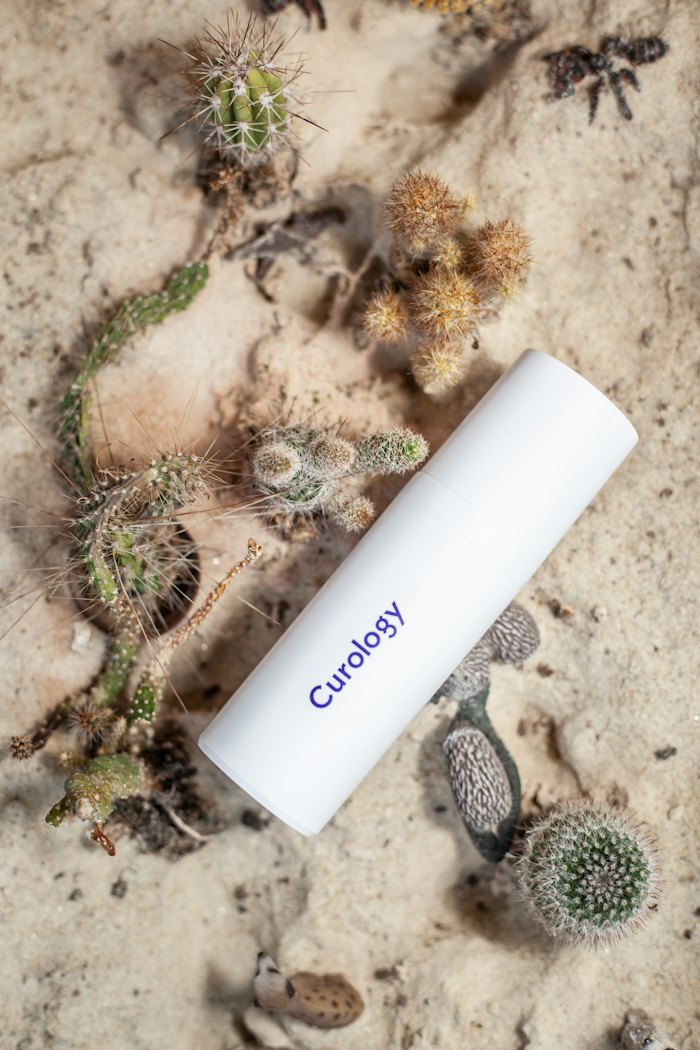
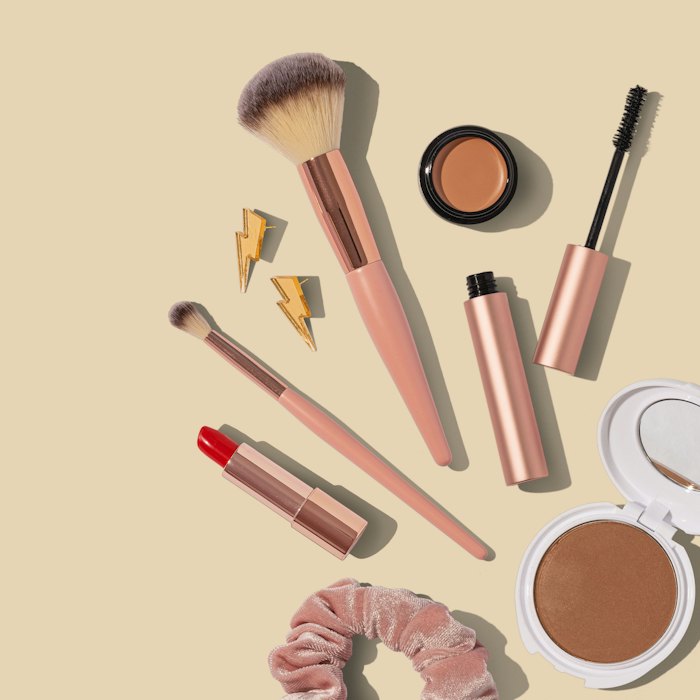
Clean Skin template kit for Beauty & skincare
Clean SkinCalm
Calm · clinical
Product heroRoutine stepsIngredient spotlightBefore and after
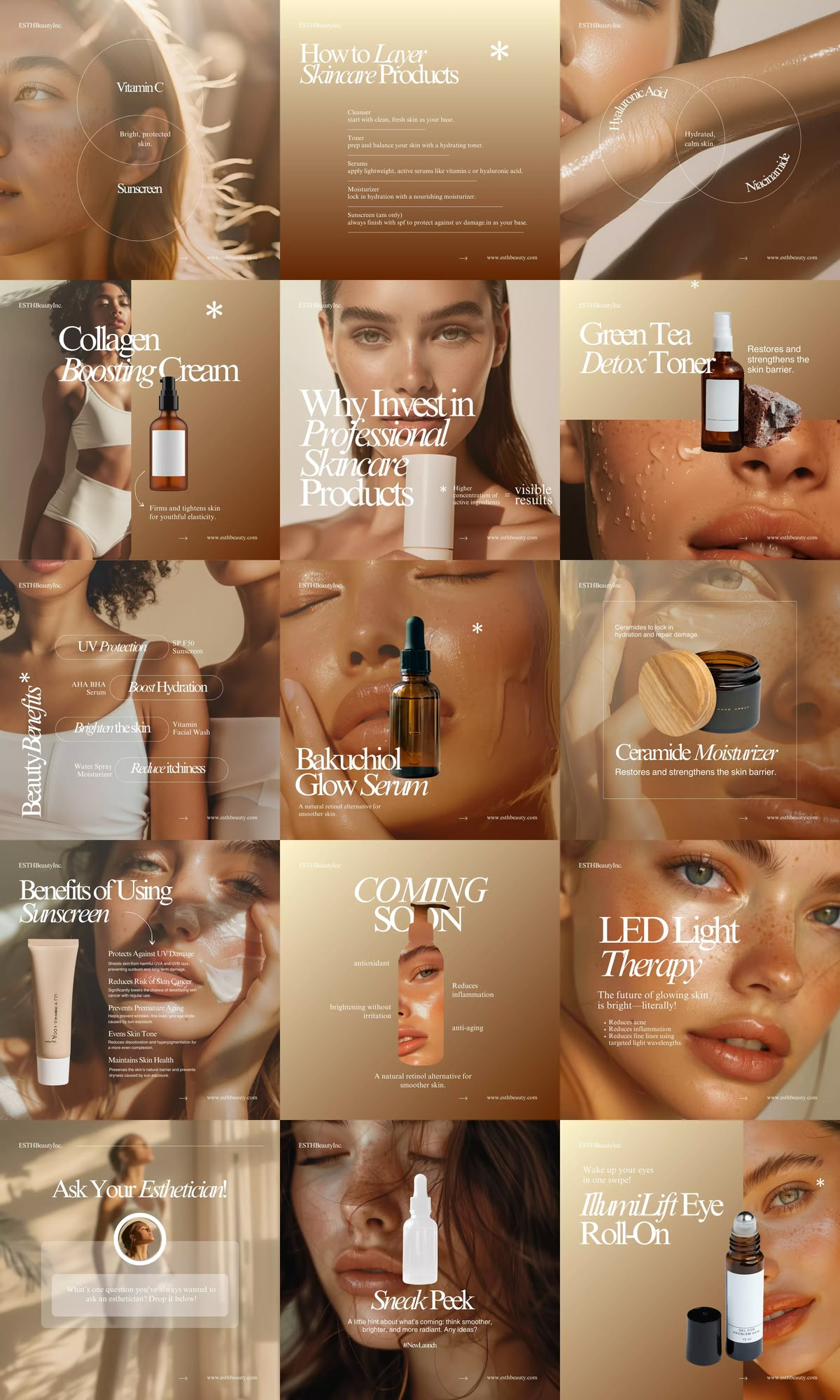
Golden Glow template kit for Beauty & skincare
Golden GlowWarm
Warm · luxe
Product heroRoutine stepsIngredient spotlightBefore and after
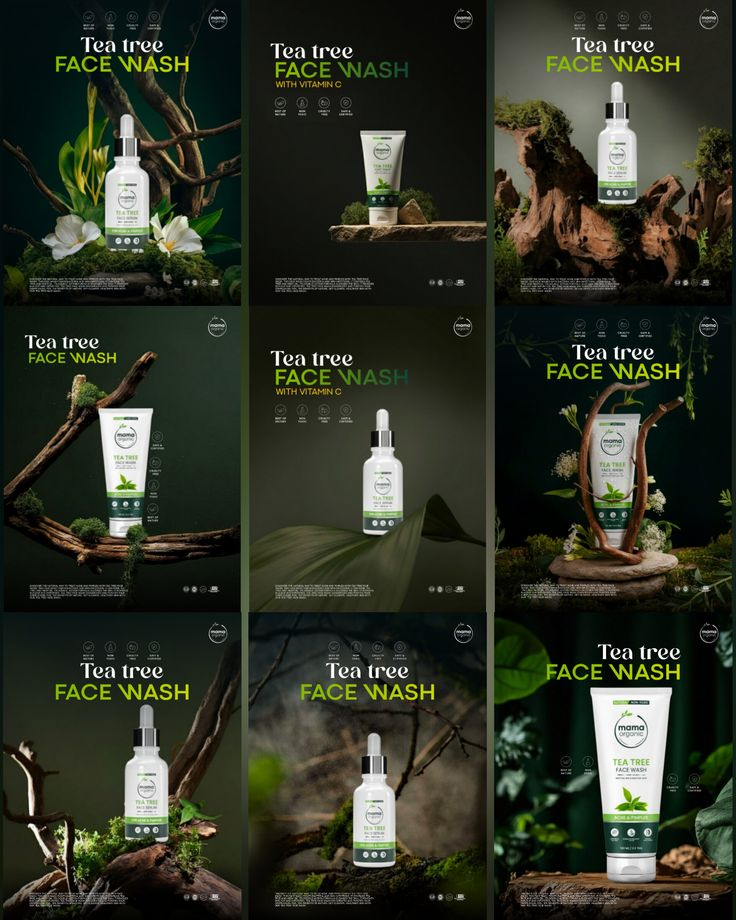
Botanical template kit for Beauty & skincare
BotanicalDark
Dark · natural
Product heroRoutine stepsIngredient spotlightBefore and after
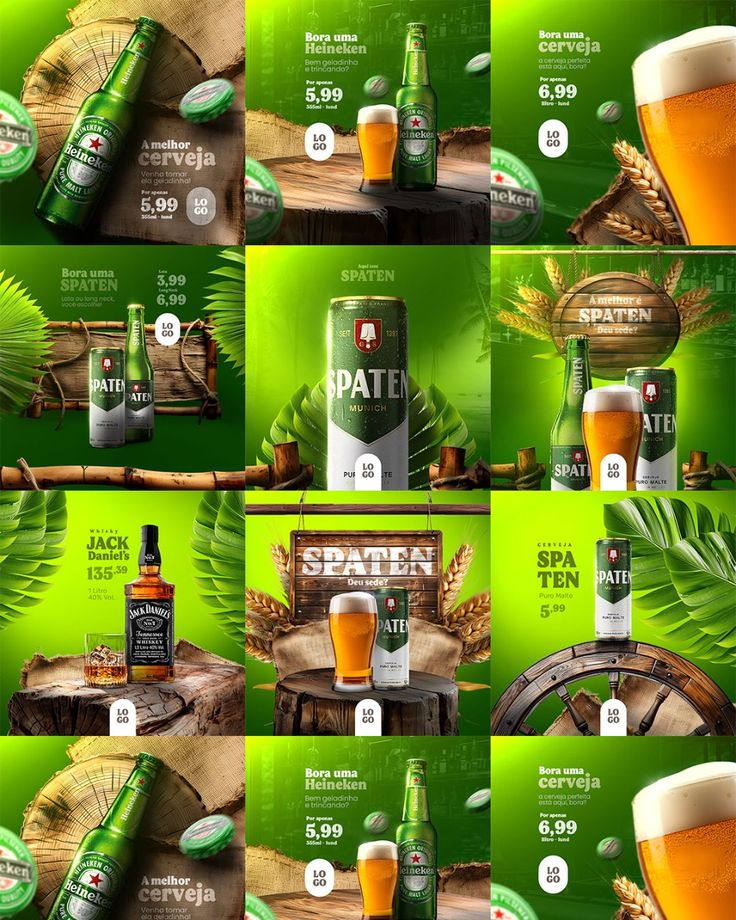
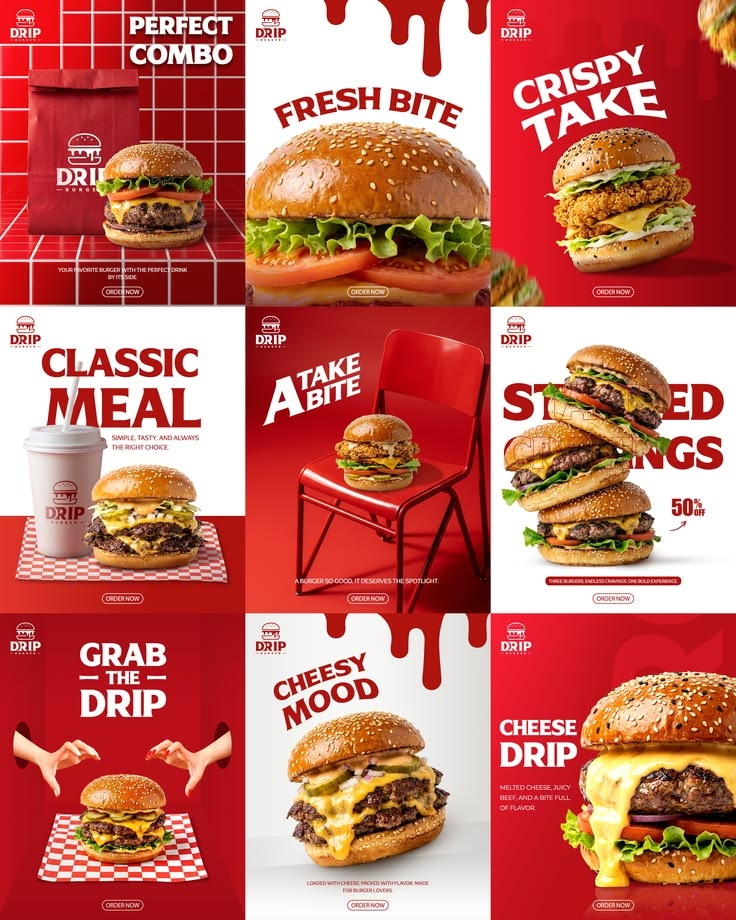
Cold Pour template kit for Food & restaurant
Cold PourBright
Bright · punchy
Dish of the dayMenu launchCombo offerChef at work
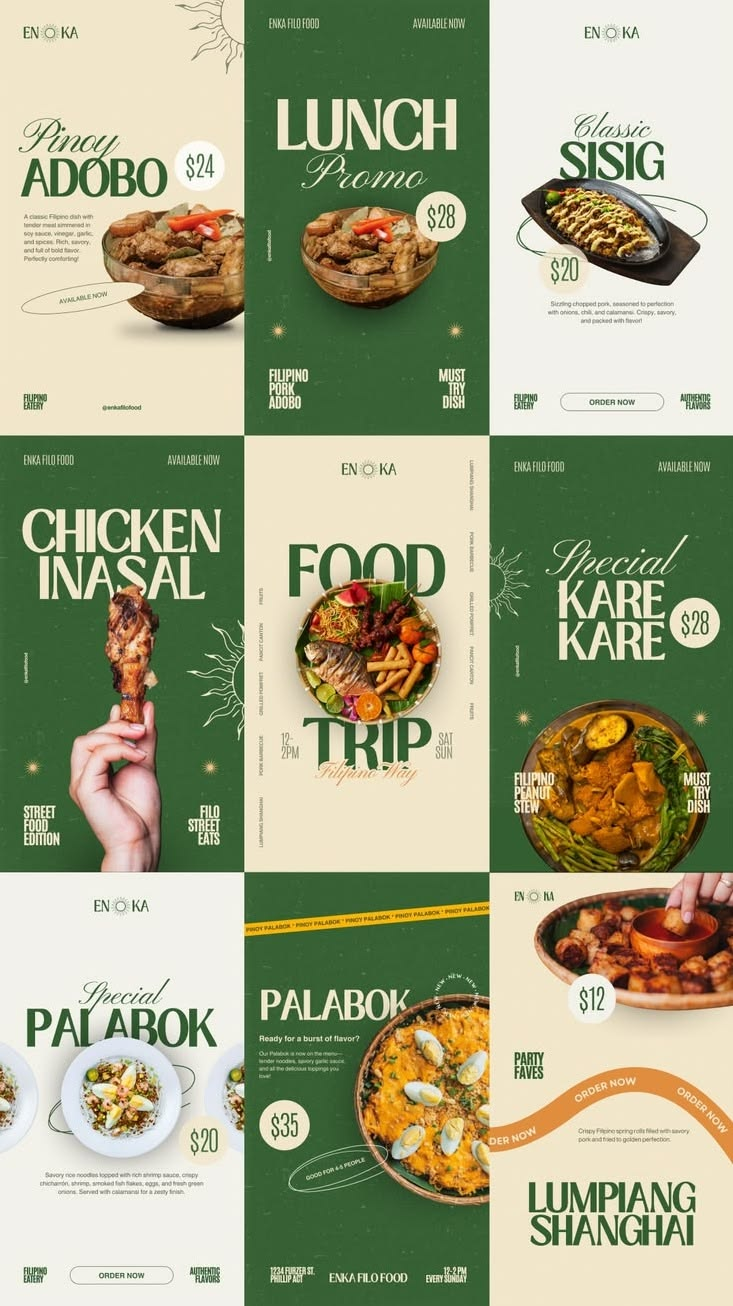
Market Kitchen template kit for Food & restaurant
Market KitchenFresh
Fresh · rustic
Dish of the dayMenu launchCombo offerChef at work
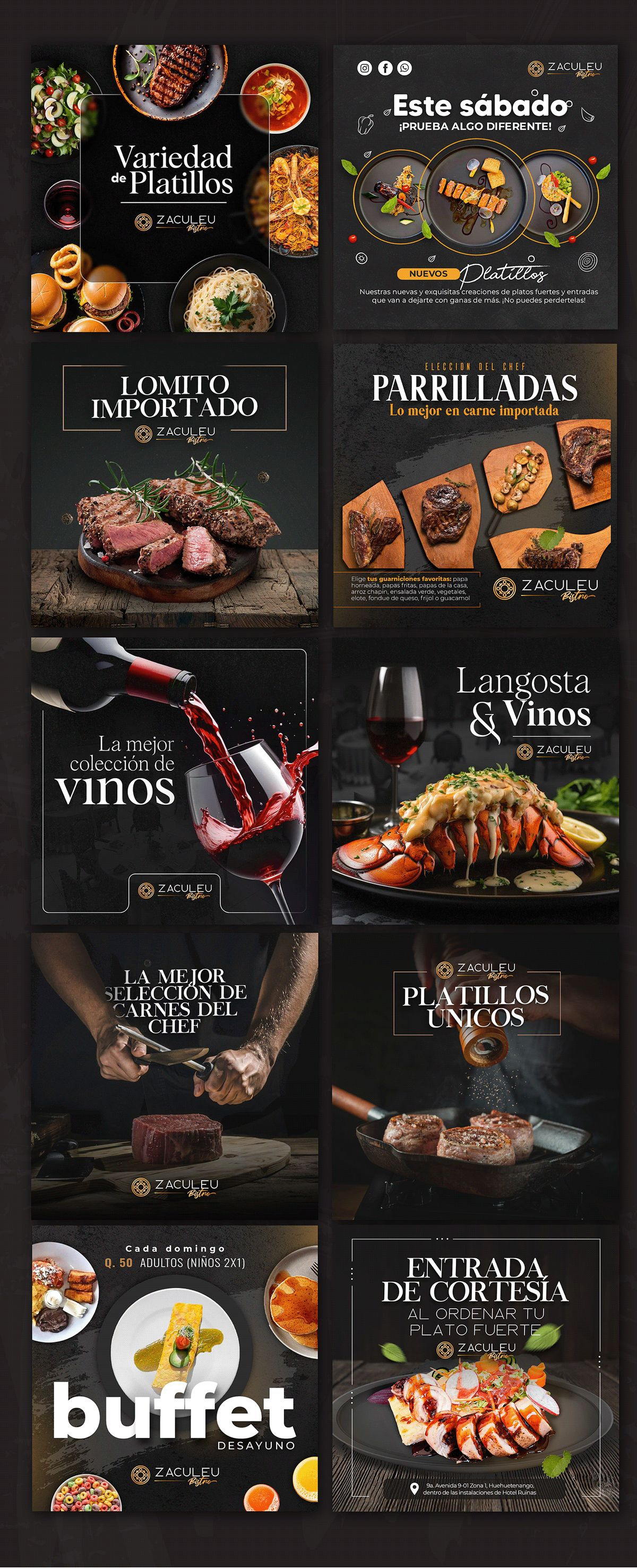
Chef's Table template kit for Food & restaurant
Chef's TableDark
Dark · premium
Dish of the dayMenu launchCombo offerChef at work
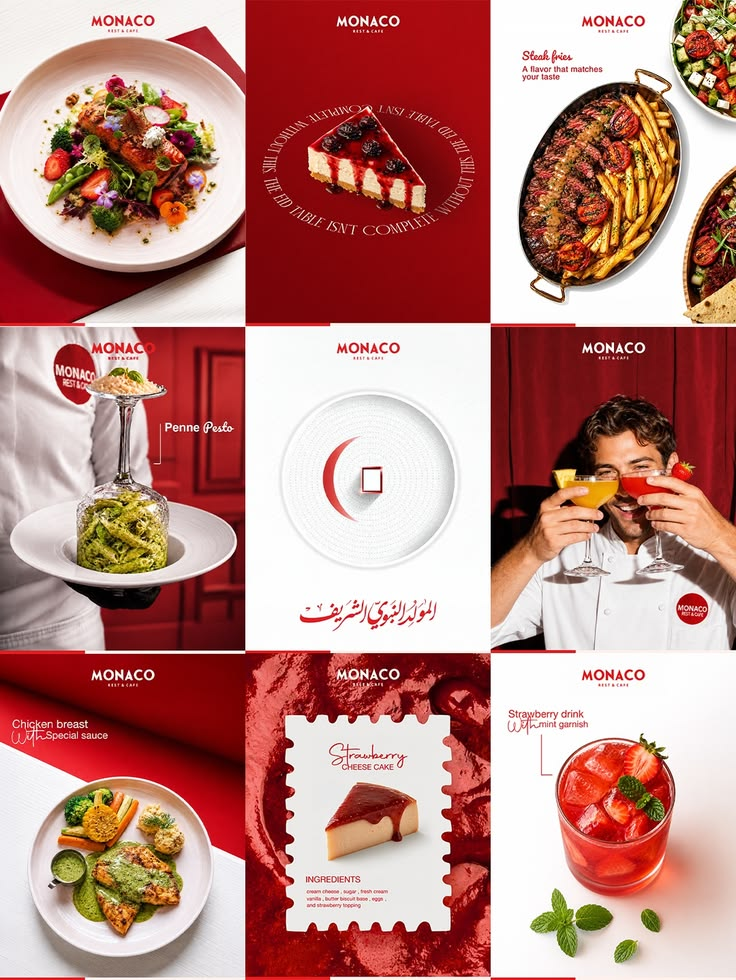
Red Plate template kit for Food & restaurant
Red PlateCrimson
Crimson · clean
Dish of the dayMenu launchCombo offerChef at work
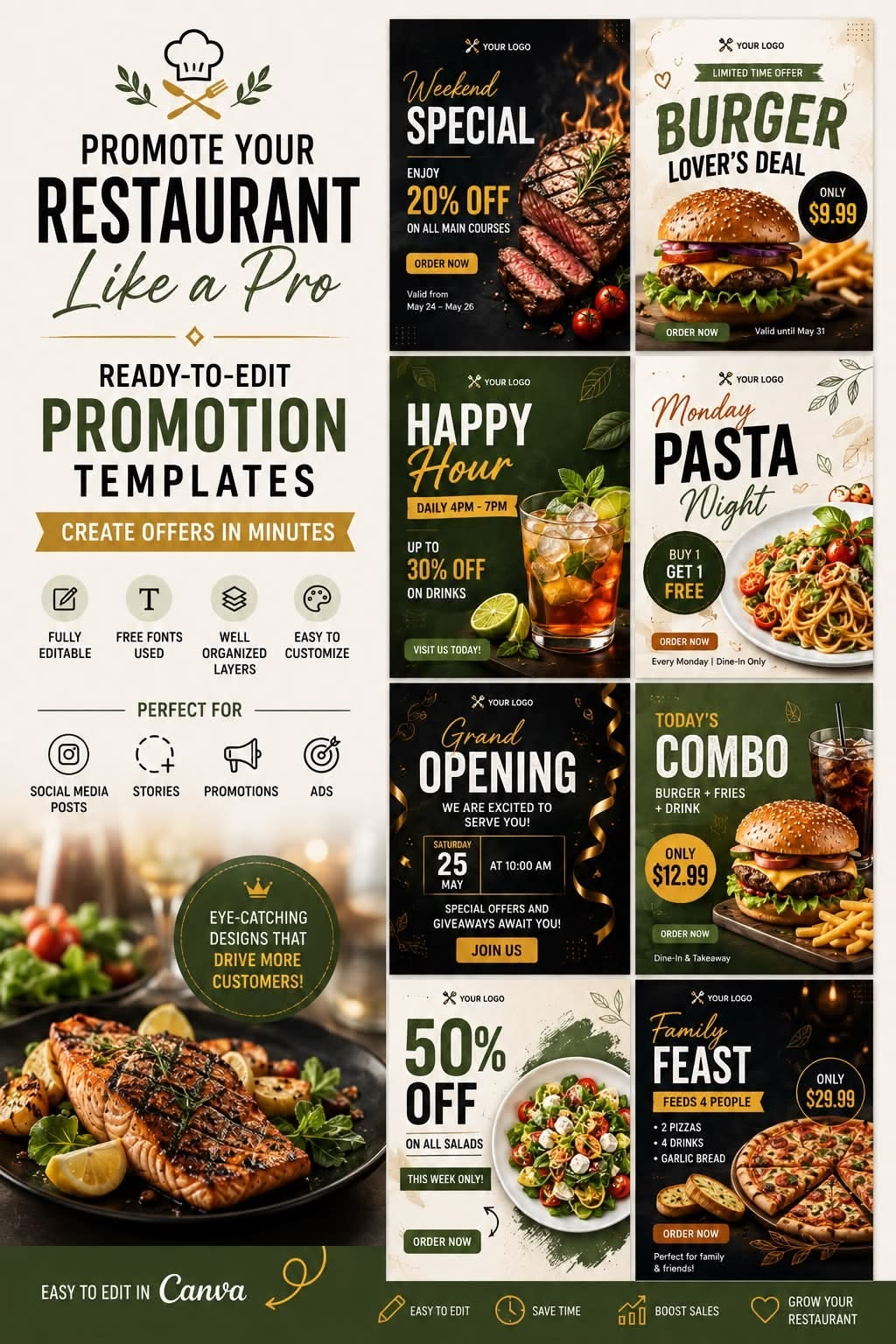
Crispy Combo template kit for Food & restaurant
Crispy ComboLoud
Loud · fast food
Dish of the dayMenu launchCombo offerChef at work
Night Grill template kit for Food & restaurant
Night GrillMoody
Moody · smoky
Dish of the dayMenu launchCombo offerChef at work
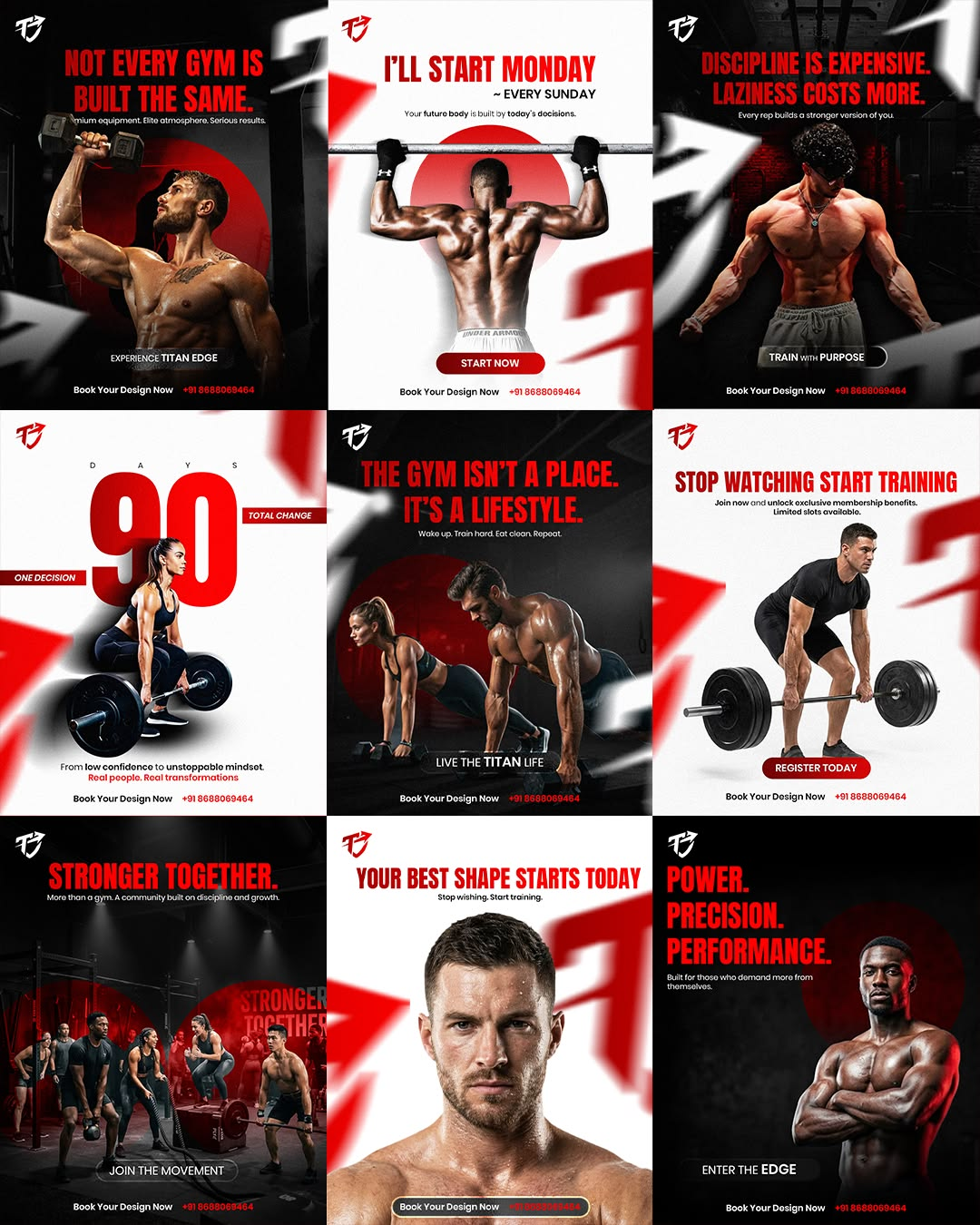
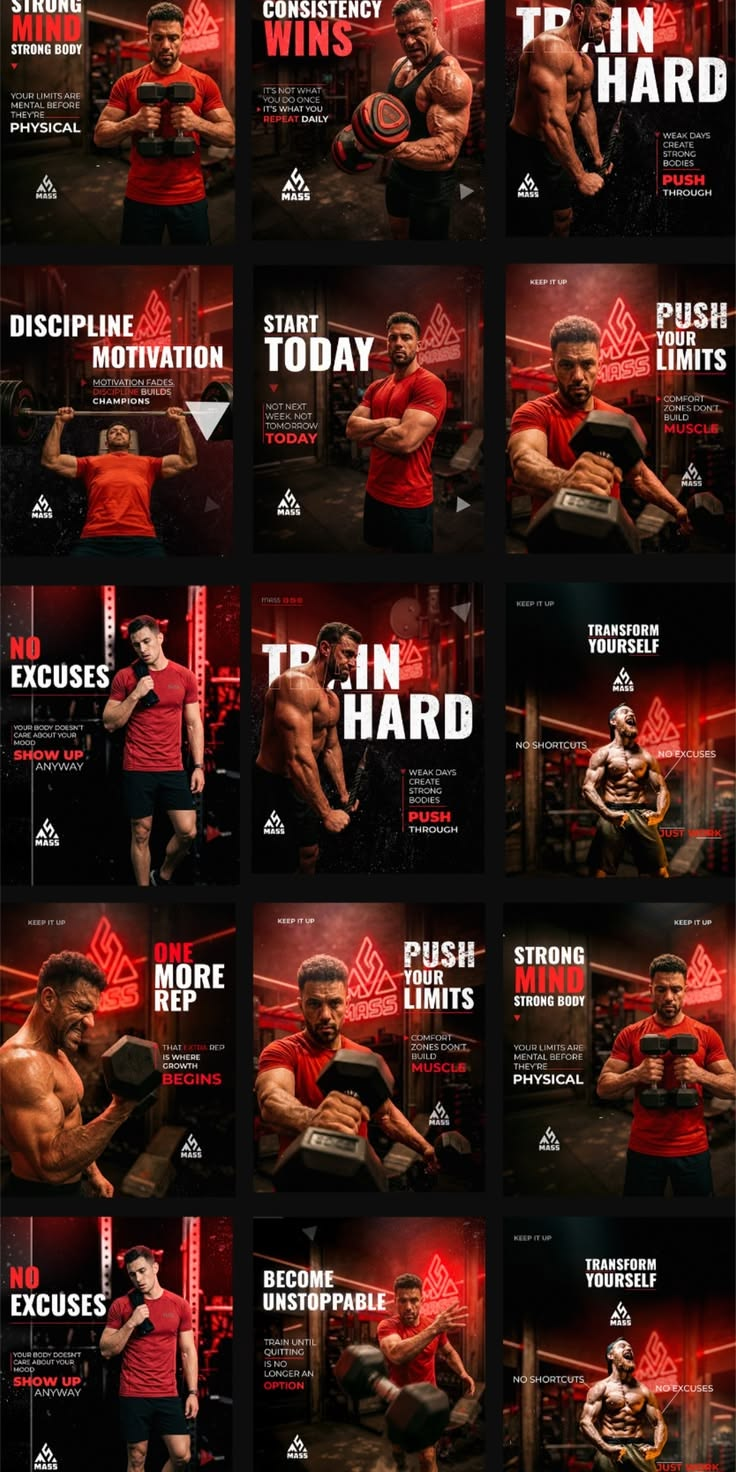
Power Red template kit for Fitness & gym
Power RedAggressive
Aggressive · bold
Workout of the dayClass scheduleMember winCoach tip
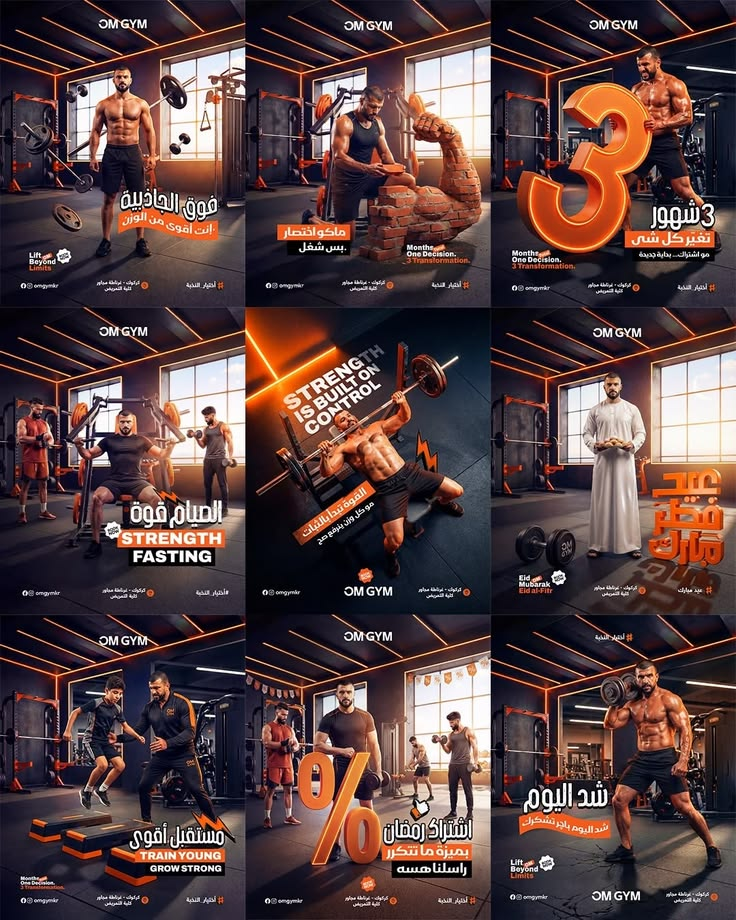
Iron Room template kit for Fitness & gym
Iron RoomDark
Dark · cinematic
Workout of the dayClass scheduleMember winCoach tip
Hard Mode template kit for Fitness & gym
Hard ModeBlack
Black · intense
Workout of the dayClass scheduleMember winCoach tip
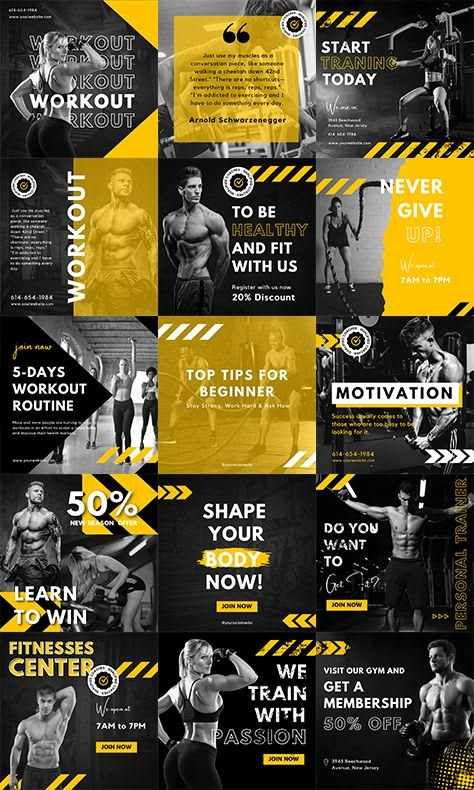
Caution Tape template kit for Fitness & gym
Caution TapeYellow
Yellow · industrial
Workout of the dayClass scheduleMember winCoach tip
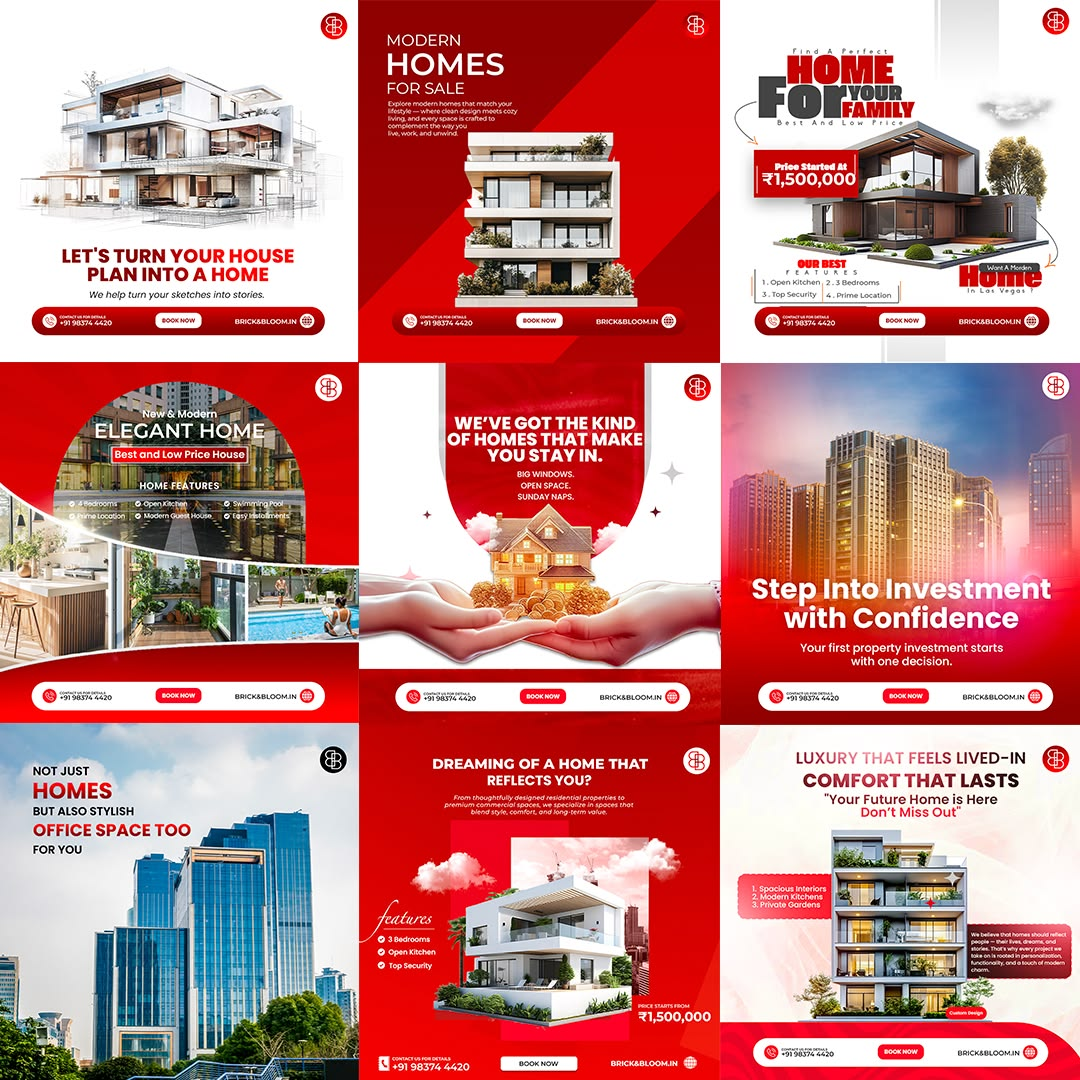
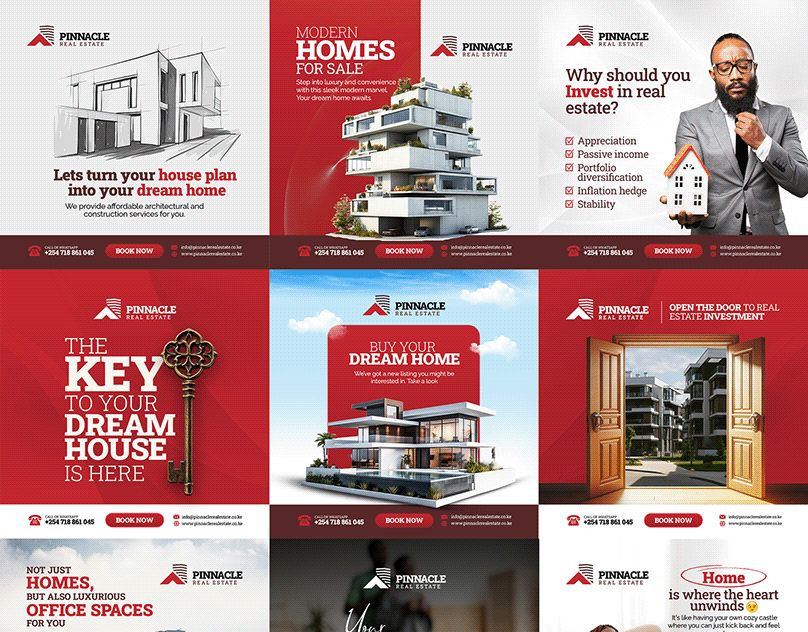
Red Estate template kit for Real estate
Red EstateCorporate
Corporate · bold
Just listedOpen houseJust soldNeighbourhood guide
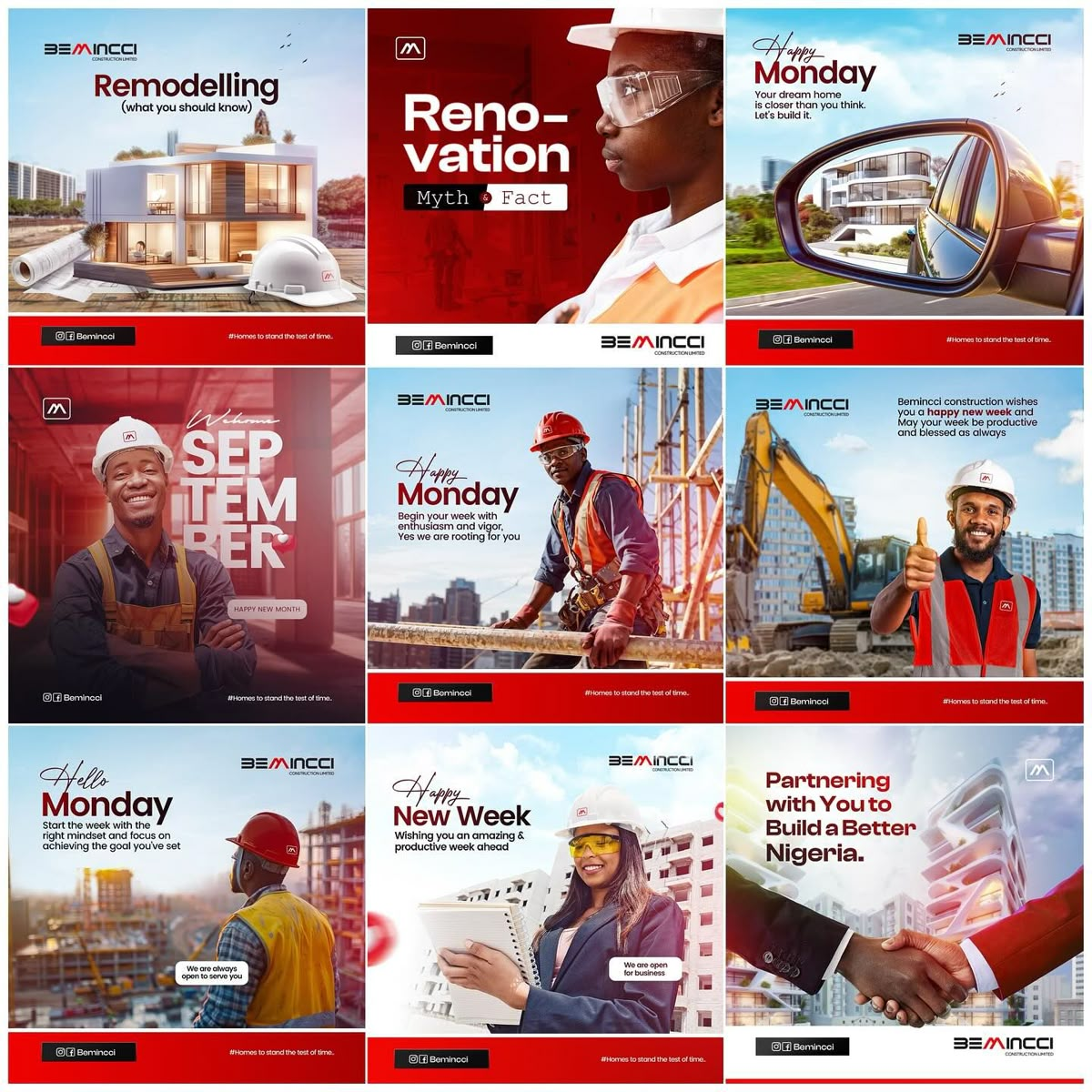
Build & Renovate template kit for Real estate
Build & RenovateBusy
Busy · promotional
Just listedOpen houseJust soldNeighbourhood guide
Key Homes template kit for Real estate
Key HomesRed
Red · premium
Just listedOpen houseJust soldNeighbourhood guide
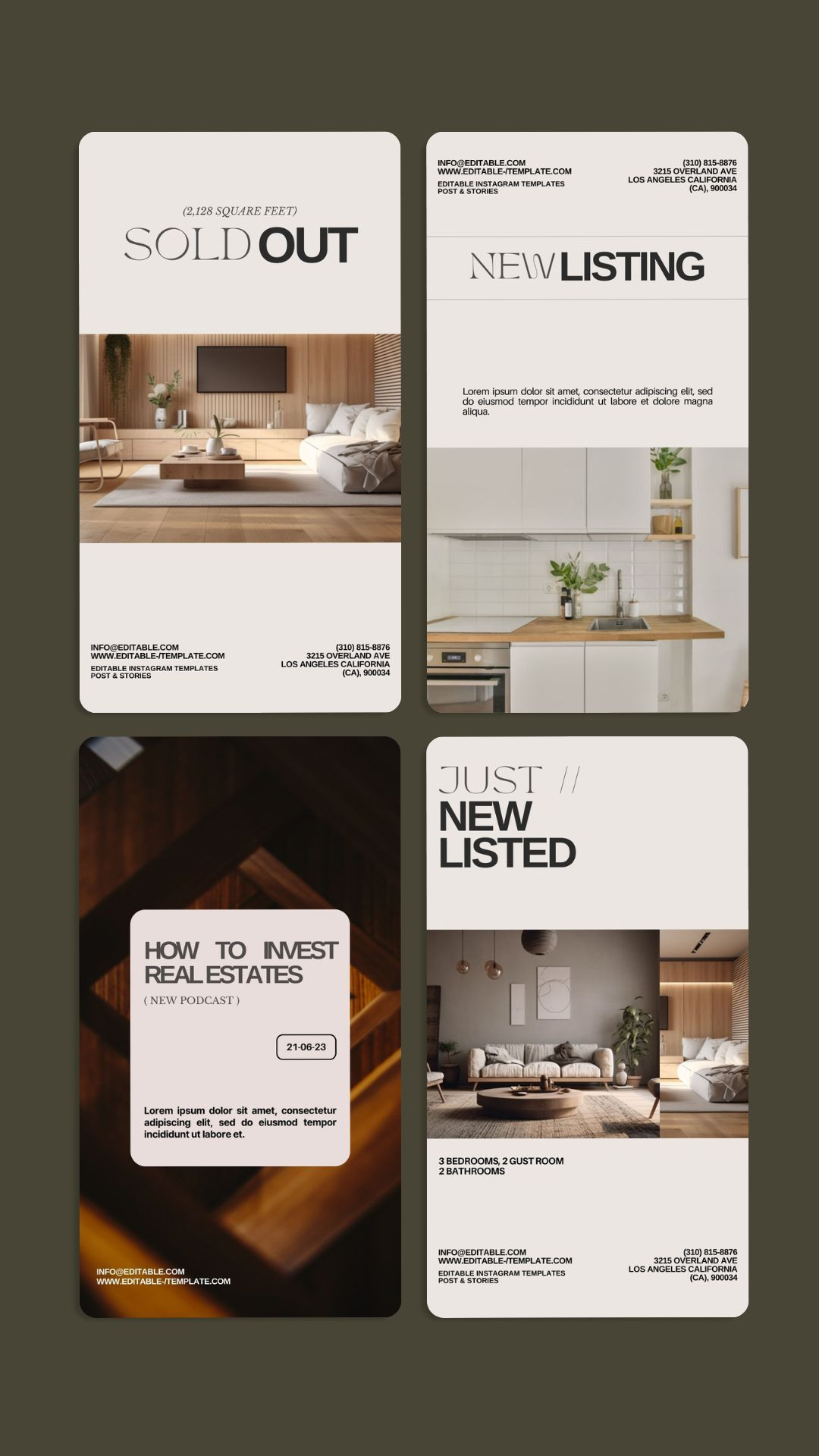
Just Listed template kit for Real estate
Just ListedOlive
Olive · editorial
Just listedOpen houseJust soldNeighbourhood guide
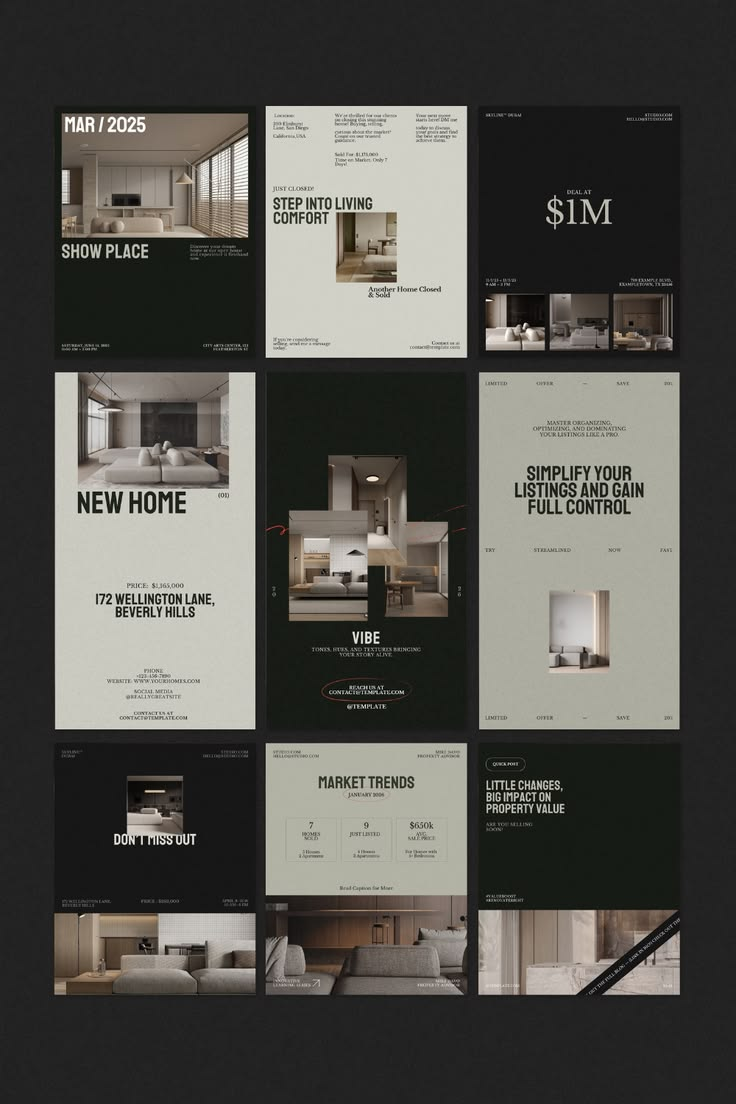
Quiet Interiors template kit for Home & furniture
Quiet InteriorsDark
Dark · minimal
Product heroNew collectionRoom stylingMaterial story
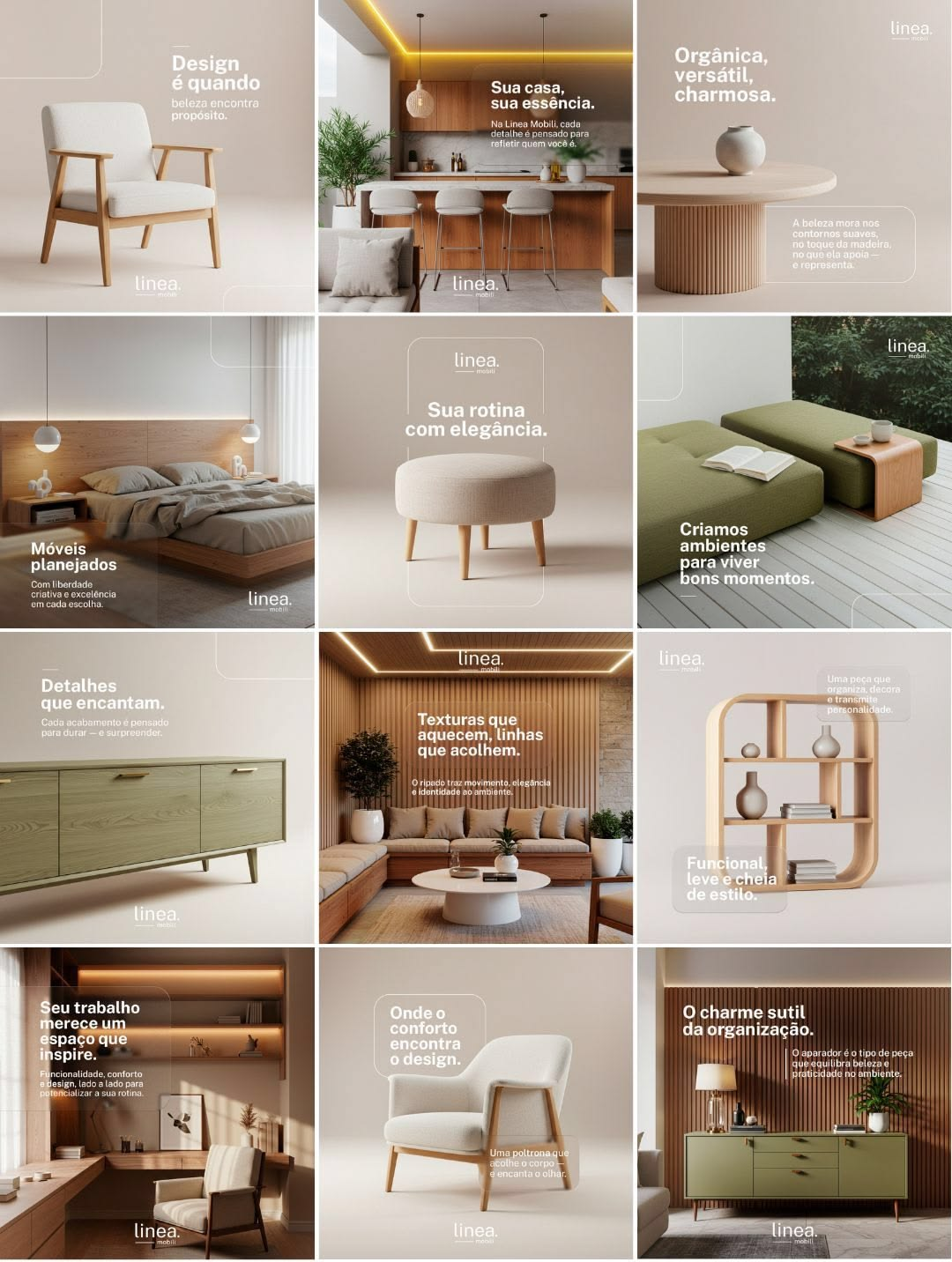
Oak & Linen template kit for Home & furniture
Oak & LinenLight
Light · natural
Product heroNew collectionRoom stylingMaterial story
Green Living template kit for Home & furniture
Green LivingOrganic
Organic · fresh
Product heroNew collectionRoom stylingMaterial story
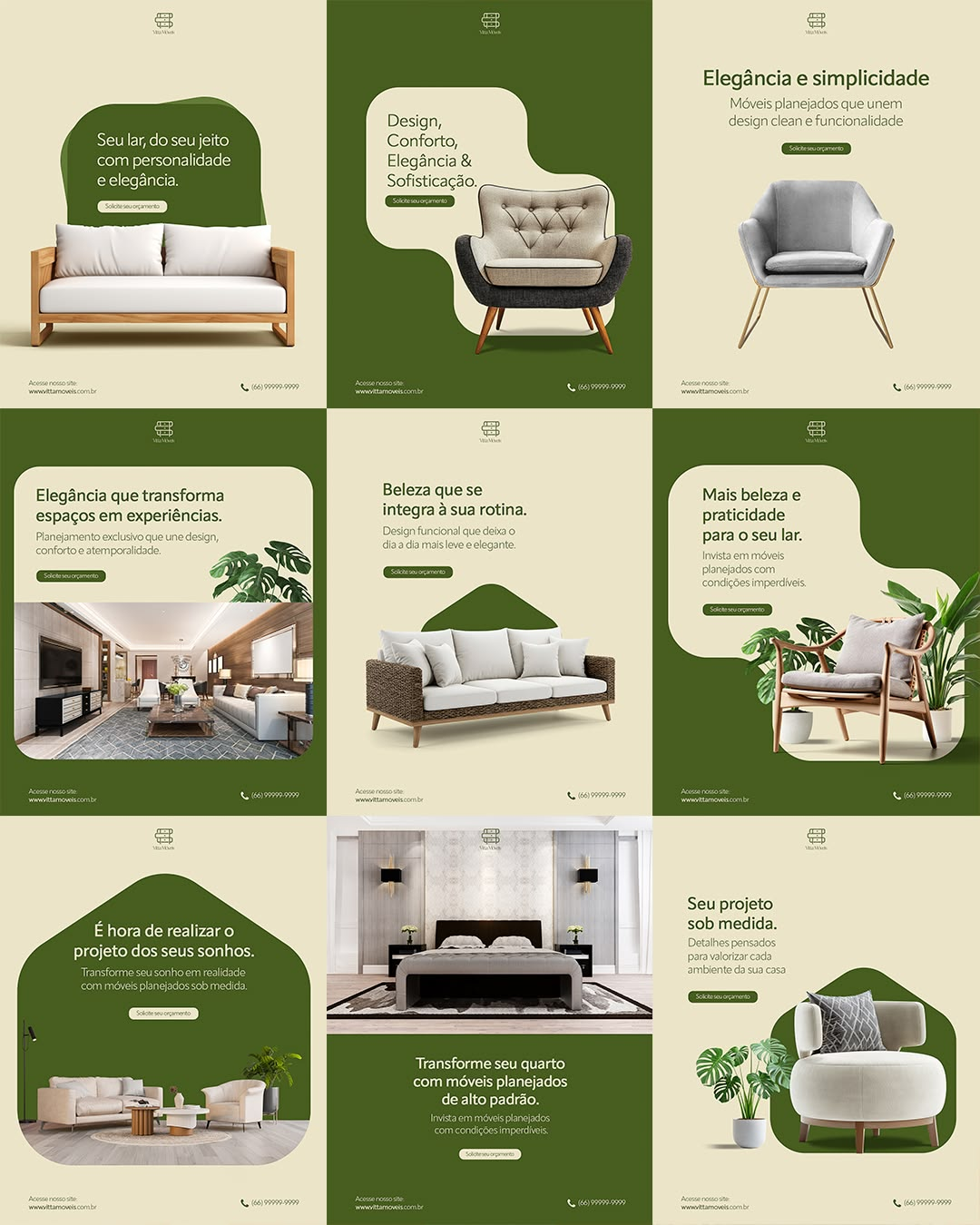
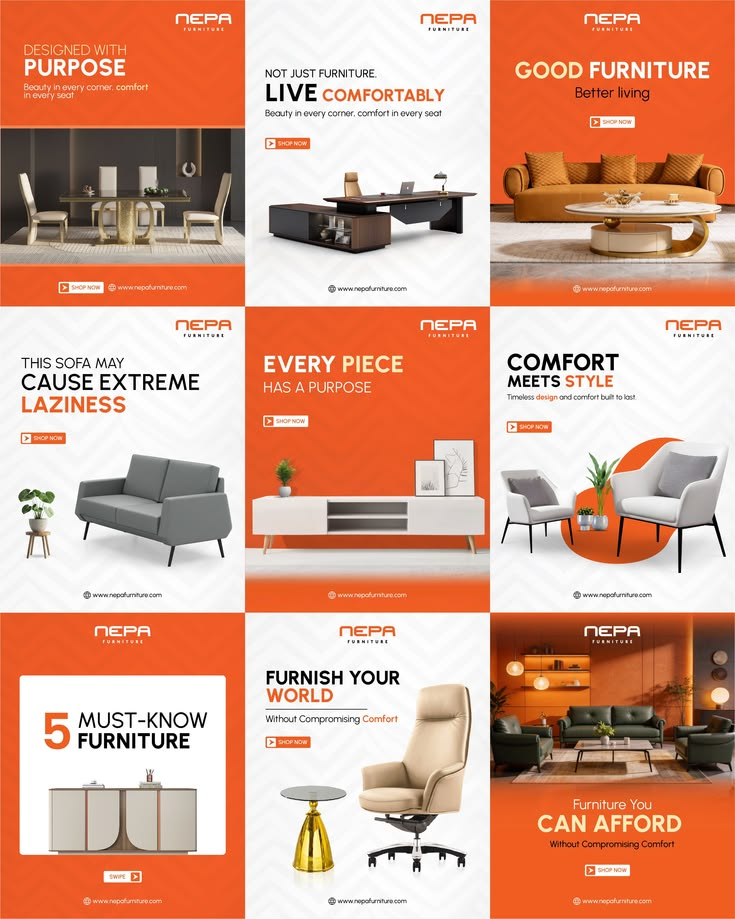
Comfort Sale template kit for Home & furniture
Comfort SaleOrange
Orange · retail
Product heroNew collectionRoom stylingMaterial story
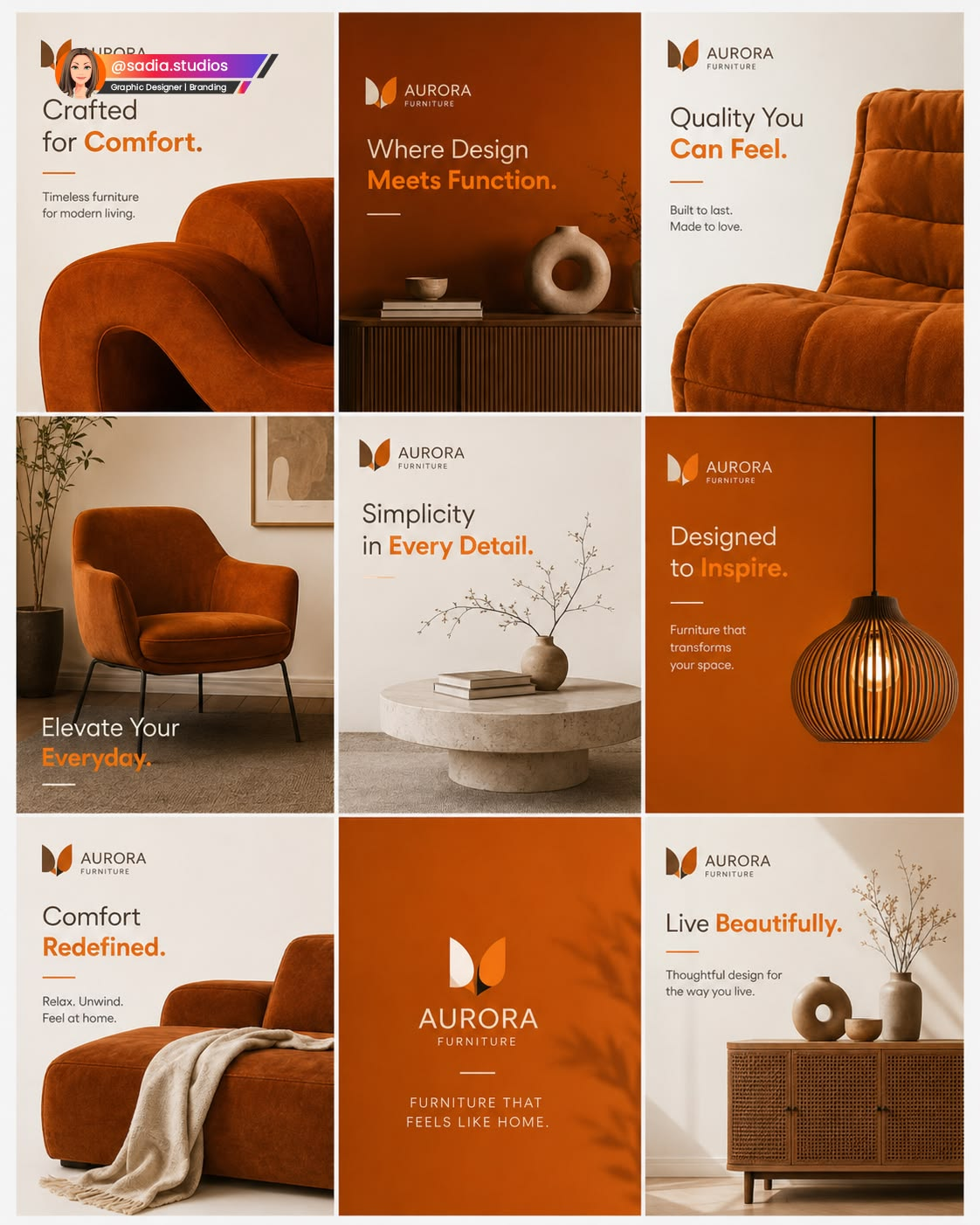
Terracotta Lounge template kit for Home & furniture
Terracotta LoungeWarm
Warm · editorial
Product heroNew collectionRoom stylingMaterial story
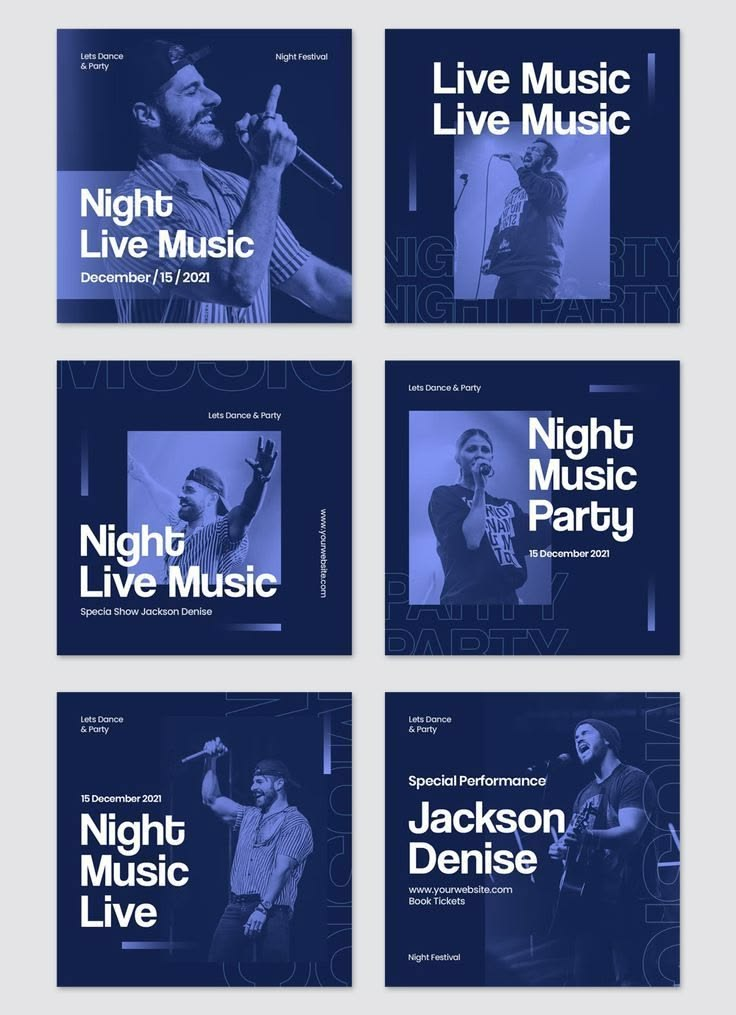
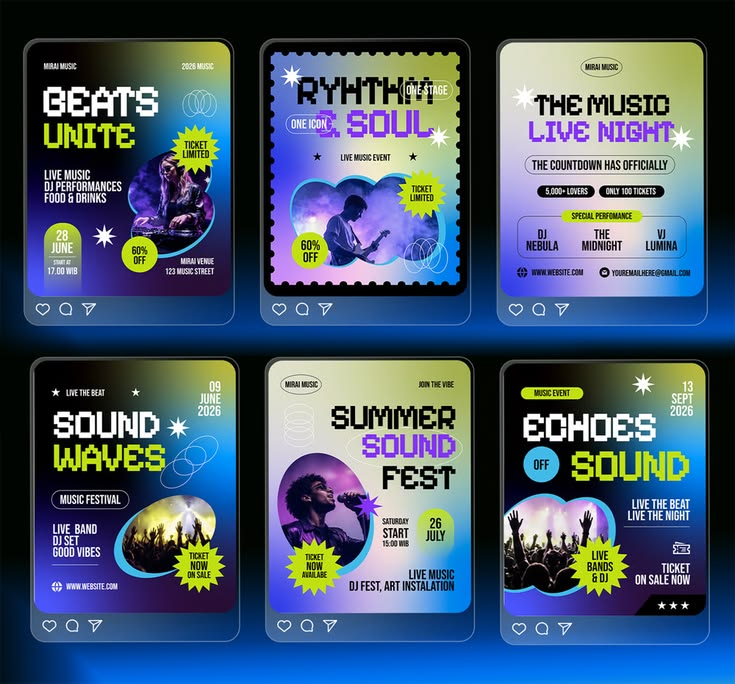
Night Live template kit for Events & music
Night LiveNavy
Navy · moody
Line-up revealCountdownSpecial guestTicket tiers
Beats Fest template kit for Events & music
Beats FestNeon
Neon · festival
Line-up revealCountdownSpecial guestTicket tiers
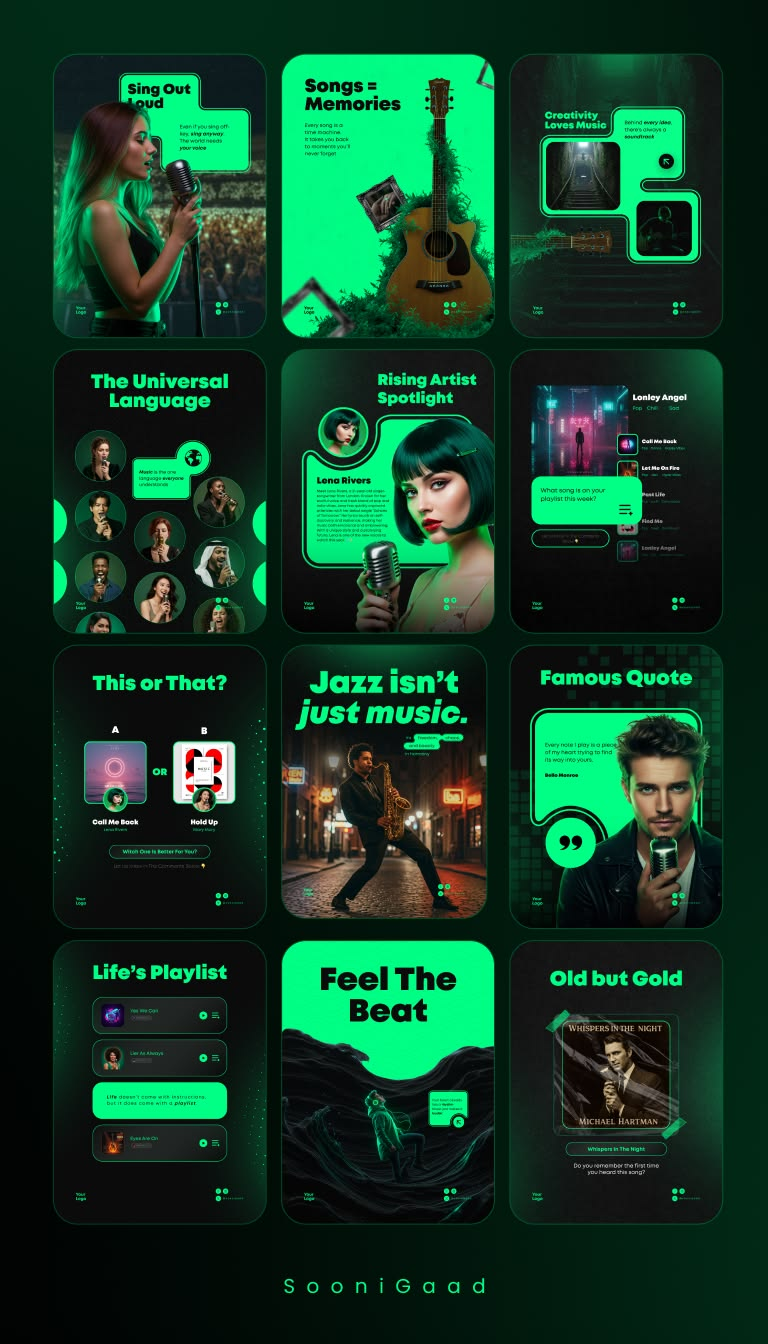
Neon Session template kit for Events & music
Neon SessionDark
Dark · electric
Line-up revealCountdownSpecial guestTicket tiers
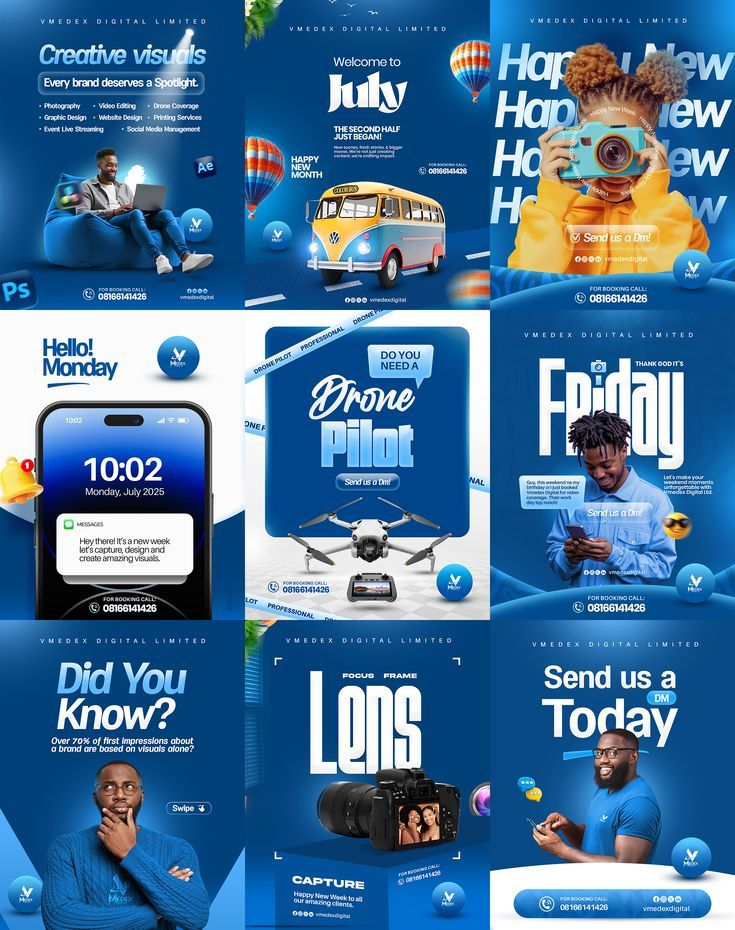
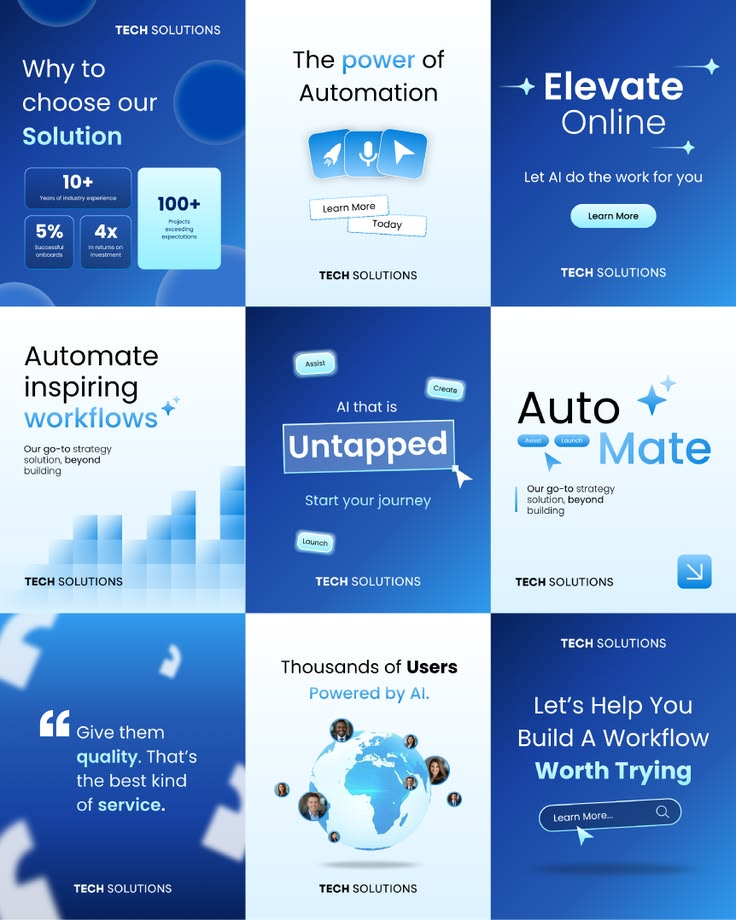
Creative Studio template kit for Tech & SaaS
Creative StudioBlue
Blue · playful
Feature launchHow it worksCustomer resultStat card
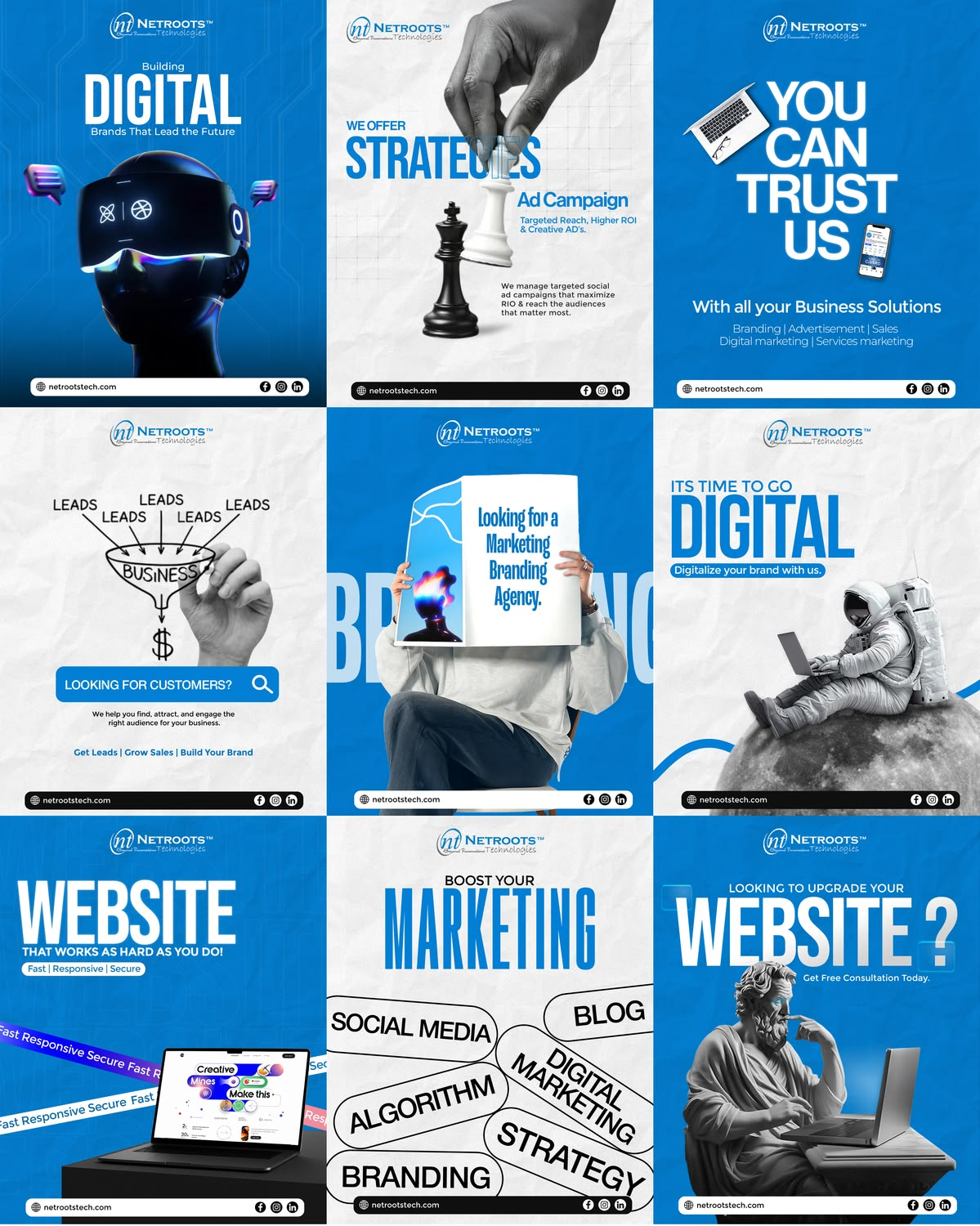
Digital Growth template kit for Tech & SaaS
Digital GrowthBlue
Blue · corporate
Feature launchHow it worksCustomer resultStat card
Auto Flow template kit for Tech & SaaS
Auto FlowLight blue
Light blue · product
Feature launchHow it worksCustomer resultStat card
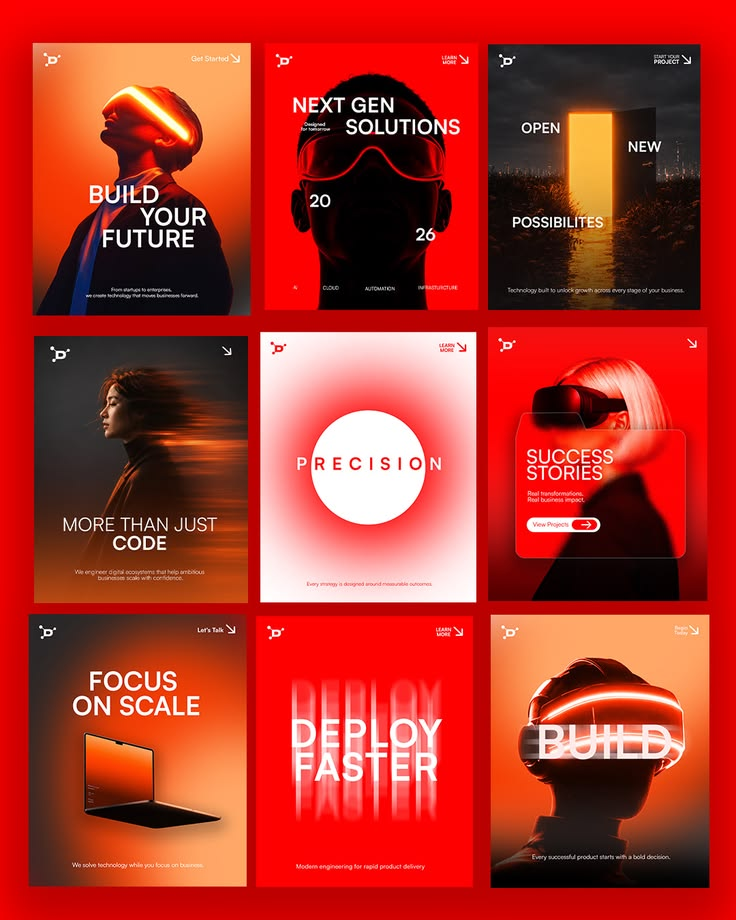
Red Signal template kit for Tech & SaaS
Red SignalRed
Red · futuristic
Feature launchHow it worksCustomer resultStat card
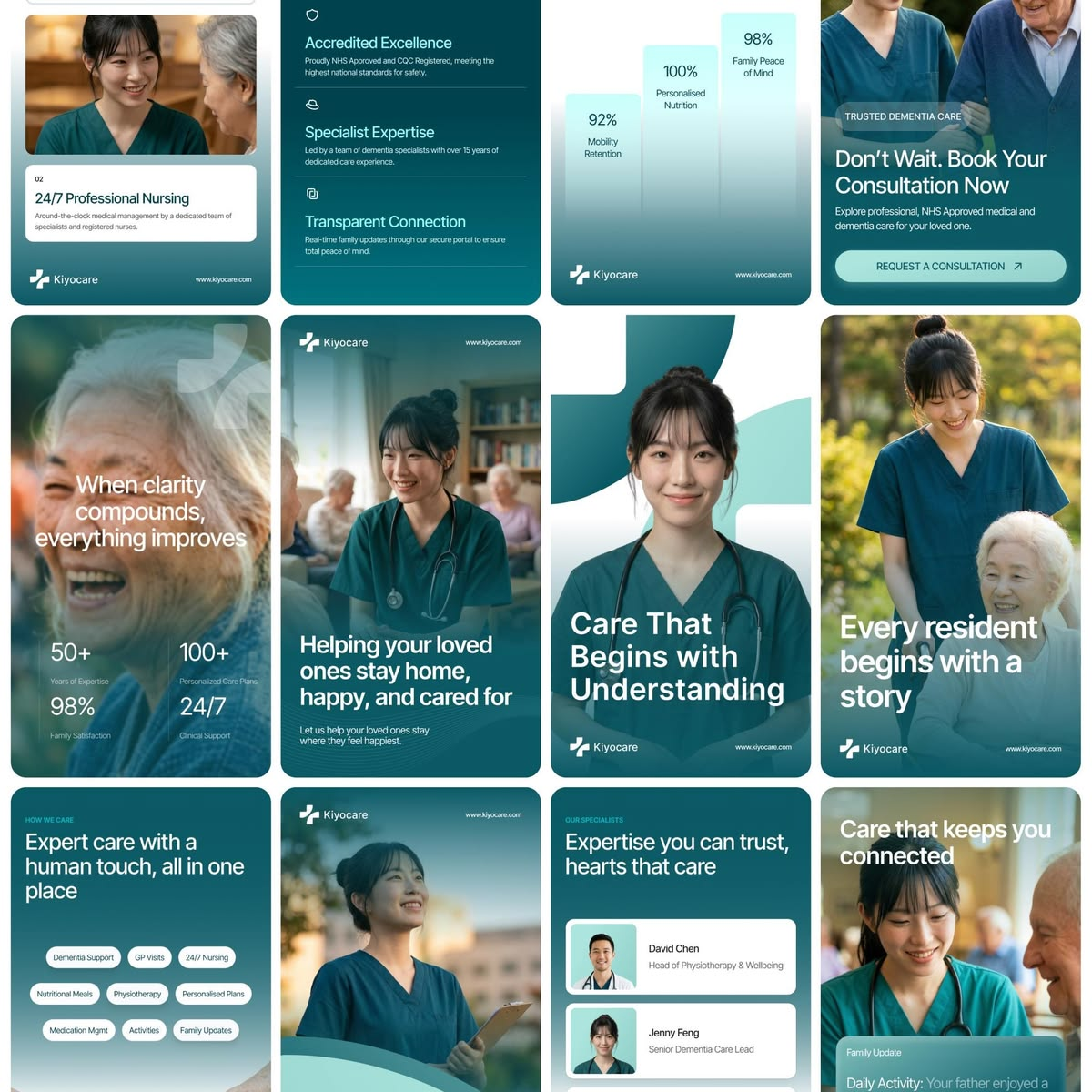
Care Teal template kit for Health & clinic
Care TealCalm
Calm · caring
Meet the teamHealth tipService explainerFAQ
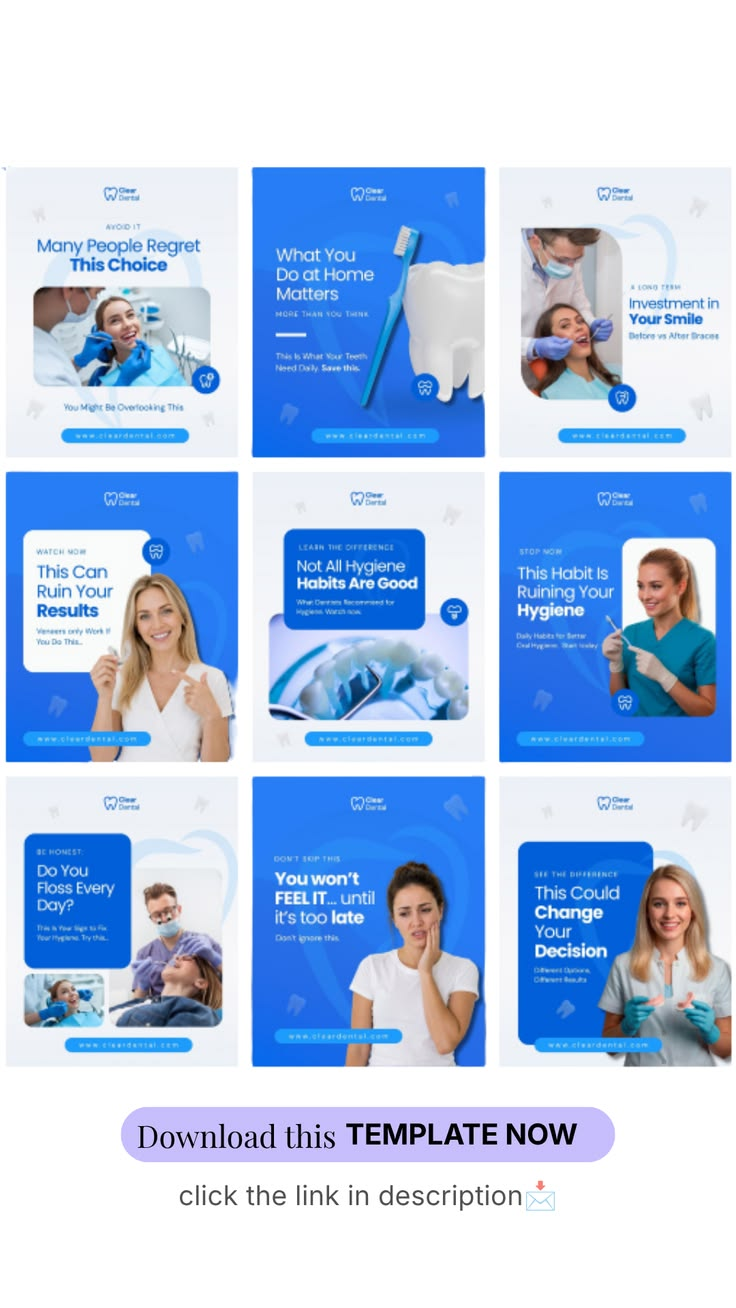
Clinic Blue template kit for Health & clinic
Clinic BlueClean
Clean · clinical
Meet the teamHealth tipService explainerFAQ
Care Plus template kit for Health & clinic
Care PlusTeal
Teal · modern
Meet the teamHealth tipService explainerFAQ
Med Wave template kit for Health & clinic
Med WaveBright
Bright · informative
Meet the teamHealth tipService explainerFAQ
Care Journey template kit for Health & clinic
Care JourneySoft
Soft · reassuring
Meet the teamHealth tipService explainerFAQ
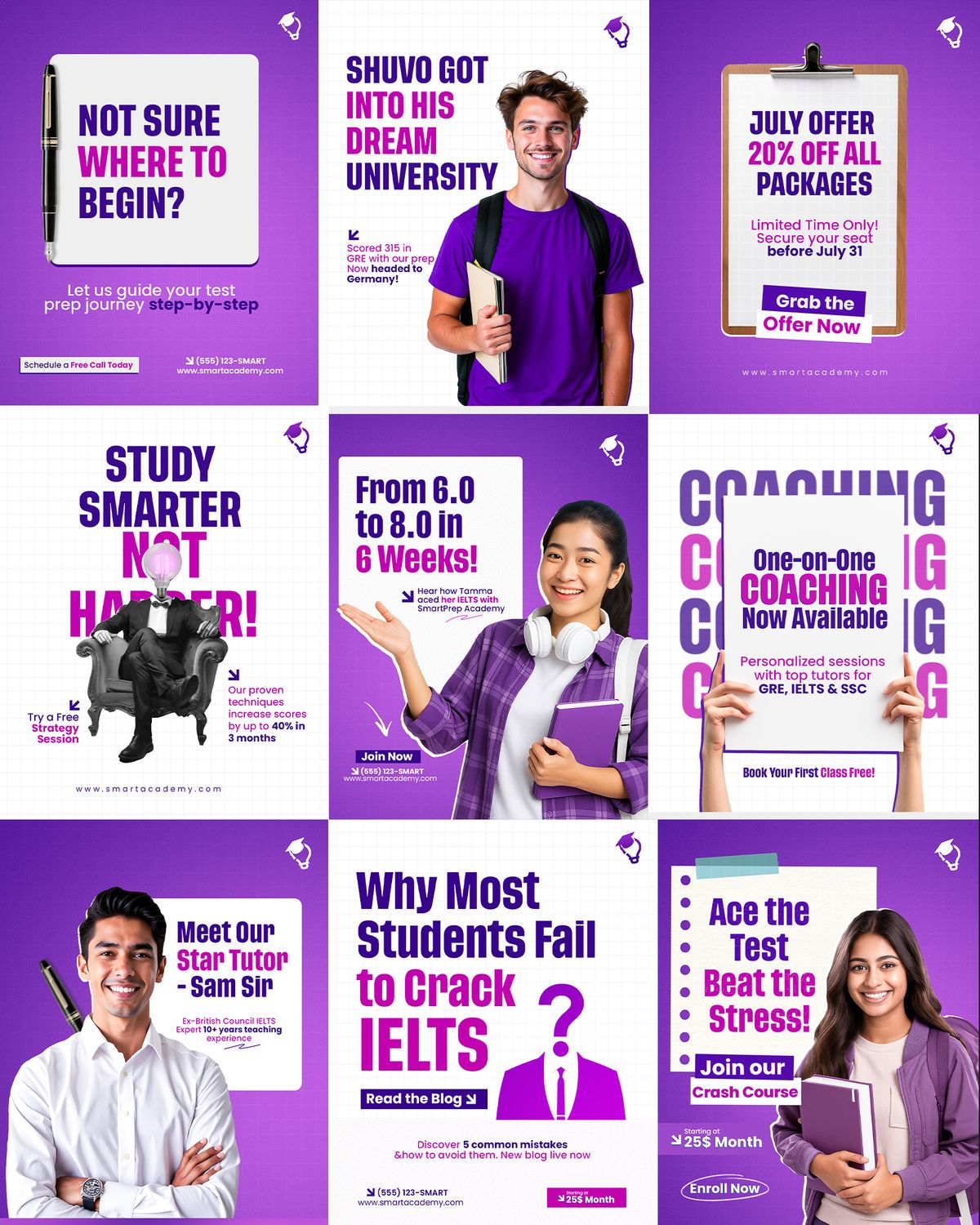
Study Smart template kit for Education & courses
Study SmartPurple
Purple · energetic
Course launchQuick tipStudent resultFree webinar
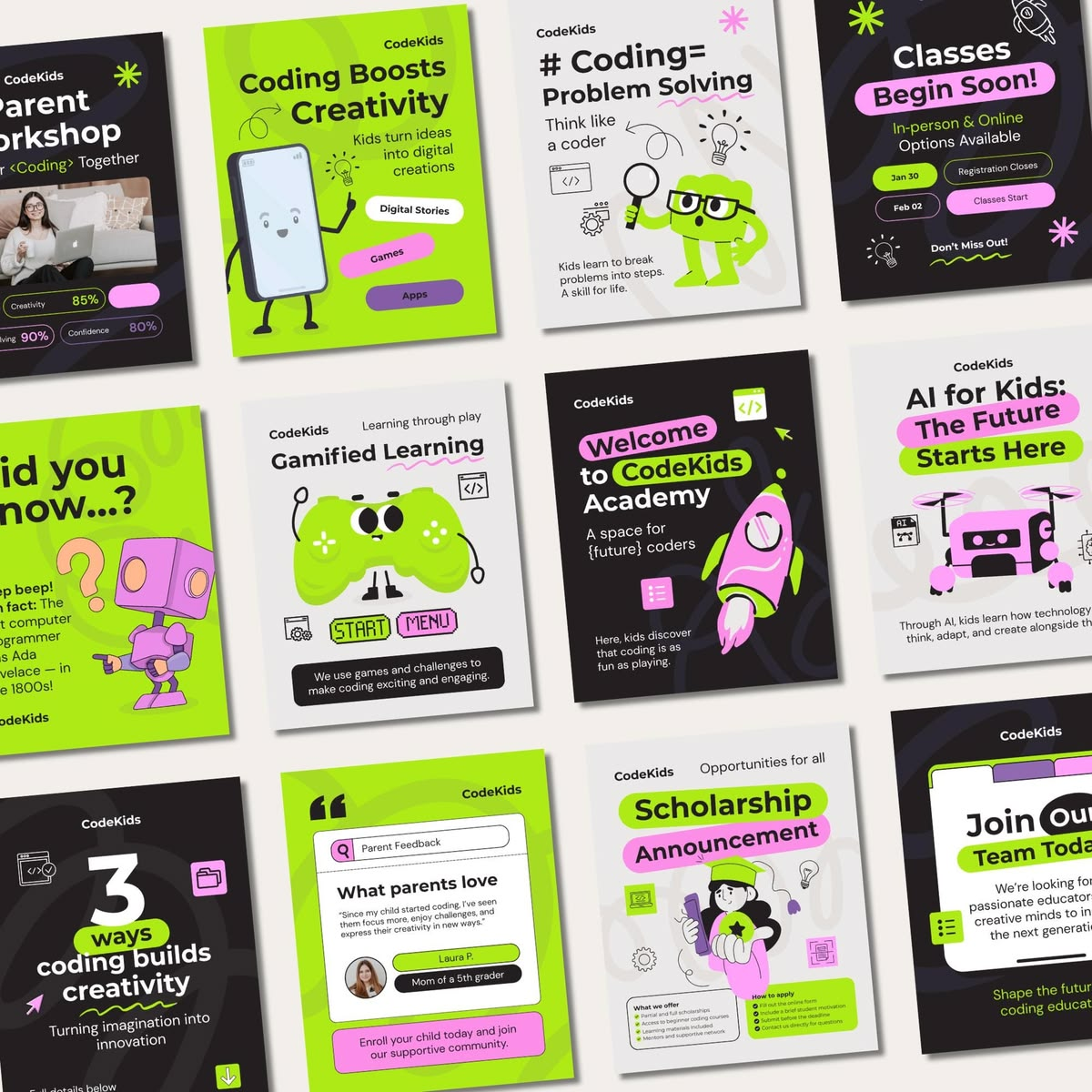
Code Kids template kit for Education & courses
Code KidsLime
Lime · playful
Course launchQuick tipStudent resultFree webinar
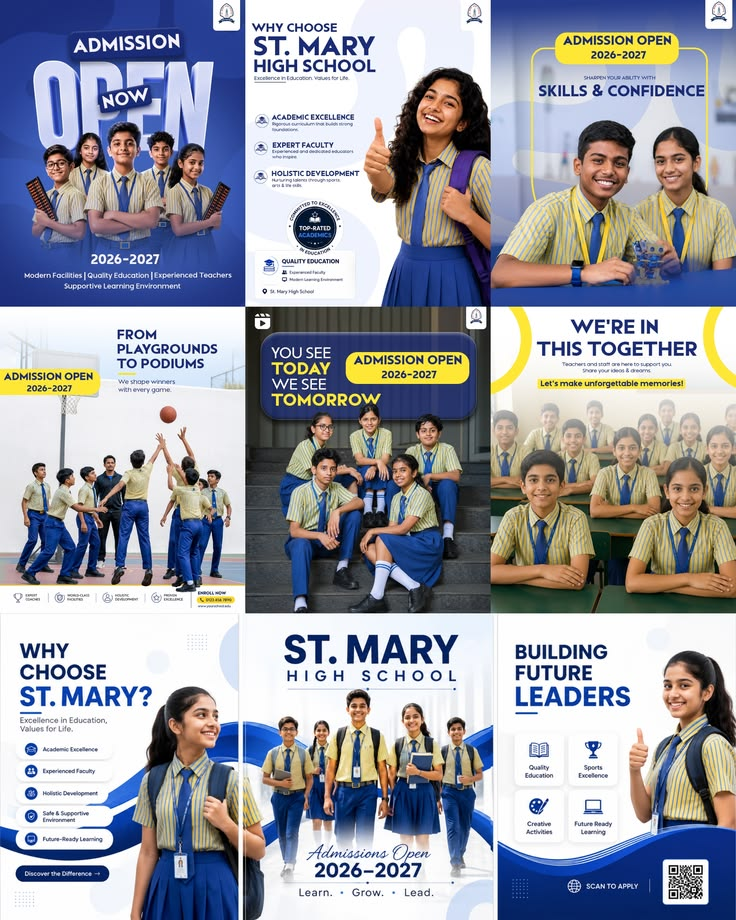
School Pride template kit for Education & courses
School PrideNavy
Navy · traditional
Course launchQuick tipStudent resultFree webinar
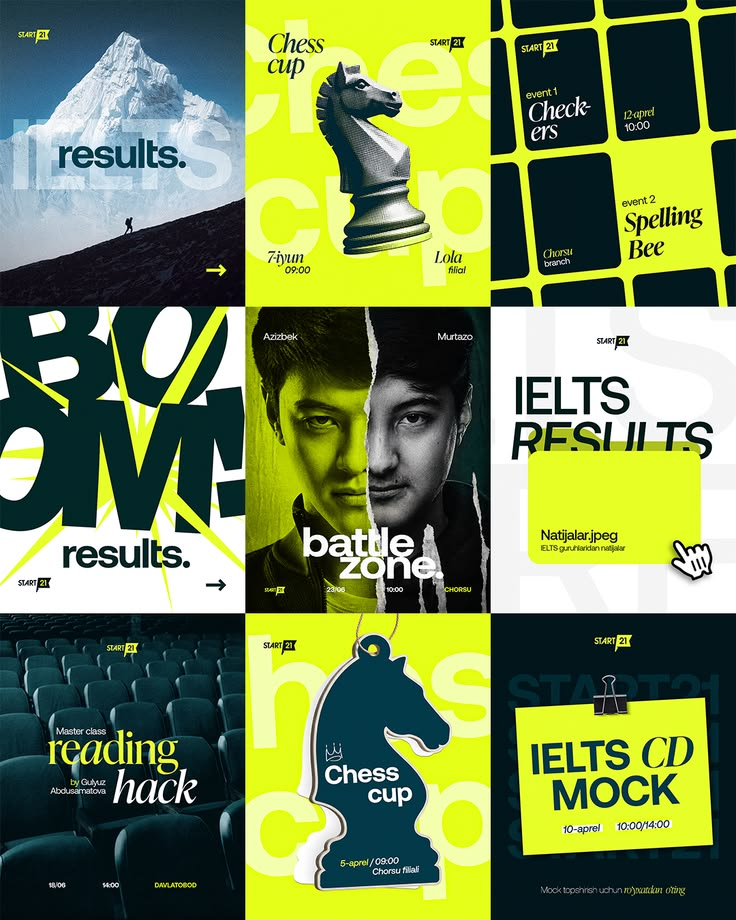
Volt Results template kit for Education & courses
Volt ResultsLime
Lime · editorial
Course launchQuick tipStudent resultFree webinar
Mindset Notes template kit for Education & courses
Mindset NotesDark
Dark · coaching
Course launchQuick tipStudent resultFree webinar
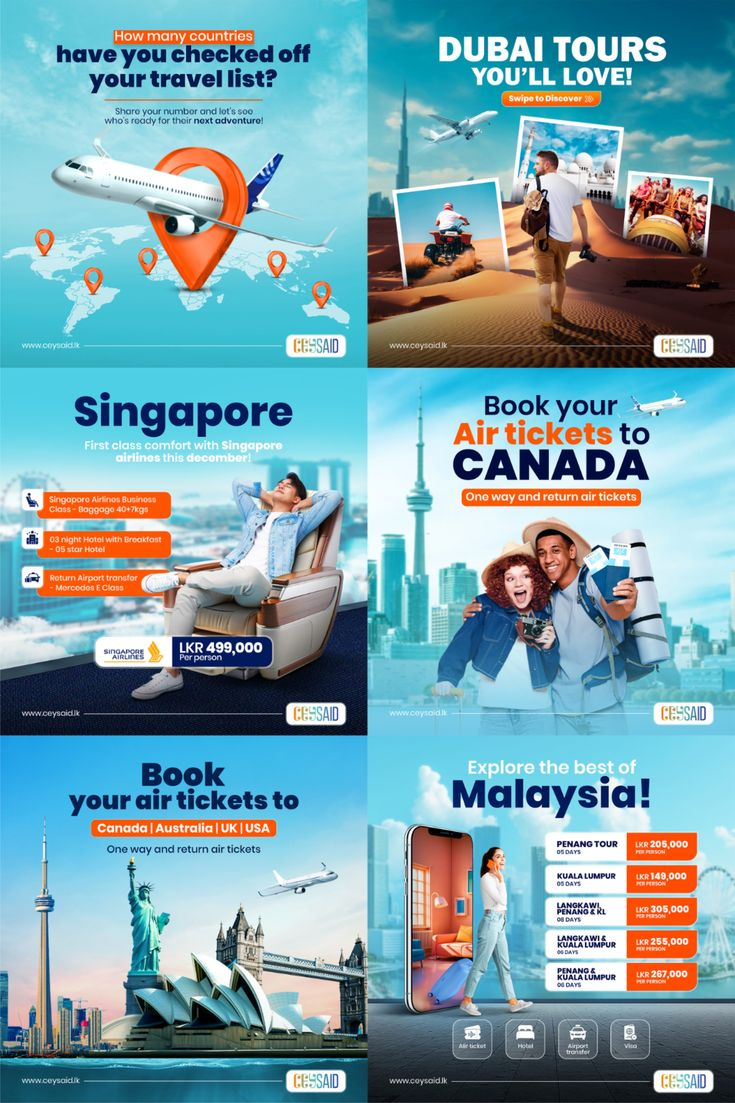
Sky Tours template kit for Travel & hotels
Sky ToursSky blue
Sky blue · promotional
Destination heroRoom revealLocal guideSeasonal offer
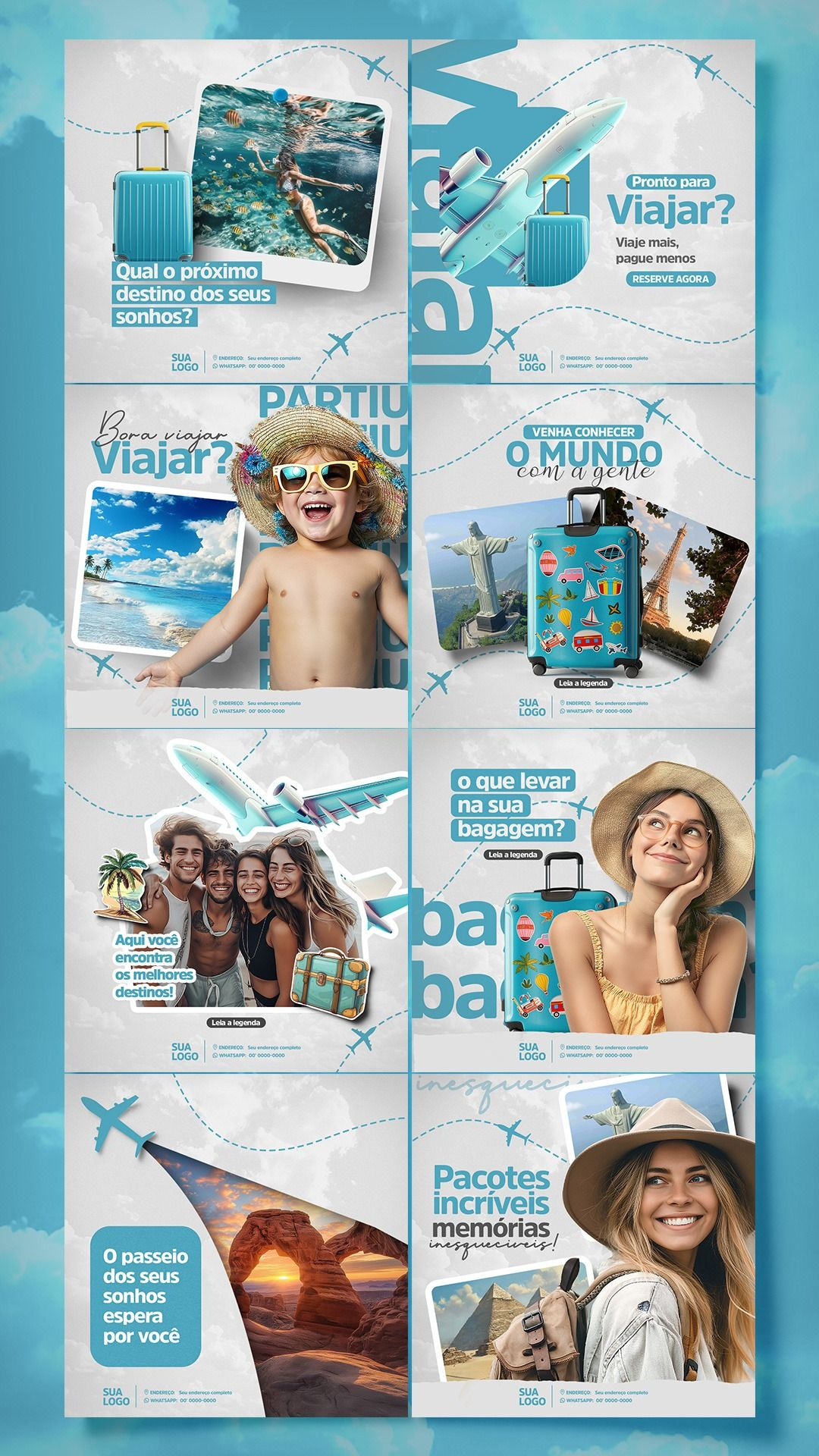
Beach Days template kit for Travel & hotels
Beach DaysAqua
Aqua · summery
Destination heroRoom revealLocal guideSeasonal offer
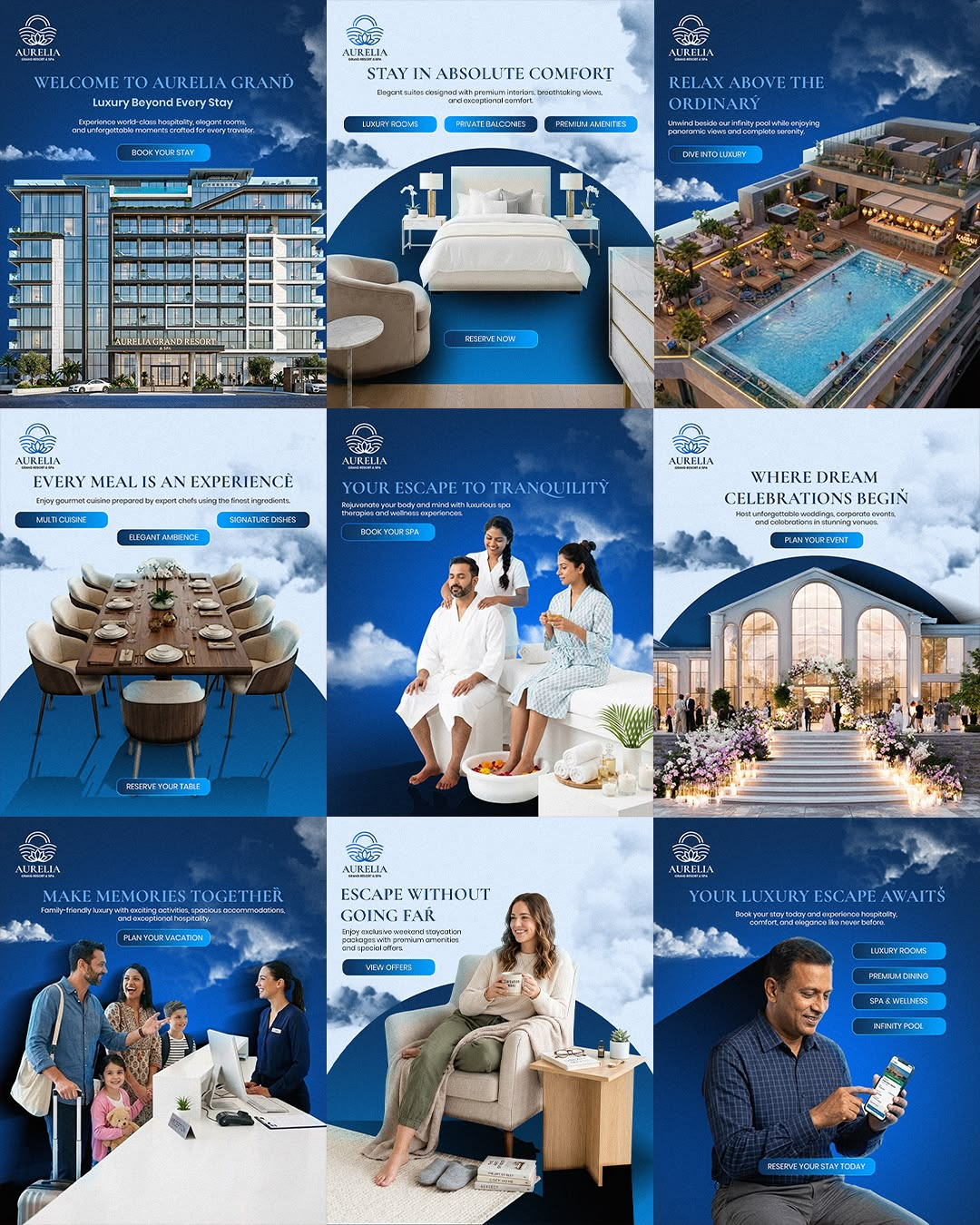
Harbour Hotel template kit for Travel & hotels
Harbour HotelNavy
Navy · premium
Destination heroRoom revealLocal guideSeasonal offer
Adventure Trail template kit for Travel & hotels
Adventure TrailGreen
Green · outdoorsy
Destination heroRoom revealLocal guideSeasonal offer
START FREESEE TEMPLATE LIBRARY
WHAT'S INSIDE

Ten image tasks cover what brands post most

Each task opens with a large preview, an example strip and the options that matter for it.

Product on white

A clean studio shot for your shop, marketplaces and catalogue from any phone photo.

Lifestyle scene

Your product in a bright living room, kitchen, workshop or café, with natural light.

Change background

Keep the product and swap everything behind it, from plain colours to full scenes.

Colour variants

Show a product in walnut, black or white oak before you make or stock it.

Remove object

Say what to take out in Details. PQZ fills the gap so the photo looks untouched.

Photo enhance

Sharpen, warm up or blur the background of a photo you already have.

UGC photo

A real-looking customer photo: in hand, at home or mid-unboxing.

Sale poster

Your headline and offer set in your brand fonts and colours, ready for the feed.

Resize for every feed and Carousel

Extend one photo to 1:1, 4:5, 9:16 and 16:9, or build a 3–6 slide carousel where every slide can be edited.

EXAMPLES

The kind of images each task makes

Product on white, lifestyle scenes, colour variants and sale posters, for every size.

Product on white
Product on white
Lifestyle scene
Lifestyle scene
Change background
Change background
Colour variants
Colour variants
Photo enhance
Photo enhance
Lifestyle scene
Lifestyle scene
Product on white
Product on white
Remove object
Remove object
Sale poster
Sale poster
Carousel slide
Carousel slide
Photo enhance
Photo enhance
Resize for every feed

Examples show the kinds of images and videos each task produces. Photography from Unsplash and Pexels.

TRY CREATE IMAGE
USE CASES

How brands use Create Image

Three jobs that used to need a photographer or a designer.

ONLINE SHOPS

A full product page from one photo

Shoot a new product on your phone, run Product on white for the shop and marketplaces, then Lifestyle scene and UGC photo for the feed. One photo covers the launch.

SALES AND SEASONS

Sale posters the day you decide

Type the offer and the end date. Sale poster sets it in your brand fonts, and Resize for every feed makes the Story and the square post from the same design.

ADS

Fresh creative for Meta ads

Ads tire quickly. Make three backgrounds and two scenes of your best seller, send them to Create Ad and let the numbers pick the winner.

BEFORE AND AFTER

What changes when images come from PQZ

The same weekly work, before and after.

WITHOUT PQZ
–A studio shoot twice a year and the same three photos in between
–Cropping every image by hand for each channel
–Sale posters built from scratch in a design tool
–AI tools that quietly change your product
–No idea what an image costs until the invoice arrives
WITH PQZ
✓New scenes of any product whenever you need them
✓Resize for every feed makes every size from one photo
✓Sale poster sets your offer in your brand fonts
✓Product tasks keep the product exactly as it is
✓The credit cost is shown before you press Generate
FAQ

Questions about Create Image

Will Create Image change my product?

No. Tasks like Product on white, Change background and Lifestyle scene keep the product exactly as it is and only change what surrounds it. If a result doesn't look right, press Refine and describe what to fix.

Does it use my brand colours and fonts?

Yes. Sale posters, carousels and any image with text use the colours and fonts saved in your Brand Kit. You can turn the Brand Kit off in Settings for a single image.

What does an image cost?

It depends on the quality you pick: Quick costs 2 credits, Balanced 5 and Premium 10 per image. Carousel slides cost the same rate each. The total shows next to Generate before anything runs.

How many AI credits come with each plan?

None: no plan includes monthly credits. Images run on your own AI key and your provider bills you at their rate. Credits only measure usage (one credit is about $0.01 of provider cost), and optional PQZ credit packs are there if you would rather not use your own key. See pricing for the full breakdown.
Which image sizes can I make?

Square 1:1, portrait 4:5, vertical 9:16 for Stories and Reels, and landscape 16:9. Resize for every feed makes all of them from one photo.

Can I use the images in ads?

Yes. Every result has a Use in an ad button that opens it in Create Ad for Facebook and Instagram. See Meta ads.
Where do my images go?

Every result is saved to your Media Library and can be used in a post, an ad or a carousel straight away. You can also download the original file.

Can I edit a result?

Yes. Press Refine and describe the change. In a carousel, click any slide to edit its text or make a new image for that slide only.

RELATED

Keep exploring PQZ

Create VideoUGC, product ads and faceless videos from your products.READ MORE Media LibraryEvery photo and video, approved for AI use.READ MORE Template LibraryPost kits rebuilt with your products and brand.READ MORE Meta adsPut your best images to work in Facebook and Instagram ads.READ MORE
7 days free · No card needed

Scan your website, add one product photo and make your first on-brand image in minutes.

START FREE

Your products, shot for every feed