Media library for your social media photos and videos
Every photo and video, ready to use in posts and ads.
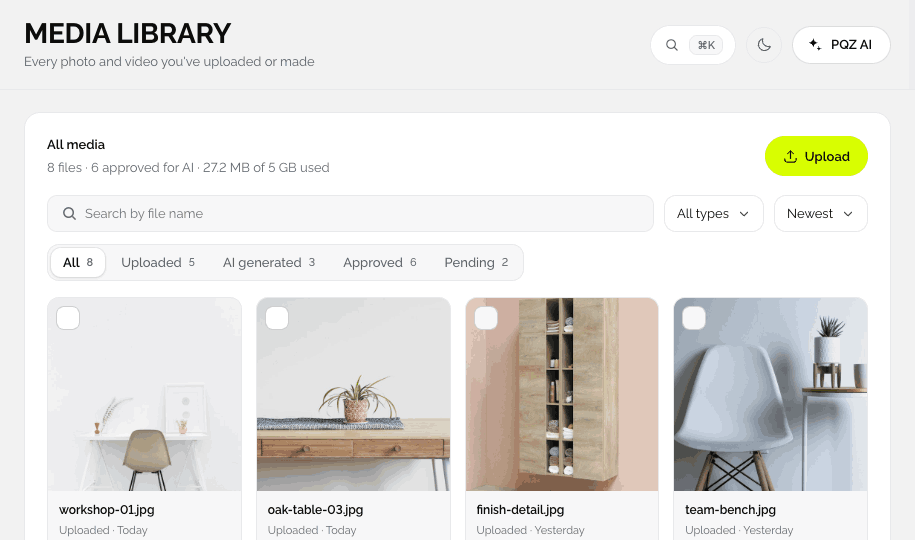
Upload once and choose what AI may use. Everything you make in Create Image and Create Video lands in the Media Library automatically, ready for a post, a carousel or an ad.
The right photo is always in someone else's folder
Product shots live on a shared drive, event photos on someone's phone and last month's ad creative in a download folder. Every new post starts with a hunt, and sometimes the wrong, unapproved or outdated photo goes out.
The Media Library keeps every photo and video inside PQZ, next to the posts that use them. You decide which assets AI may use, so Content Autopilot and Create Image only ever work from files you approved.
Because every result from Create Image and Create Video is saved to the library as well, the Media Library becomes the record of everything your brand has published, so the next campaign can start from what already exists instead of from zero.
Every photo and video in one searchable library
Uploads and everything you create in PQZ
Upload JPG, PNG, GIF, MP4, MOV and AVI files, or save results from Create Image and Create Video. Everything is tagged, searchable and ready to drop into a post, an ad or a carousel.


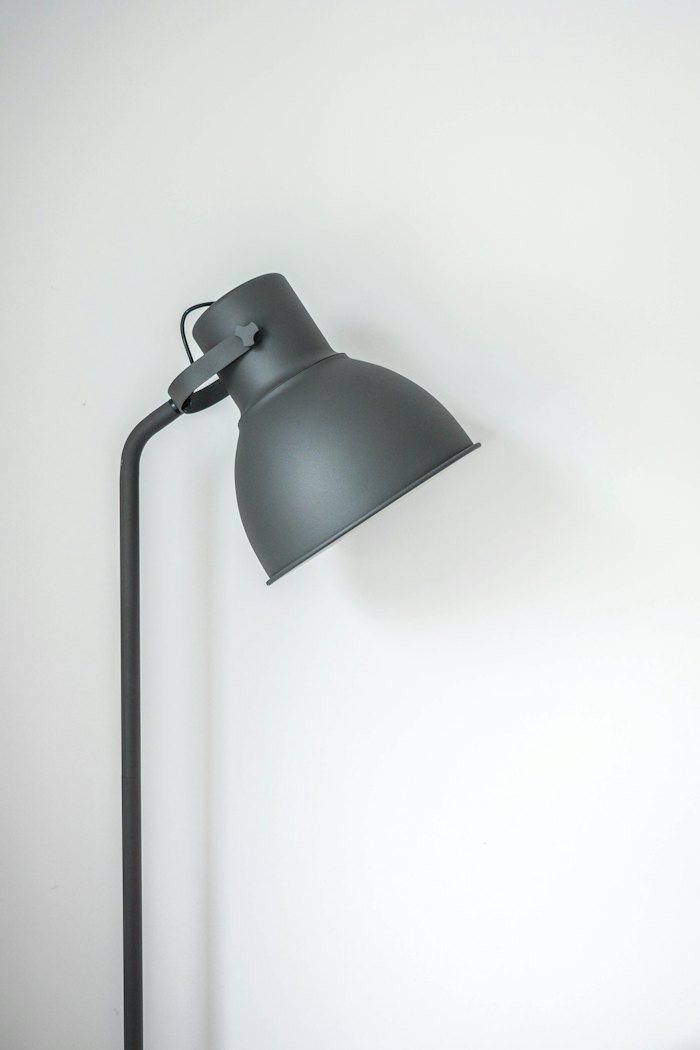
You choose which photos AI may use
Approve files for AI, keep the rest private
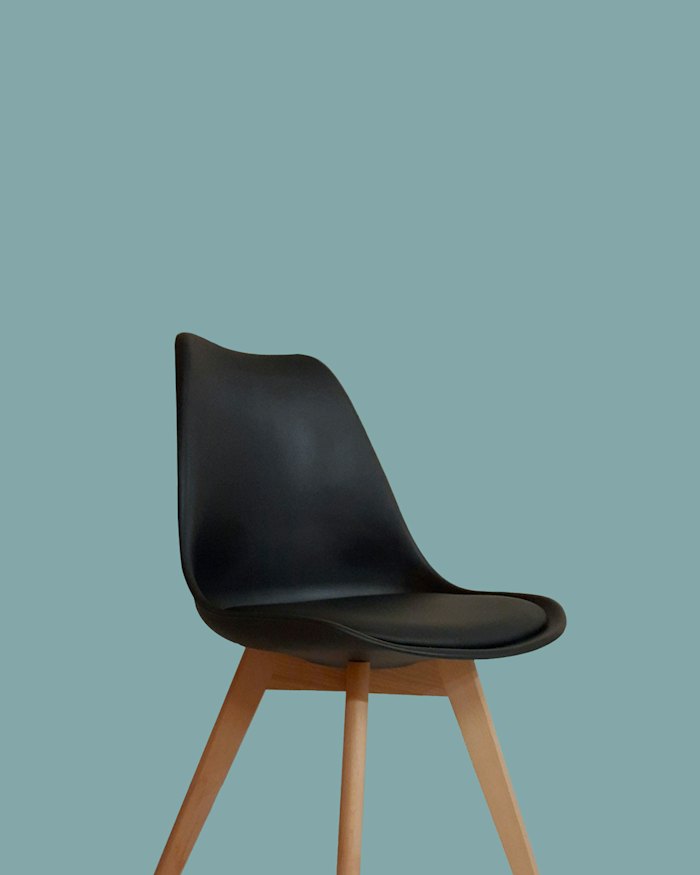
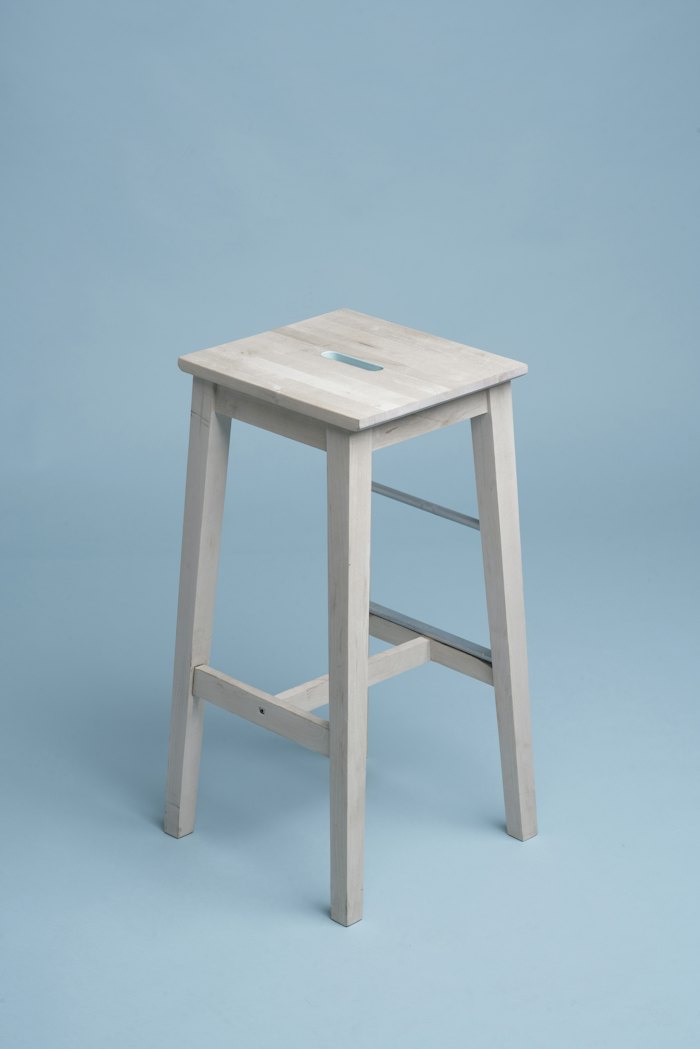
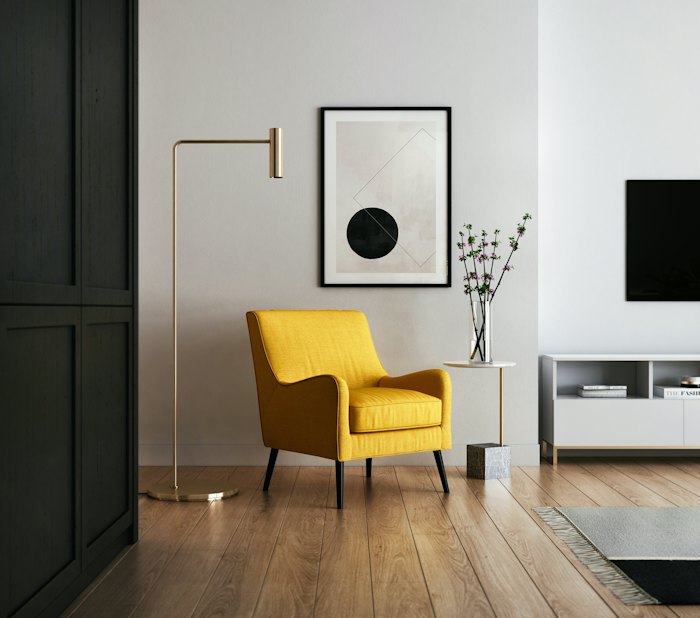
Mark the files PQZ may use when it builds posts and ads. Unapproved files stay in the library for your own use and are never picked by Content Autopilot or Create Ad.
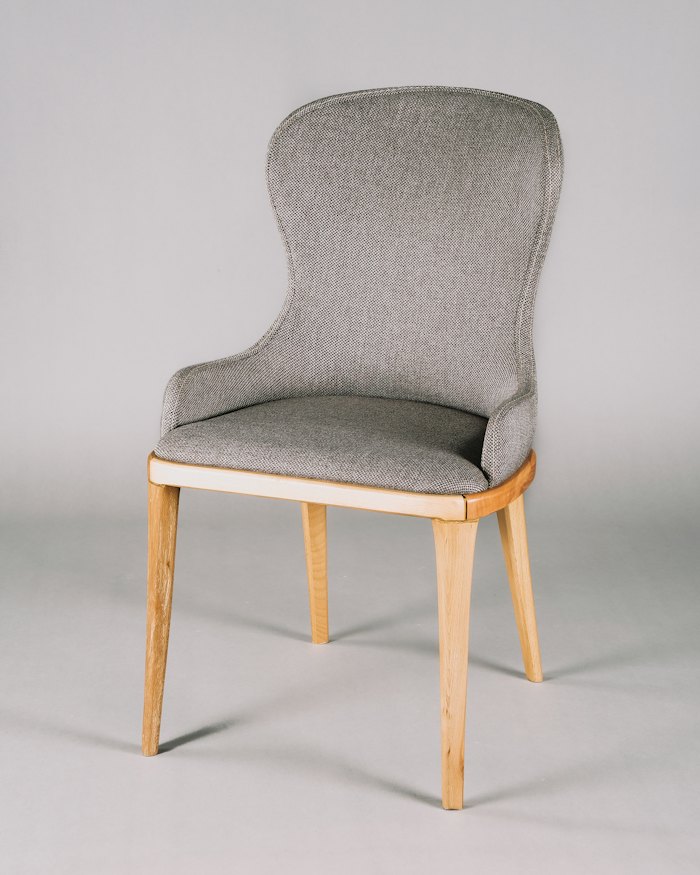


Drop any file into a post, a carousel or an ad
No downloading and re-uploading
Pick from the library inside the post editor, Create Image or Create Ad. Resize for every feed and Change background work on library files too.
How the Media Library works
Simple enough for the whole team.
Upload
Drag in JPG, PNG, GIF, MP4, MOV or AVI files, or pull them from Google Drive.
Approve for AI
New uploads wait until you approve them for AI use. Approve all in one click.
Create from them
Open any photo in Create Image or use it in Create Video.
Use anywhere
Add assets to posts, carousels and ads. New results come back to the library.
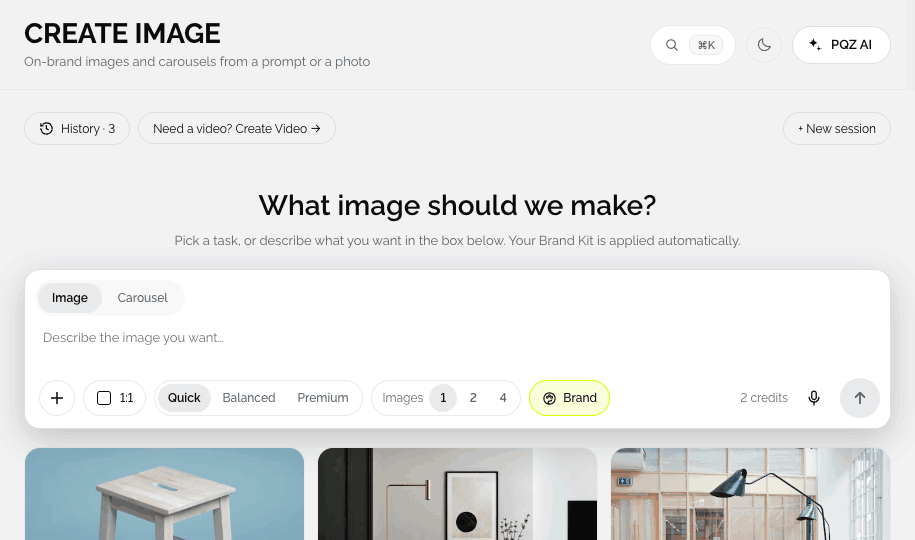
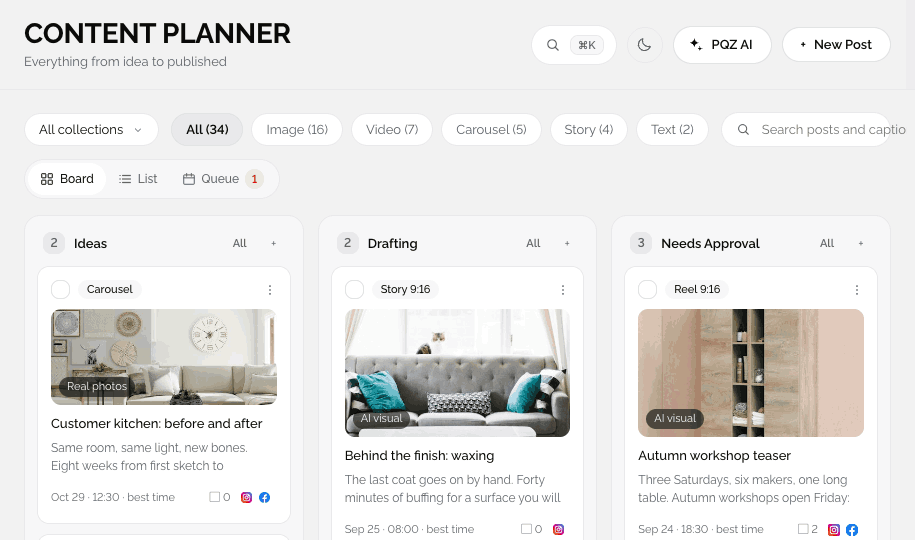
Organised for daily use
Find anything in seconds.
Photos and videos
JPG, PNG, GIF, MP4, MOV and AVI.
Approved for AI
Only approved assets are used by Content Autopilot and Create Image.
Made in PQZ
Results from Create Image and Create Video appear automatically.
Search
By name or tag.
Filters
Photos, videos, made with AI, approved or waiting.
Details
Size, date and where each asset is used.
Download
Original quality, any time.
Google Drive
Pull approved photos straight from a shared folder.
Use in a post
One click from any asset.
Why approval matters for your photos
AI only uses what you approve
A new upload is not used by AI until someone approves it. That keeps unreleased products, private photos and outdated shots out of automated posts.
One library, many uses
The same photo can become a product shot, a lifestyle scene, a carousel slide and an ad. Every version is saved back to the library with a link to where it is used.
Storage that grows with you
Storage limits depend on your plan and show in Settings › Usage, so you always know how much room is left.
Where every asset is used
Open any photo or video to see its size, date and where it is used, so you know exactly what changes before you replace or remove it.
How teams use the Media Library
Three everyday jobs.
Your whole product catalogue, ready to use
Upload the catalogue once, approve it and let Create Image make new scenes from it.
Photos from the day, posted the same day
The team uploads from their phones, one person approves, and the photos are ready for posts that evening.
Creative that is easy to find
Every ad image and video sits in the library, so the next campaign starts from what worked.
Assets, before and after PQZ
The same photos, one home.