Plan, approve and publish the month
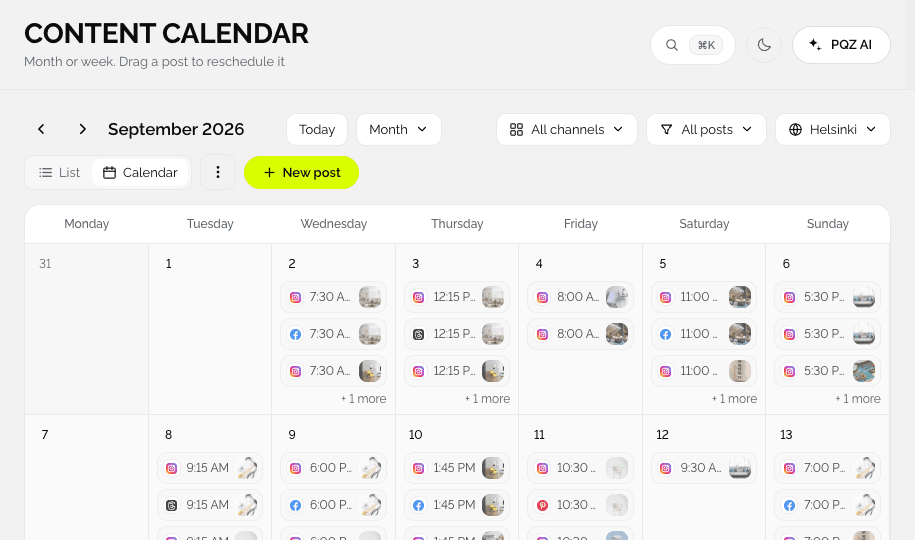
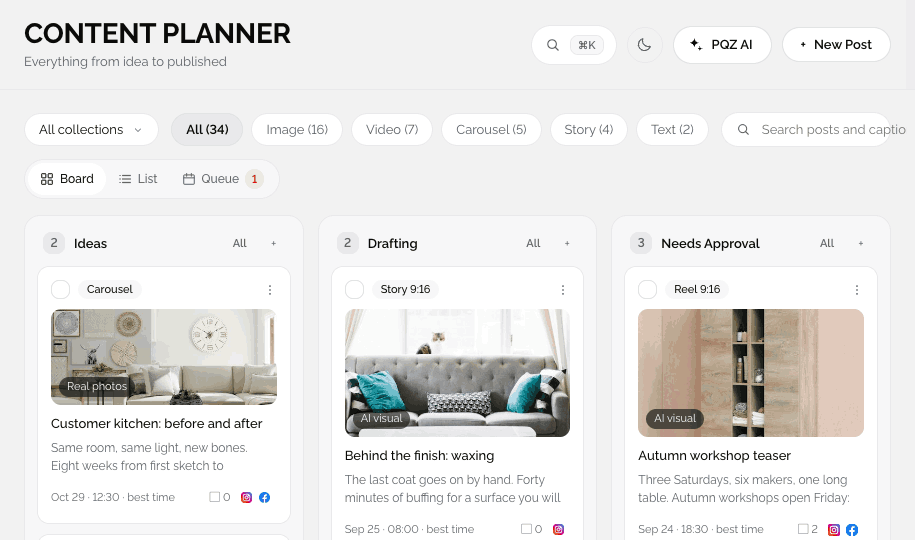
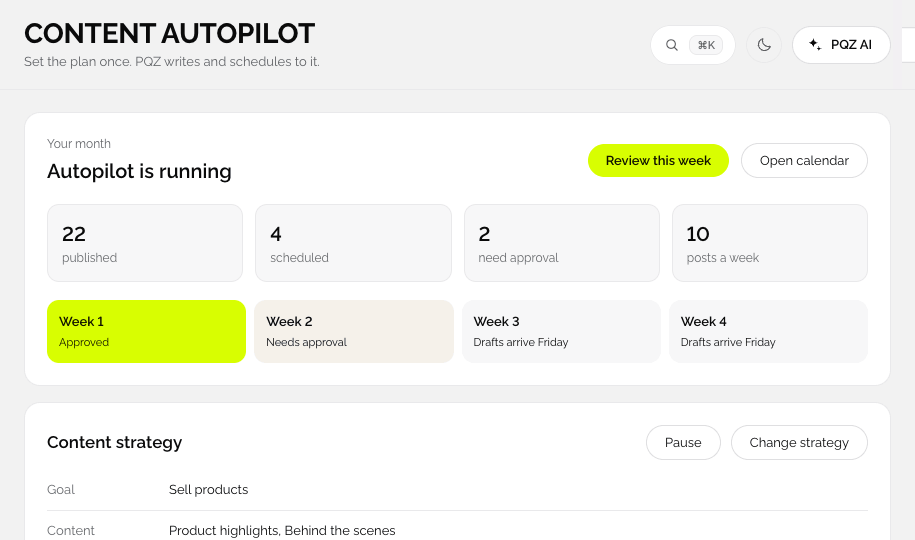
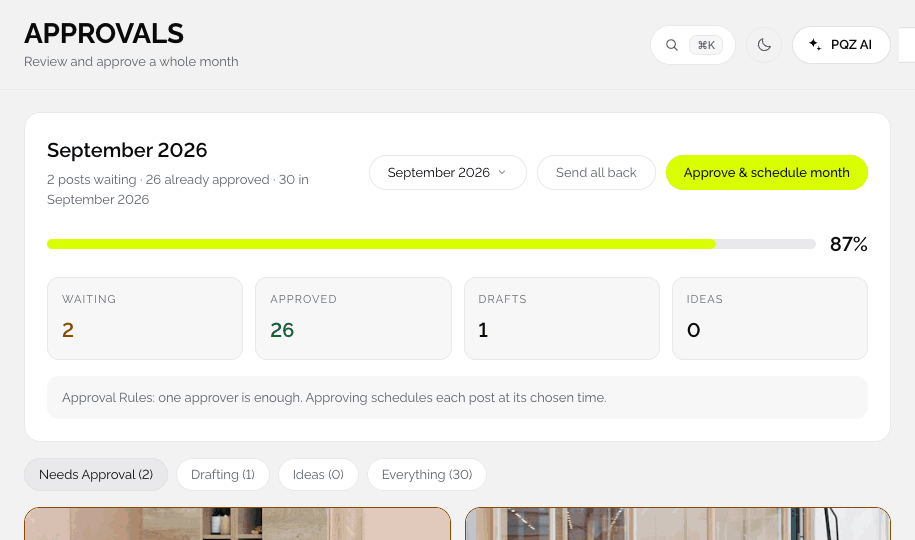
One calendar and one approval queue.
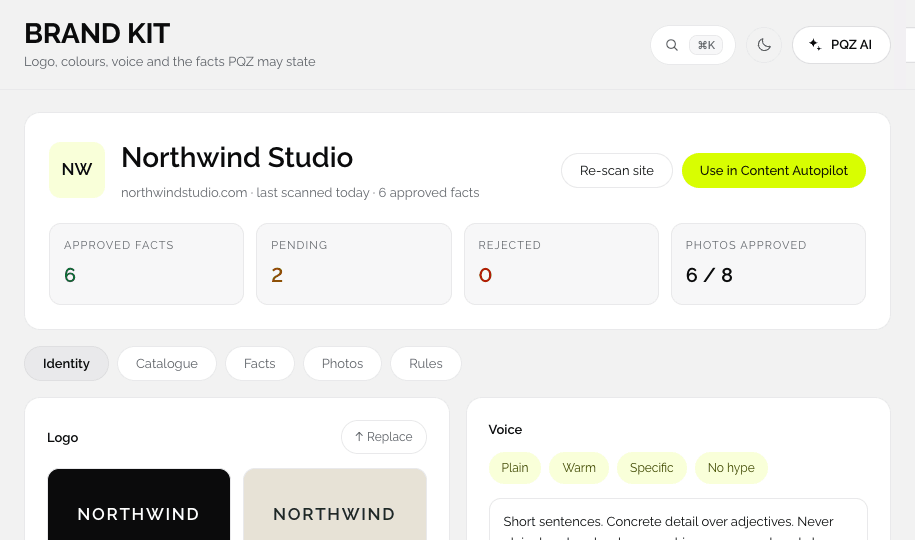
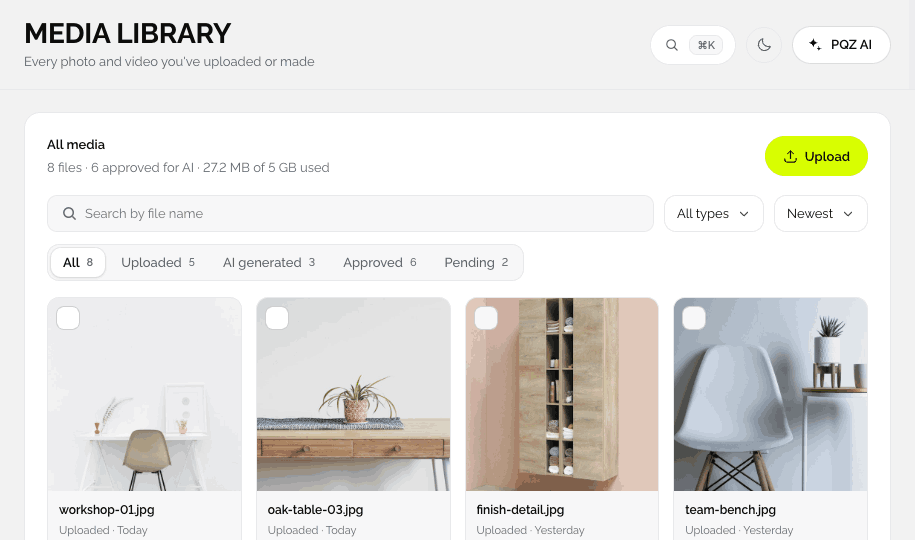
PQZ starts by learning your brand from your website, then uses that Brand Kit in every step: the plan, the images, the captions, the replies and the ads. Nothing is copied between tools, so nothing drifts.
Every feature below is a page in the app, with the same name you will see in the menu. Start with the scan and Content Autopilot, and add video, ads and links when you need them.
The foundation every other feature uses.
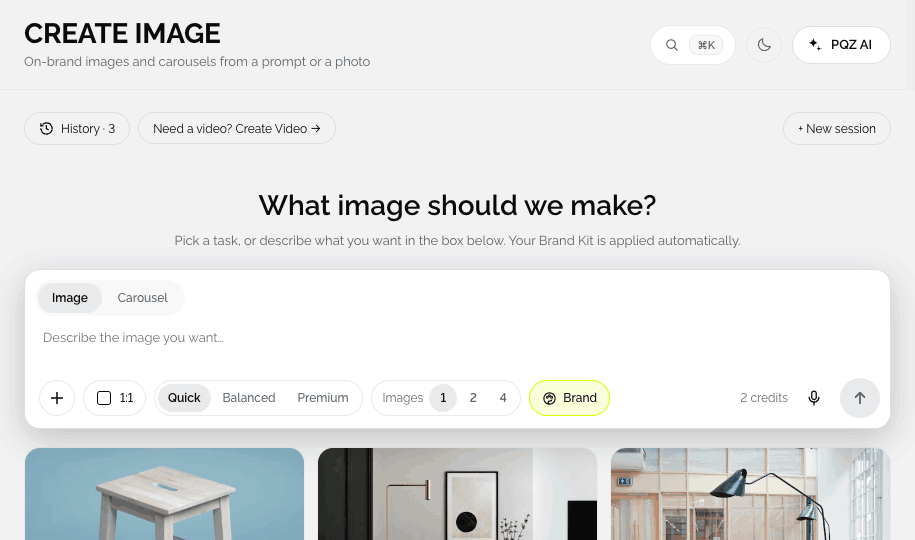
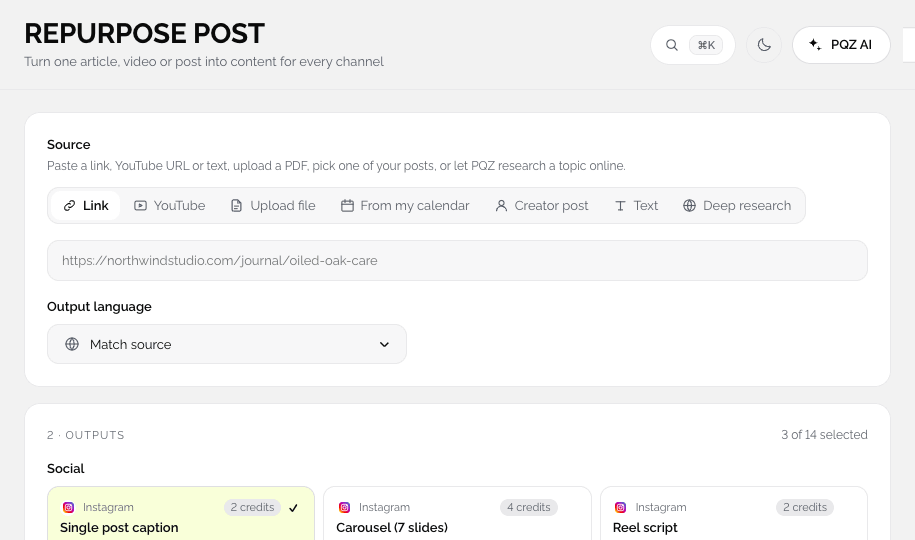
From one product photo, one link or one sentence.
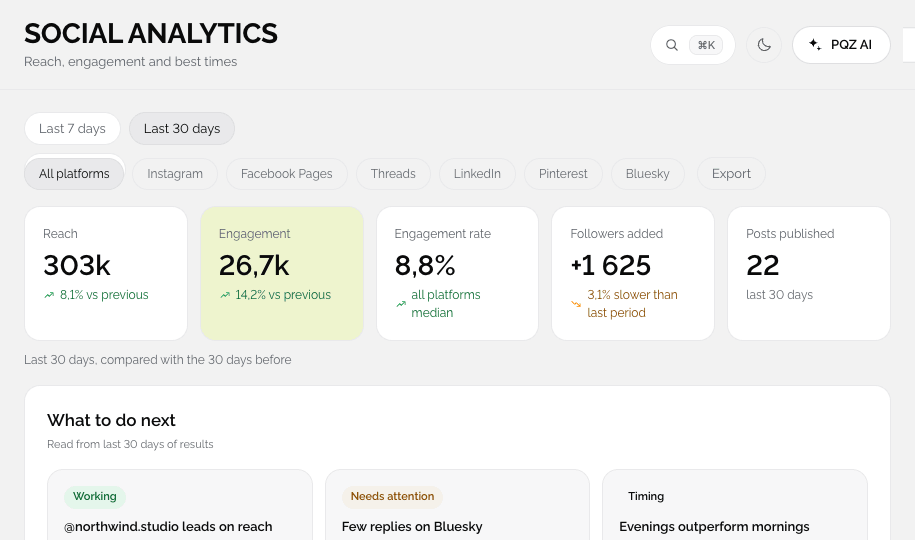
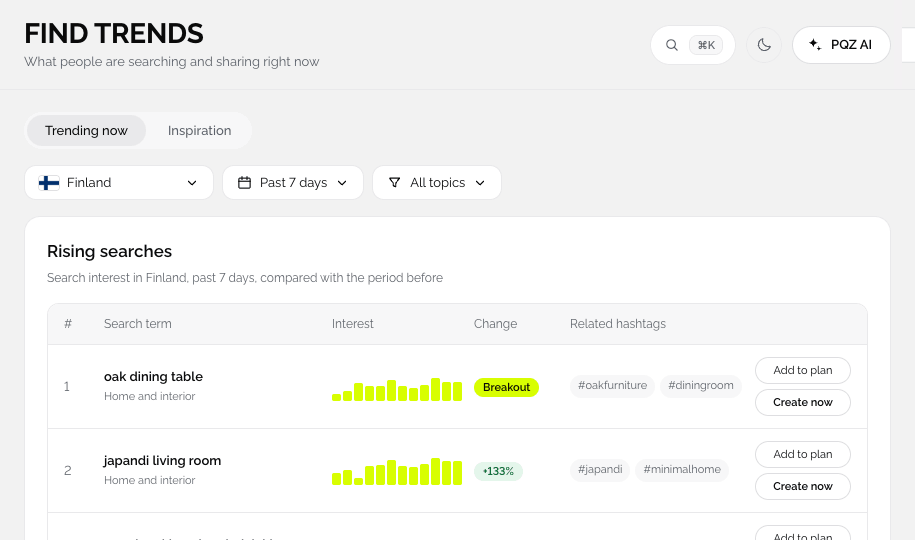
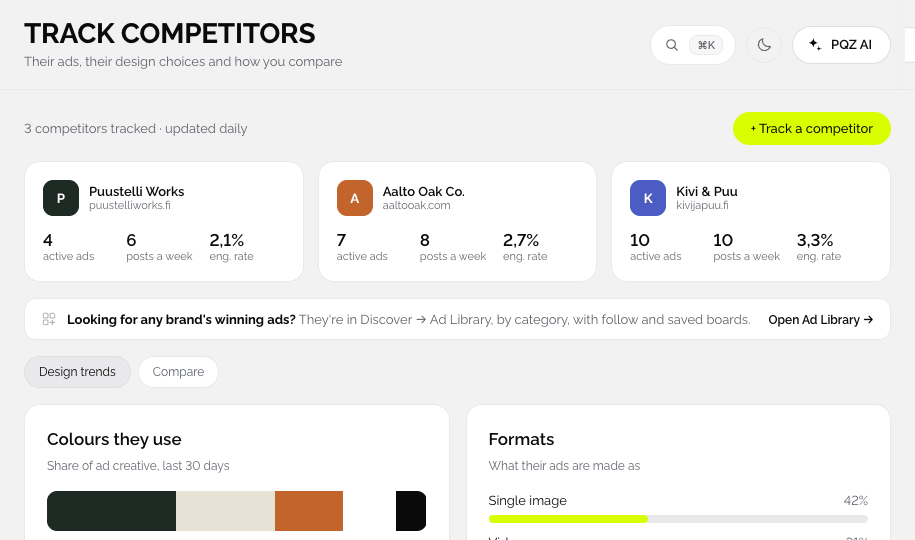
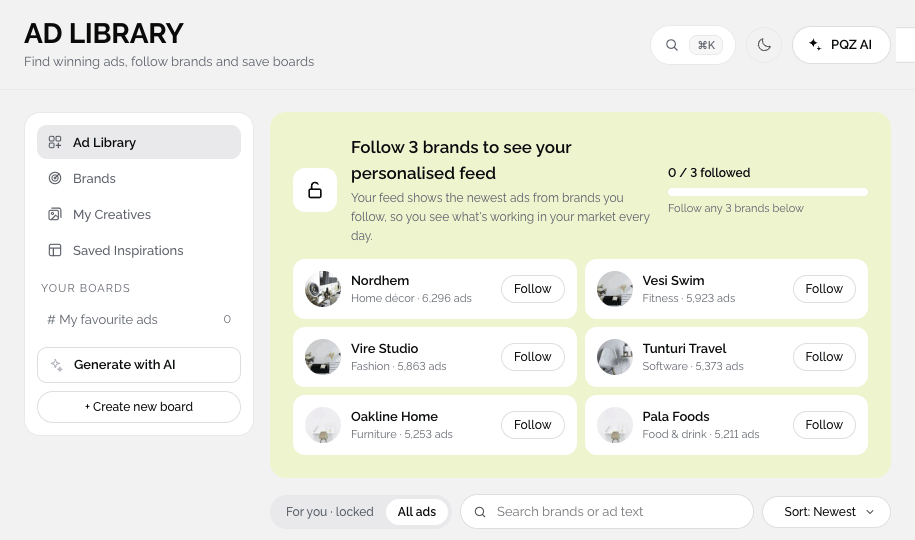
Trends, competitors and winning ads.
One calendar and one approval queue.
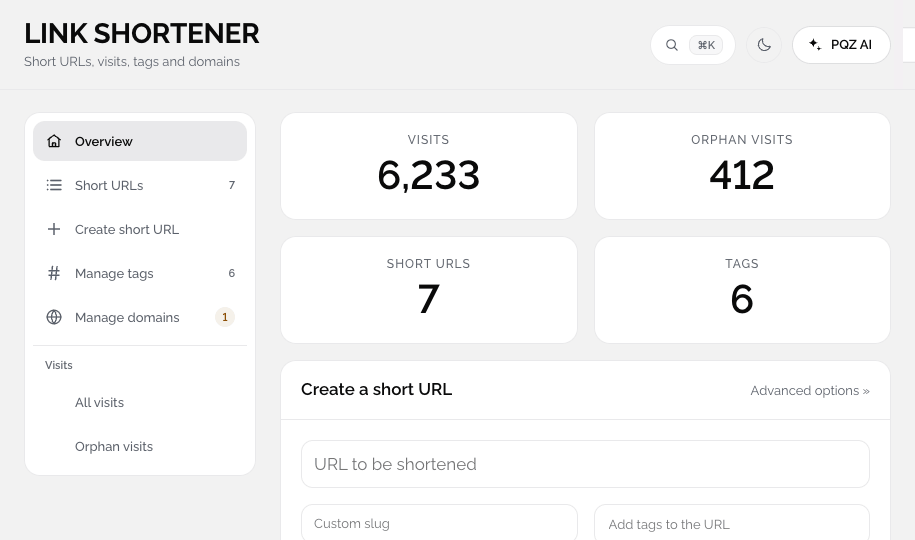
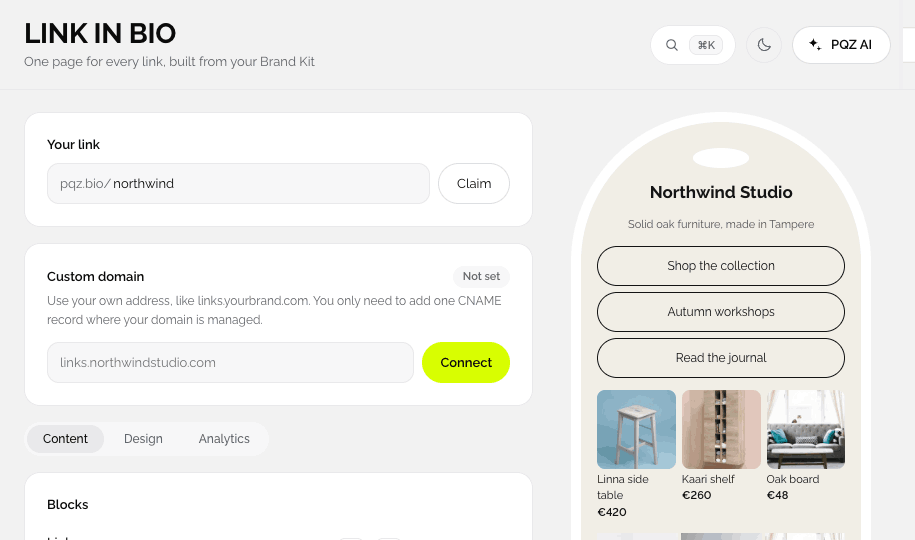
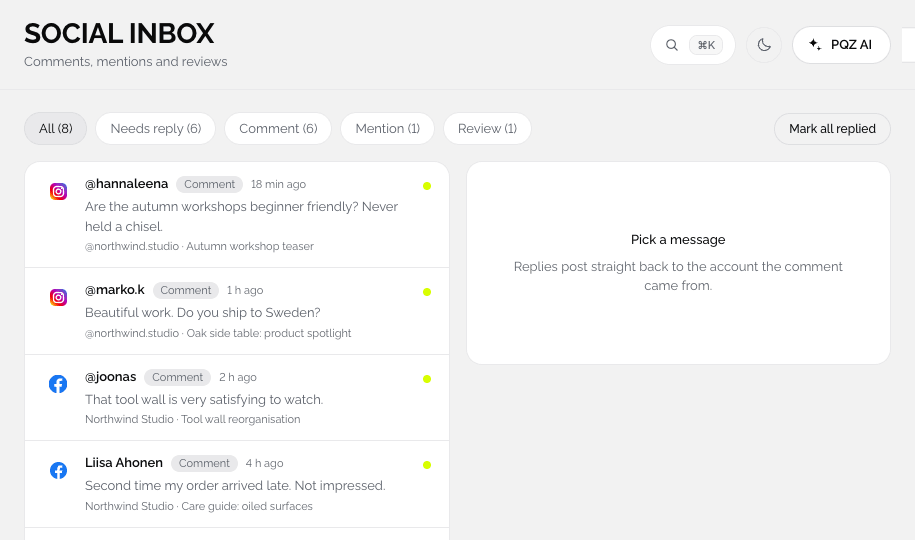
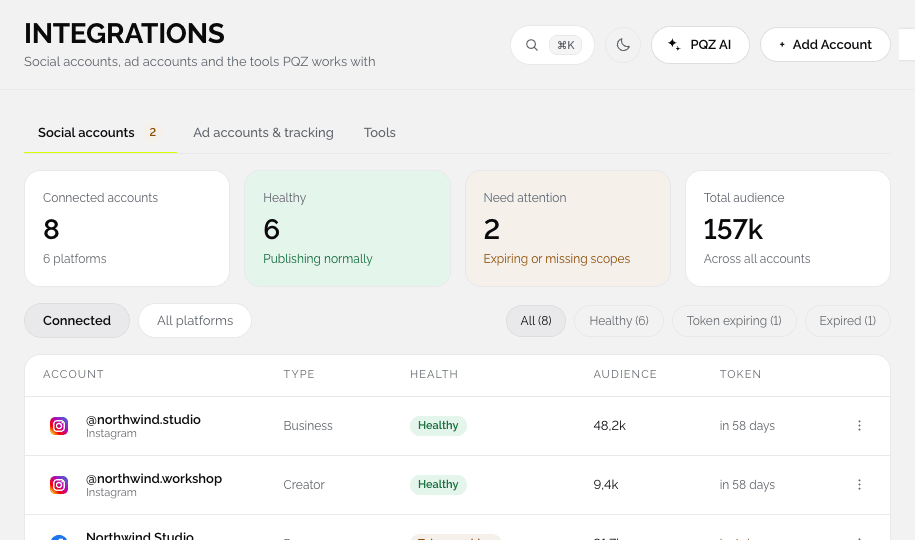
Replies from approved facts, tracked links and one bio page.
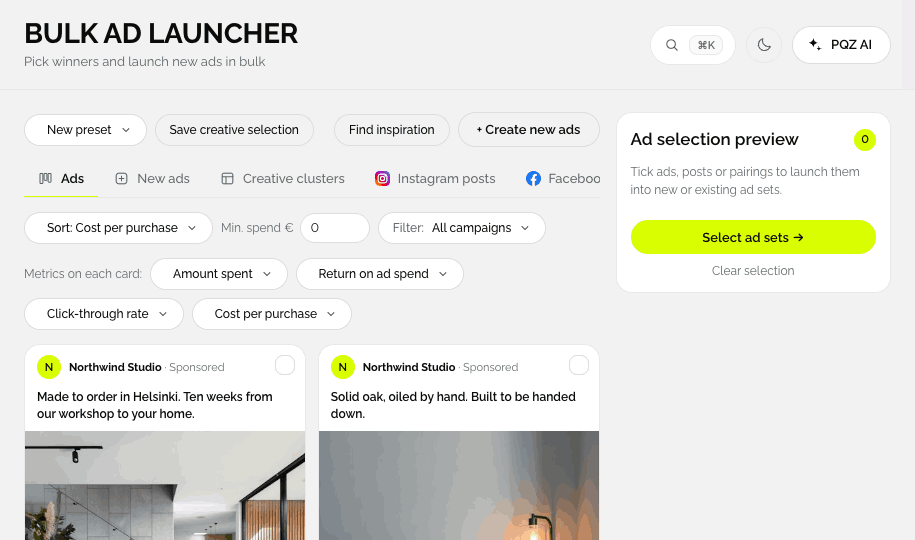
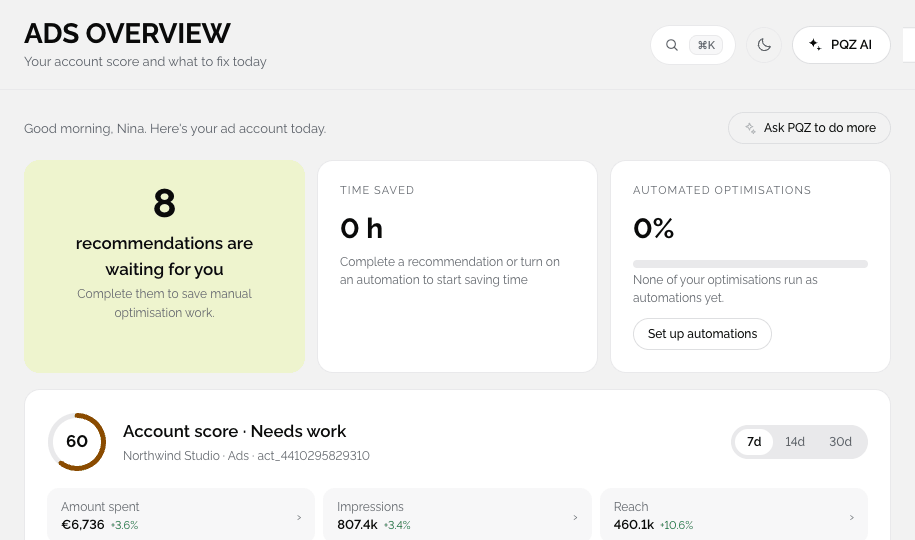
Fix the ad account, relaunch winners, see what worked.
The loop and the ways to work.
See how PQZ handles it, then try it on your own website.
Set your goal, topics, post types and schedule once. Content Autopilot drafts 30 days of posts for every channel, shows the credit total and waits for your approval.
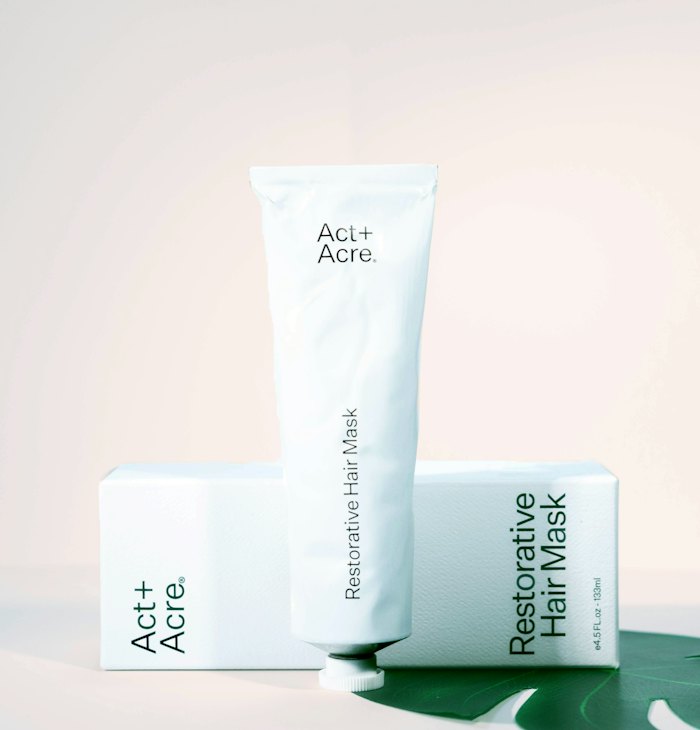
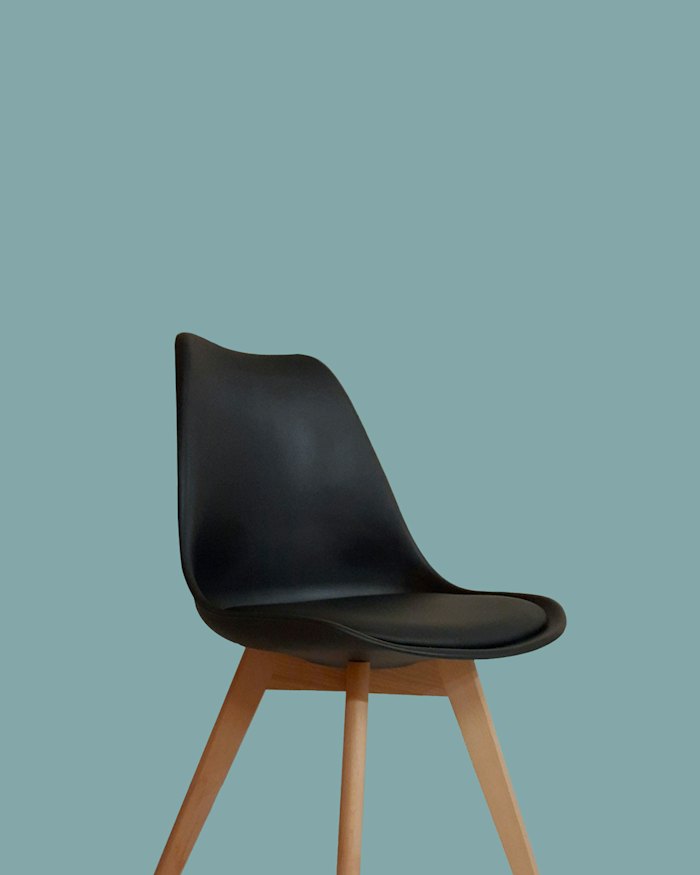
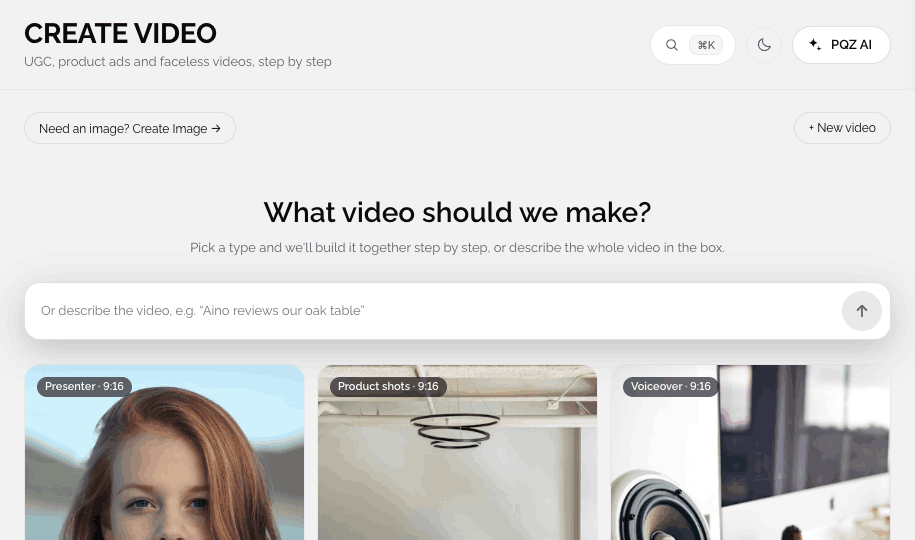
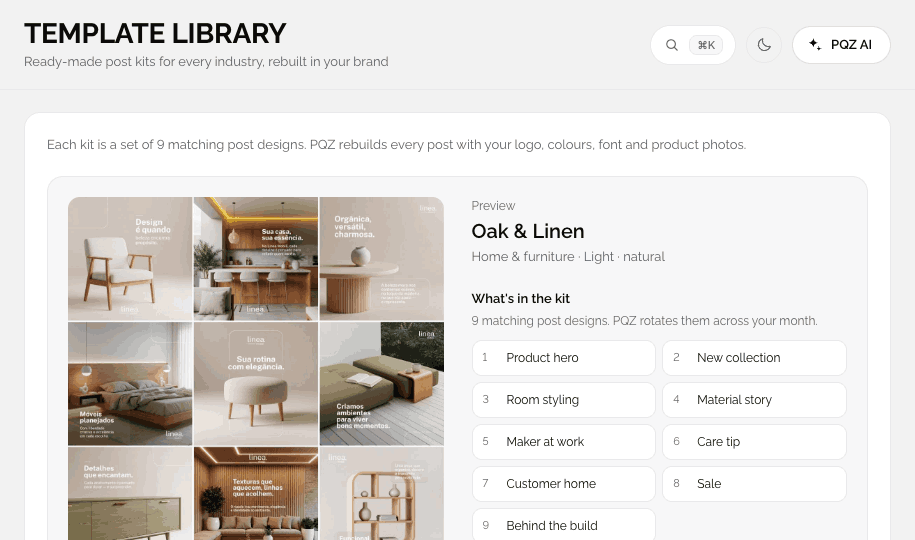
Examples of the formats PQZ creates, from product shots to UGC video.
Examples show the kinds of images and videos each task produces. Photography from Unsplash and Pexels.