AI social media inbox with replies in your voice
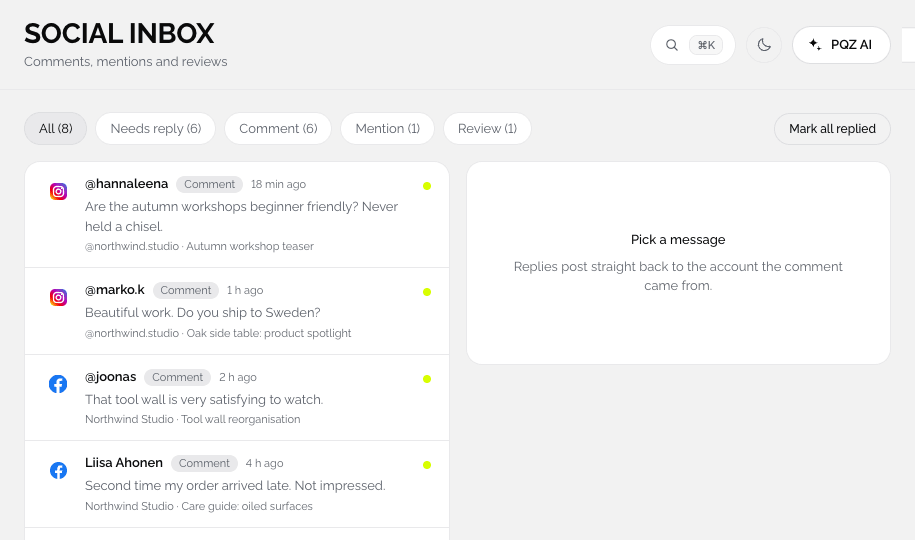
Comments, messages, mentions and reviews in one list, each with a suggested reply.
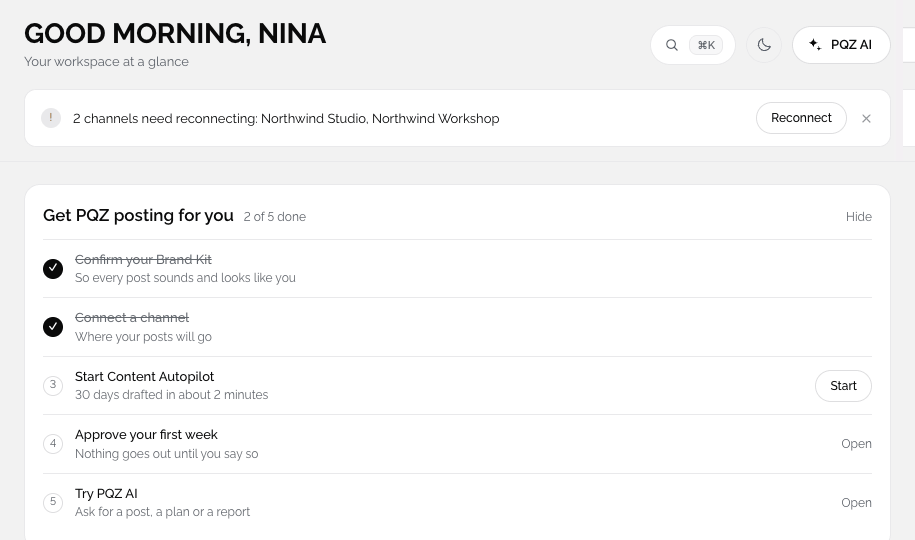
Social Inbox drafts each reply from facts you approved in your Brand Kit. Check it, send it, or assign the thread to a teammate.
Unanswered comments cost you customers
Questions arrive in Instagram comments, Facebook messages, Threads replies and Facebook recommendations. Checking each app takes an hour a day, so replies come late or never, and a question about price or opening hours goes unanswered while the customer buys elsewhere.
Social Inbox brings every channel into one list. Each thread has a suggested reply drafted from your approved facts, so answers are fast and correct. You stay in charge: PQZ never sends a reply without a person pressing Send.
Comments, messages, mentions and reviews in one list
Every channel, sorted by what needs an answer
Social Inbox pulls in comments, direct messages, mentions and Google reviews from your connected channels. Filter by channel or type, assign to a teammate, and clear the list without switching apps.



Hi Priya, yes, we ship to Ireland. Delivery takes 5 to 7 working days and is free over €300.
Replies drafted from your approved facts
Fast answers that are also correct
Each suggested reply uses the same approved facts as your posts, so delivery times, prices and opening hours are right. If the answer needs a fact you have not approved, PQZ says so instead of guessing.

Thank you, Mark. The team will be glad to hear it arrived early. Enjoy the table, and tag us if you share a photo.
Keyword rules for the questions you get every day
Set a rule once, answer instantly
In Settings › Automation you can set comment auto replies by keyword, such as "price" or "link". PQZ replies with the approved answer and you still see every conversation in the inbox.
How a thread gets answered
Seconds per reply for most threads.
Open a thread
Comments, messages, mentions and reviews from every channel, in one list with filters.
Read the suggested reply
Drafted in your voice from approved facts. Edit it if you want.
Send, assign or hide
Reply, hand it to a teammate, or hide spam.
Clear the inbox
Mark all replied when you are done. Badges show what is still waiting.
Built for busy inboxes
Less switching, faster answers.
All channels
Instagram, Facebook, Threads, Bluesky and Mastodon.
Suggested replies
Drafted from approved facts, in your brand voice.
Reviews
Facebook recommendations sit next to comments and messages.
Assign
Send a thread to the right teammate.
Hide
Hide spam or abuse from public view.
Open the post
Jump to the original post for context.
Filters
By channel, type or status.
Mark all replied
Clear the inbox in one step.
Keyword rules
Set comment auto-reply rules in Settings › Automation for common questions.
How suggested replies stay accurate
Replies start from approved facts
When someone asks about a price, opening hours or delivery, the suggested reply uses the fact in your Brand Kit. If there is no approved fact for the question, the draft tells you instead of making one up.
Your voice, not a template
Replies follow the tone and words to avoid in your Brand Kit, so a quick answer to a comment sounds like the rest of your brand. Edit any draft before sending; PQZ never sends a reply on its own.
A shared inbox for the team
Assign threads to the person who knows the answer. Everyone sees who is replying, and badges show what is still waiting, so two people never answer the same customer twice.
Reviews next to comments
Facebook recommendations land in the same list. Reply to them the same day, and turn the best ones into proof posts with the Template Library.
Who uses Social Inbox
Three teams where replies matter.
Every review answered
Reply to Facebook recommendations the same day, in your voice. See reviews and replies.
Price and stock questions, handled
Suggested replies quote the live facts in your Brand Kit, so customers get the right answer fast.
Bookings from comments
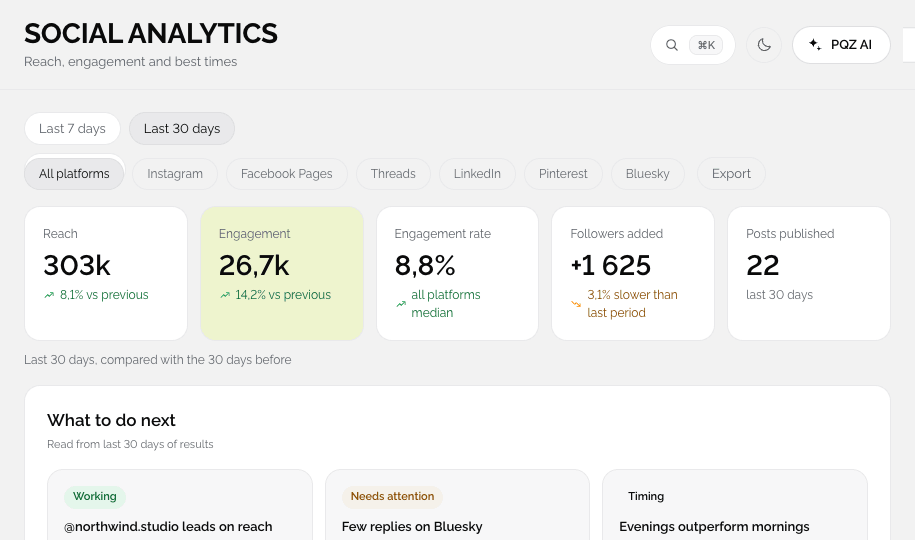
Answer "are you open Sunday?" in seconds with your hours and a booking link. See hospitality.
Replies, before and after Social Inbox
The same customers, faster answers.