AI content repurposing for every social channel in one step
One article, video or post becomes a version for every channel.
Paste a link, upload a PDF or drop a video. Repurpose Post writes the right length and format for each channel. Remix a Post takes a post you like and gives you your own version, with your facts and voice.
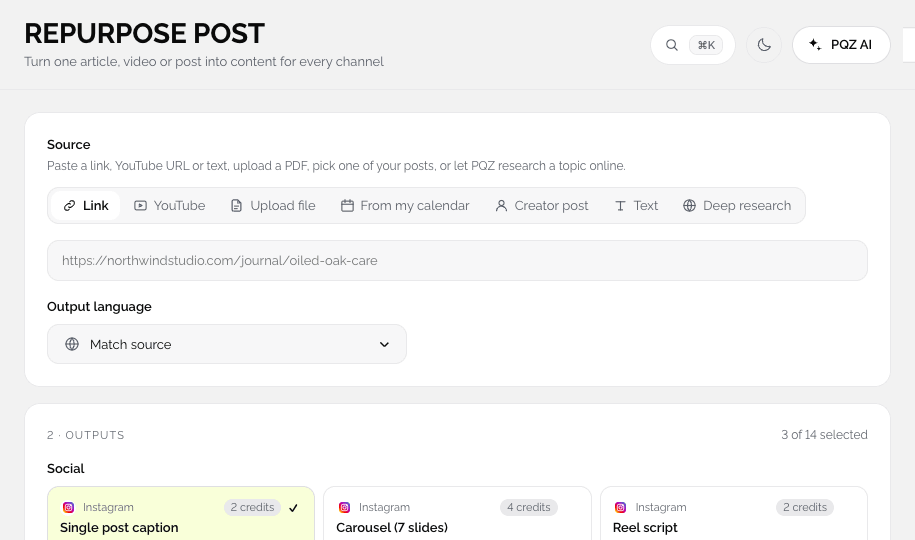
Your best content is published once and then forgotten
A blog post, a webinar or a product page takes days to make. It gets shared once on Facebook and then disappears. Turning it into an Instagram carousel, a Reel script, a Facebook post and a Threads post means rewriting it four times, because each channel wants a different length, tone and format.
Pasting the same caption everywhere doesn't work either. It reads like a link dump on Instagram and gets cut off on Threads. Repurpose Post reads the source once and writes a proper version for each channel from your Brand Kit, so one piece of work fills a week of posts.
One blog post becomes a week of posts
Paste a link, get every format
Paste an article, a product page or a video link. Repurpose Post reads it and drafts a carousel, a reel script, a Facebook post and short captions, each written for the channel it will go to and built from your approved facts.



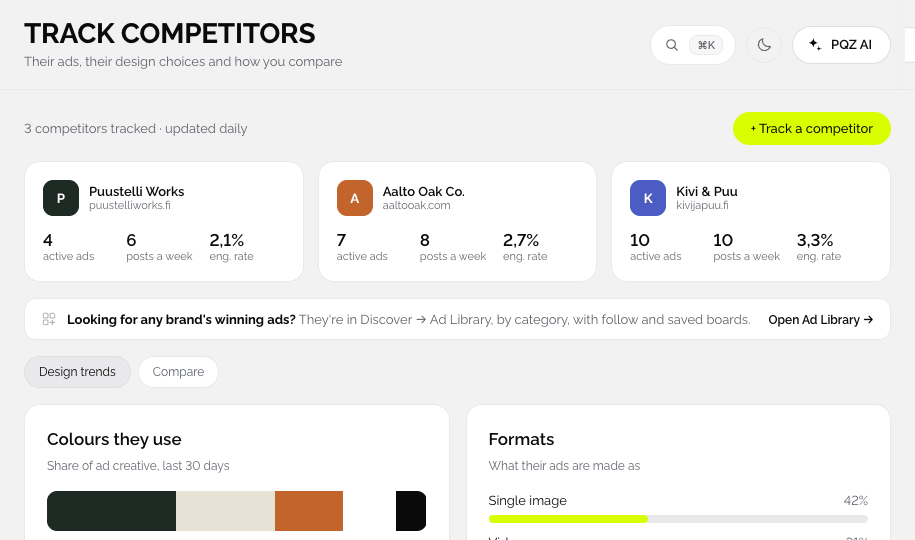
See a post you like? Write your own version
Keep the idea, not the words
Remix a Post takes the structure of a post that works, such as a hook, a list or a before and after, and writes a new one about your product with your own facts. It does not copy the original words or images.



Each draft is written for where it will be posted
Not one caption pasted three times
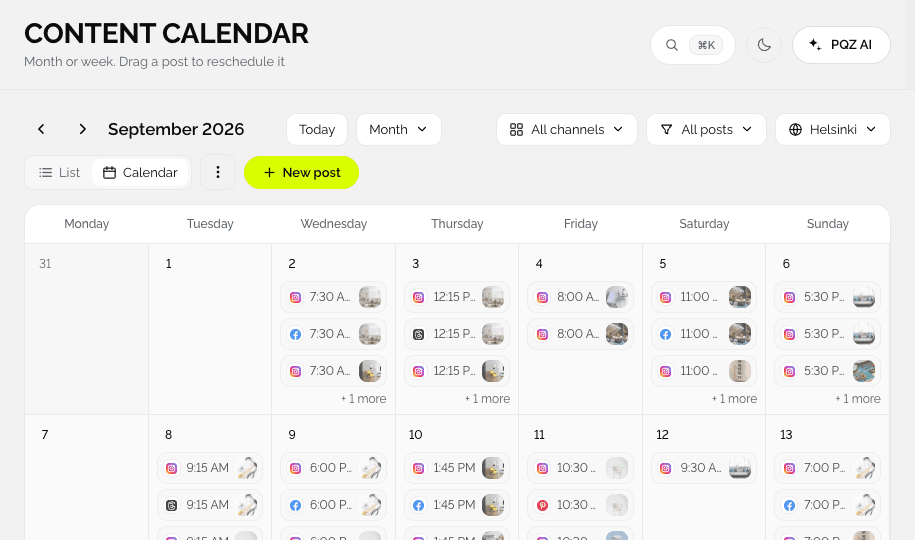
Facebook gets a longer post, Instagram a carousel and a Reel script, Threads a short thread. Lengths, hashtags and tone follow each channel, and the calendar spreads them over the days you choose.
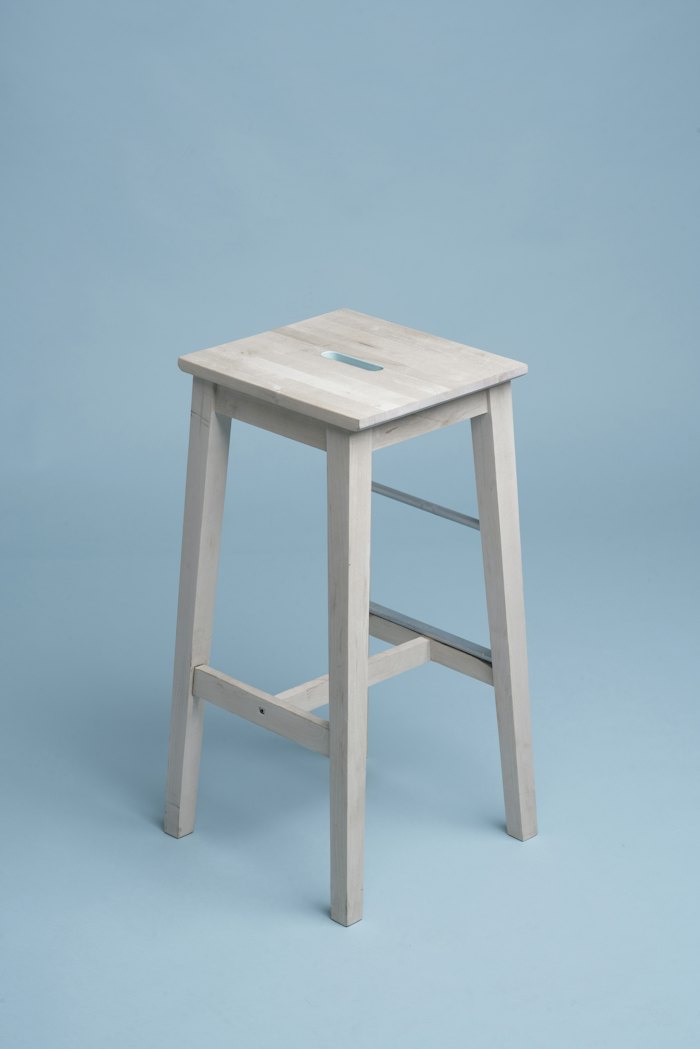
Solid oak needs oil twice a year. Here is how we do it in the workshop.
From one source to a week of posts
Every draft lands in Approvals, like any other post.
Add your source
Paste a public link, upload a PDF or document, add text, or drop a video.
Pick the channels
Choose where it should go. PQZ writes a separate version for each channel you pick.
Or remix a post you like
Paste a post from any brand. Remix a Post keeps the idea and structure and rewrites it for you.
Approve and schedule
Drafts go to Approvals, then onto the Content Calendar.
Every channel gets its own version
Not one caption pasted everywhere.
From a link
Blog posts, product pages, listings and news articles. PQZ reads the public page.
From a file
PDF, document or plain text, like a price list, a guide or a press release.
From a video
Turn a video into posts and short clip scripts.
A longer post with a clear point of view and a question at the end.
A carousel outline or a caption with hashtags that fit the post.
Reels and Stories
A short script with a hook in the first second.
Threads
Short posts that start a conversation, split into a thread when needed.
Remix a Post
Paste a post you admire. PQZ keeps the idea, not the words, and writes it with your facts.
Recreate from Discover
Recreate on a trend, a competitor ad or an Ad Library card opens Remix a Post with everything filled in.
Why repurposing beats starting from zero
Repurposing keeps your message consistent
When every channel version comes from the same source, the facts, offer and point of view stay the same everywhere. That matters most for launches and announcements, where a slightly different claim on each channel confuses customers.
Each channel still gets its own format
Repurpose Post writes a separate version per channel: a longer post with a clear view for Facebook, a carousel outline for Instagram, a hook-first script for Reels, and short posts for Threads. You edit any version before it goes to Approvals.
Remixing is how you learn from others without copying
Remix a Post studies why a post works, its hook, structure and angle, and applies that to your own product and facts. The breakdown is shown next to your draft so you can see what was kept and what was changed.
How teams use Repurpose and Remix
Three ways to get more from work you have already done.
One blog post, four drafts
Publish the article, paste the link, and approve an Instagram carousel, a Reel script, a Facebook post and a Threads post the same afternoon.
A listing on every channel
Paste the listing URL. PQZ writes a carousel with one detail per slide and a post for each channel. See PQZ for real estate.
Your version of a winning post
Spot a strong competitor post in Discover, press Recreate and get a draft in your voice, with the breakdown already shown.
Repurposing, before and after PQZ
One piece of content, two workflows.