Playbook: how to stop an expired offer reaching your posts
Offers end, but old captions live on. This playbook shows how one change in the Brand Kit keeps an ended offer out of every new draft.
Example workspace · no customer results
An offer that ended last week is one of the most common mistakes on social media. It usually happens because the offer lives in several places: a caption template, a scheduled post, a reply someone copies and an ad.
1. Keep offers as facts
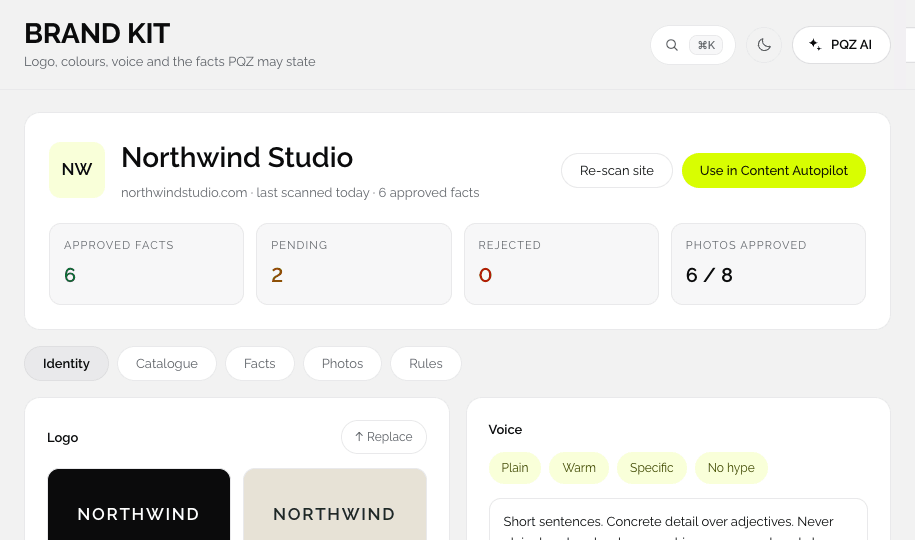
In PQZ, an offer is a fact in the Brand Kit, with the page it came from. Posts, replies and ads quote the fact instead of copying the text.
2. When the offer ends, change the fact
Edit or remove the fact. From that moment, new drafts from Content Autopilot, Social Inbox and Create Ad no longer use it. If the website still mentions the offer, update the page and re-scan so the fact does not come back as pending.
3. Check what is already scheduled
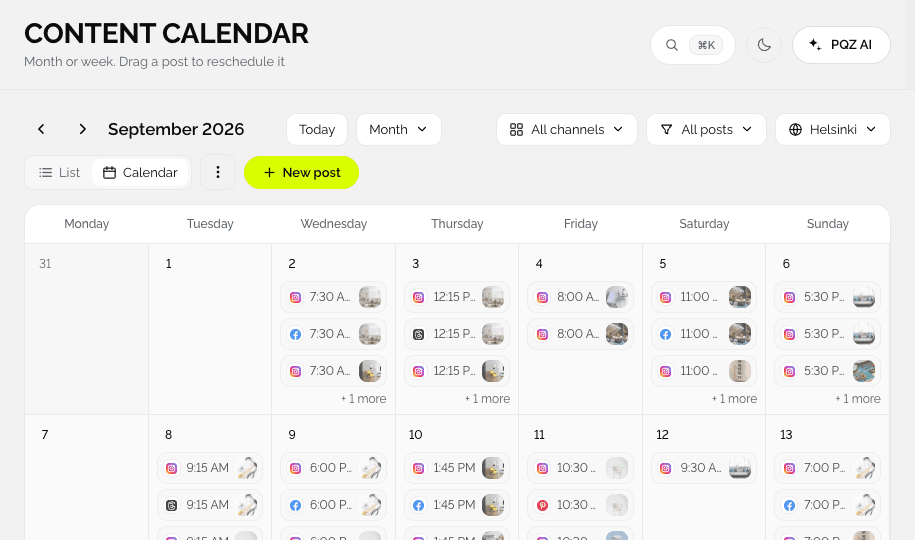
Open the Content Calendar and search for the offer. Edit or move any post that mentions it. Because every scheduled post has passed through Approvals, you know exactly which ones to check.
4. Check ads
In Ads Manager, find ads that mention the offer and turn them off or replace the copy.
A habit worth keeping
- Add every time-limited offer as a fact.
- When you plan an offer, note its end date on the calendar.
- On the end date, change the fact and search the calendar.