Social Media for Multi-Location Businesses | PQZ

Social media management for multi-location businesses

One brand, local posts and reviews for every location.

A workspace per location, each with its own channels. Local offers, opening hours and replies to every comment, with brand rules set once at head office.
START FREESEE PRICING
7 DAYS FREENO CARDNOTHING AUTO-PUBLISHES
PQZ · Content › Content Calendar
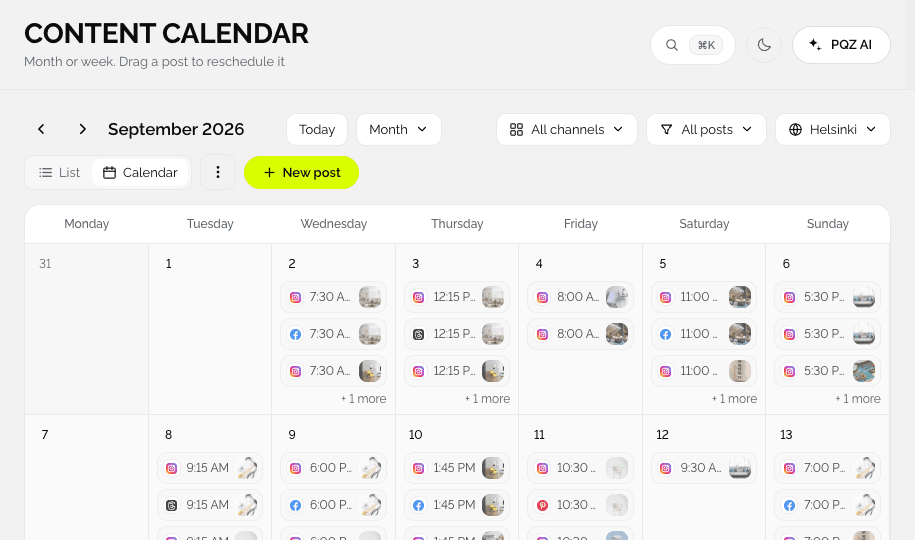
PQZ Content Calendar for one location of a brand
THE PROBLEM

Head office can't write for every location, and locations can't all write on brand

Chains, franchises and groups need local posts: this week's offer, a new opening time, a local event. Head office doesn't know the details, and location managers don't have the time or the brand guidelines to hand.

The result is either silence, or posts that don't look or sound like the brand. Comments go unanswered, and nobody can see which locations are active.

PQZ gives each location its own workspace with its own channels, built from the same brand rules. Content Autopilot keeps every location active, and Social Inbox answers local reviews in the brand's voice.

It also gives head office a clear picture: which locations are active, which reviews are waiting and which local posts need a second look, without asking each manager for an update.

A WORKSPACE PER LOCATION

Local posts for every location, one brand standard

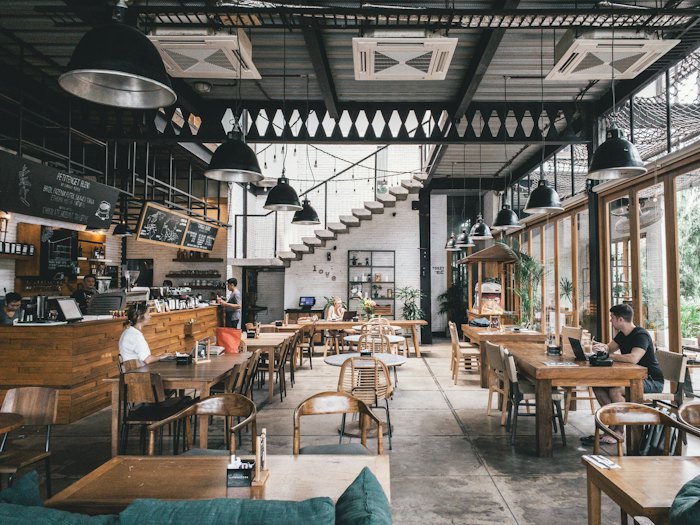
Each location gets its own channels and facts

Set up a workspace for each location with its own Instagram, Facebook and other accounts, opening hours, offers and events. Brand rules stay the same everywhere.

✓Local hours, offers and events per location
✓Local posts per location
✓Same brand rules across all of them
Media Library · Locations · 5
Upload
Harbour Café · Quay
Workspace
Harbour Café · Quay
Harbour Café · Market
Workspace
Harbour Café · Market
Harbour Café · Station
Workspace
Harbour Café · Station
Harbour Café · Park
Workspace
Harbour Café · Park
Harbour Café · Old Town
Workspace
Harbour Café · Old Town
Head office
Workspace
Head office
REVIEWS PER LOCATION

Every Google review answered, at every location

Suggested replies from local facts

Social Inbox collects reviews for each location and drafts replies with that location's hours and details.


✓Reviews collected per location
✓Replies with the right local details
✓Assign to the local manager
Social InboxMarket · 6 reviews
Aisha R.20m
Best flat white on the market square.
Google review ★★★★★
Chris P.2h
Great coffee, a bit busy on Saturdays.
Google review ★★★★☆
Suggested replyFrom approved facts

Thank you, Aisha. See you at the market square soon. We open at 7:00 every day.

Source: Market location · opening hours
SendEdit
ONE CALENDAR VIEW

See what every location is posting

Plan shared campaigns once

Plan a brand-wide campaign once, then let each location add its local details. Approvals keep head office in control of what goes out.

✓Shared campaigns across locations
✓Local details added per location
✓Head office approval
Autumn menu · all locations
5 locations · 40 posts
Approve month
MTWTFSS
1
Launch
Launch
2
3
Quay
Quay
4
5
Market
Market
6
7
Station
Station
8
9
Park
Park
10
11
Old Town
Old Town
12
13
14
Menu
Menu
15
16
Lunch
Lunch
17
18
Event
Event
19
20
21
Brunch
Brunch
22
23
Terrace
Terrace
24
25
26
Menu
Menu
27
28
Approved by head officeCampaign
HOW IT WORKS IN PQZ

Rolling out across locations

One location at a time, or all at once.

01

Set the brand once

Brand voice, colours, fonts and shared facts.

02

Create location workspaces

One per location, with local facts like hours and address.

03

Connect local channels

Each location's Instagram, Facebook and other channels.

04

Run Autopilot per location

Local plans, approved locally or by head office.
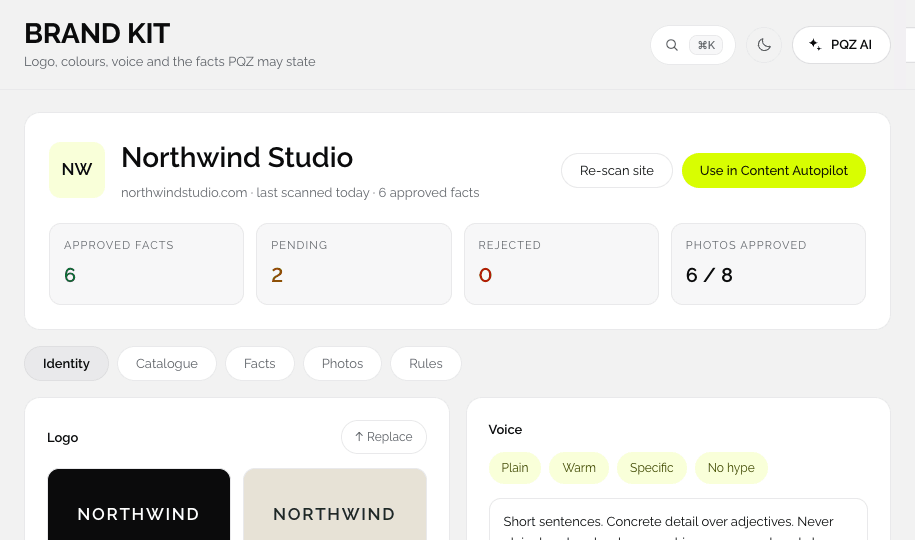
PQZ · Set up › Brand Kit
Brand Kit
PQZ · Dashboard
Location dashboard
PQZ · Set up › Integrations
Integrations
PQZ · Content › Content Calendar
Content Calendar
TEMPLATE KITS

Template kits for multi-location

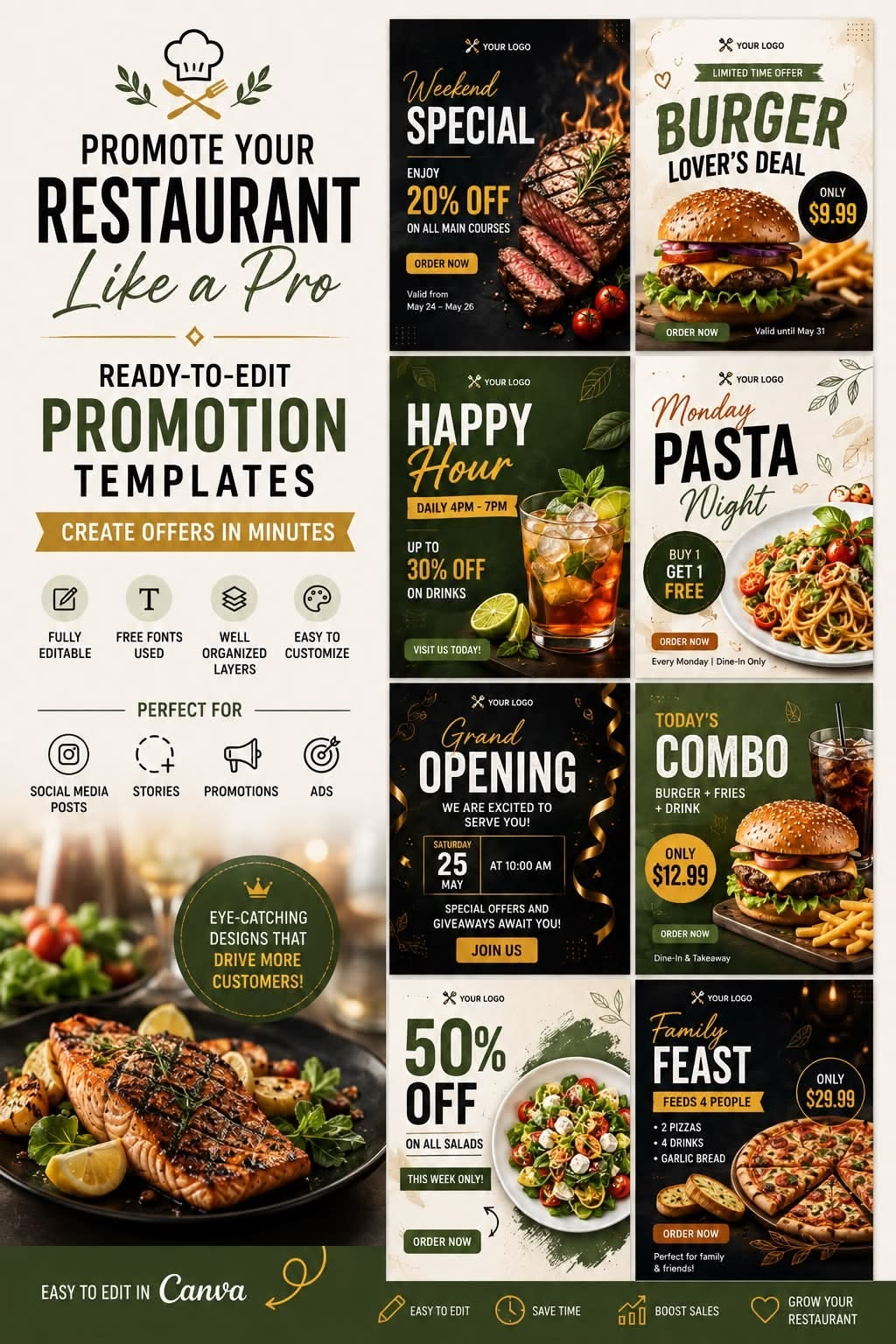
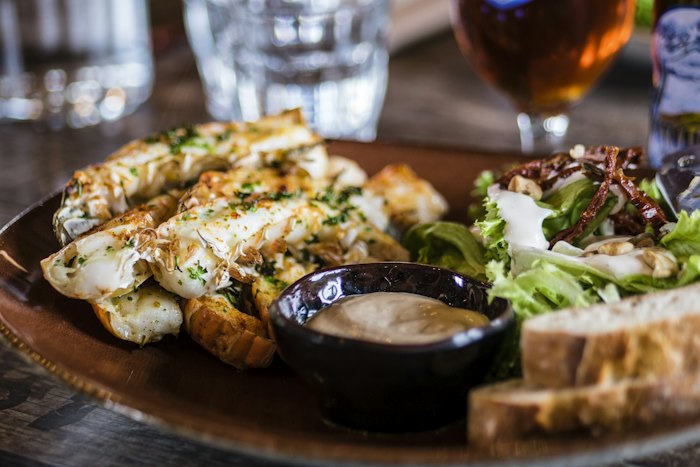
Each kit is a set of post designs from the PQZ Template Library. Pick one and PQZ rebuilds every post with your logo, colours, products and approved facts.
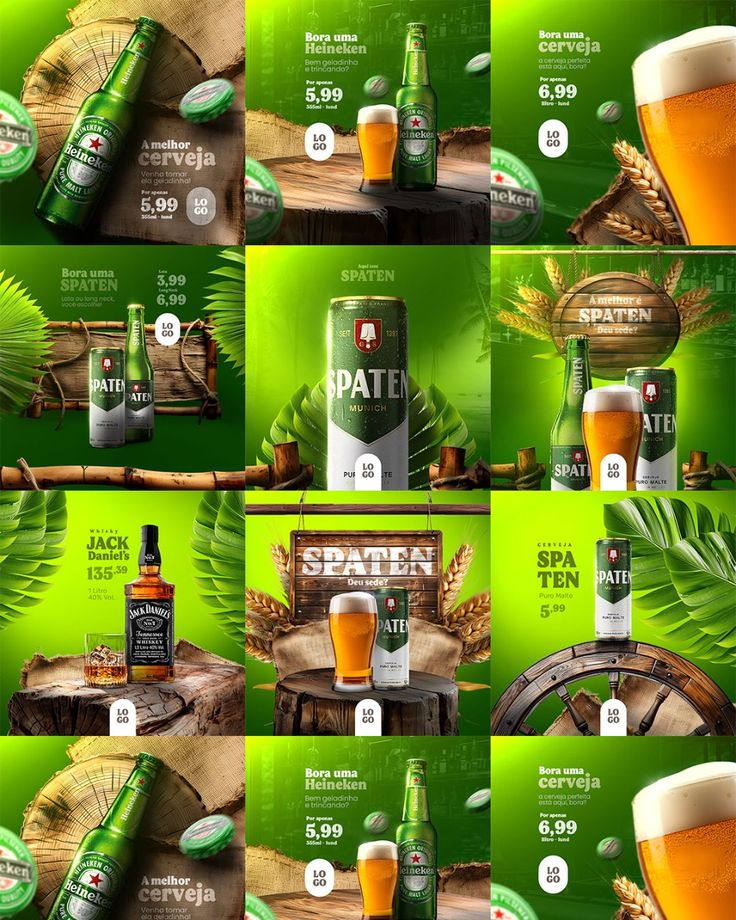
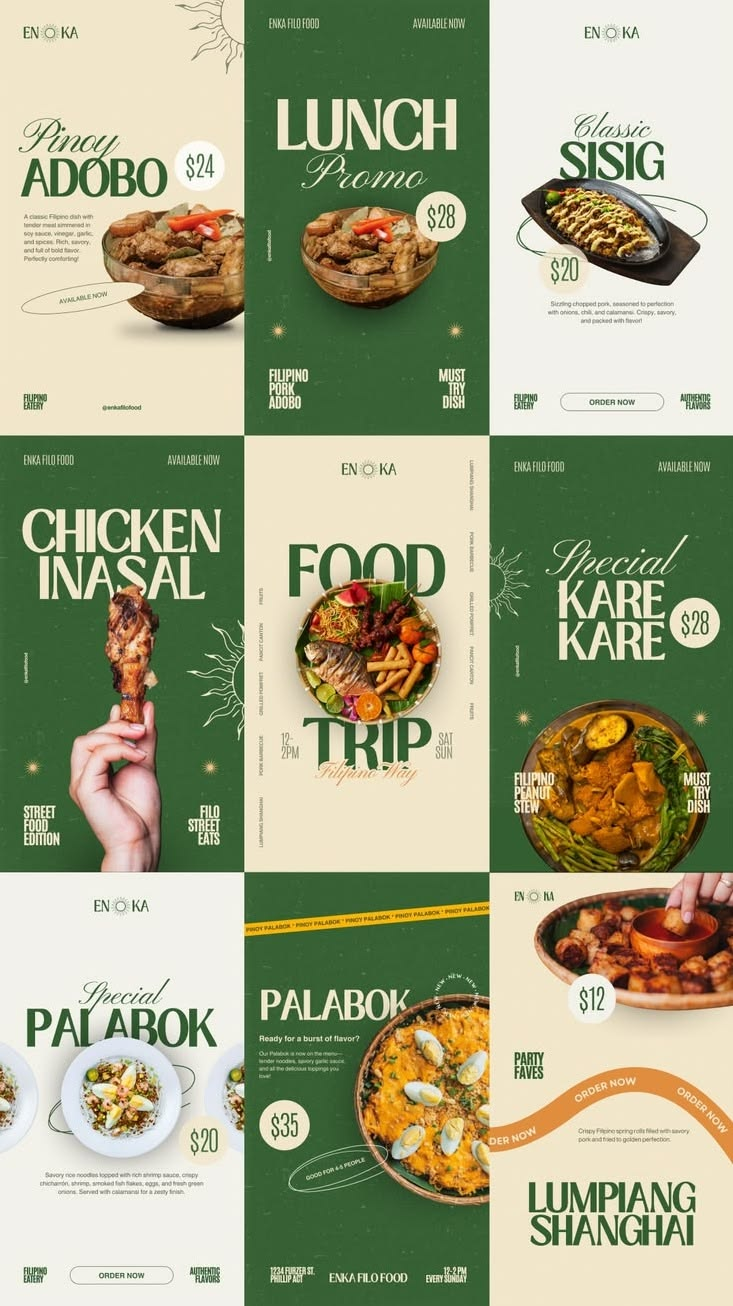
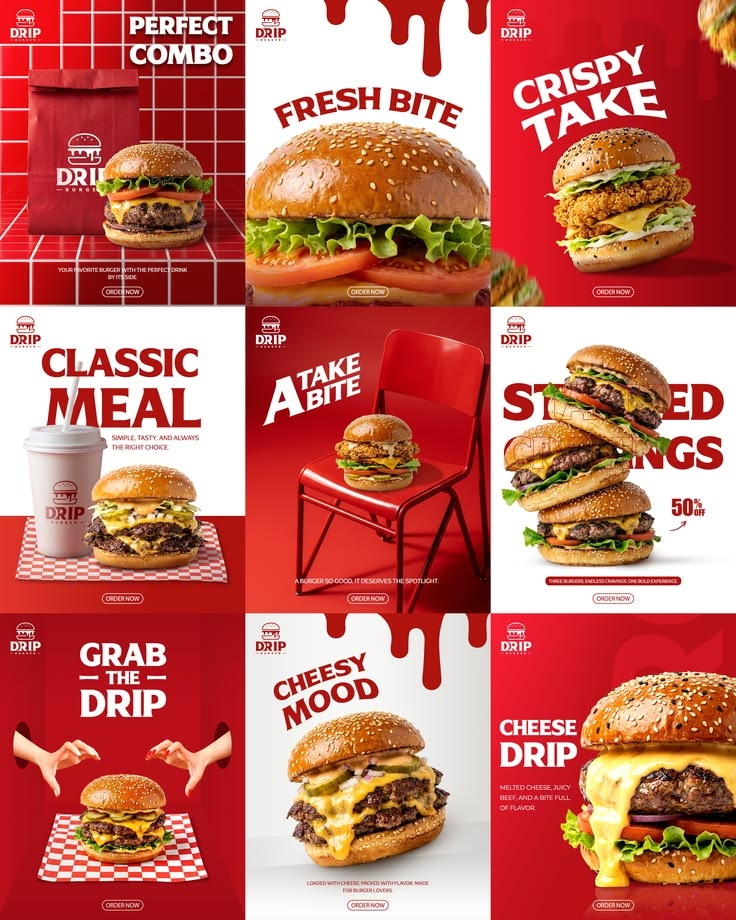
Cold Pour template kit for Food & restaurant
Cold PourBright
Bright · punchy
Dish of the dayMenu launchCombo offerChef at work
Market Kitchen template kit for Food & restaurant
Market KitchenFresh
Fresh · rustic
Dish of the dayMenu launchCombo offerChef at work
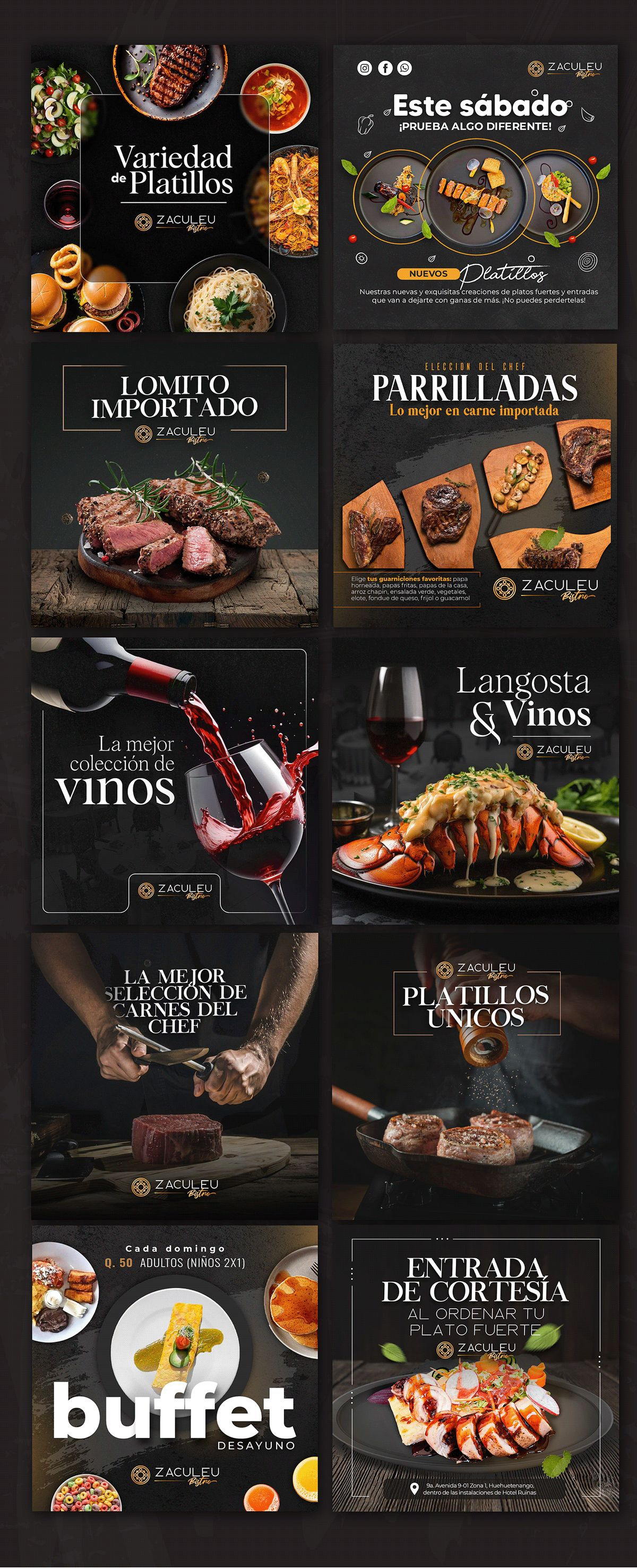
Chef's Table template kit for Food & restaurant
Chef's TableDark
Dark · premium
Dish of the dayMenu launchCombo offerChef at work
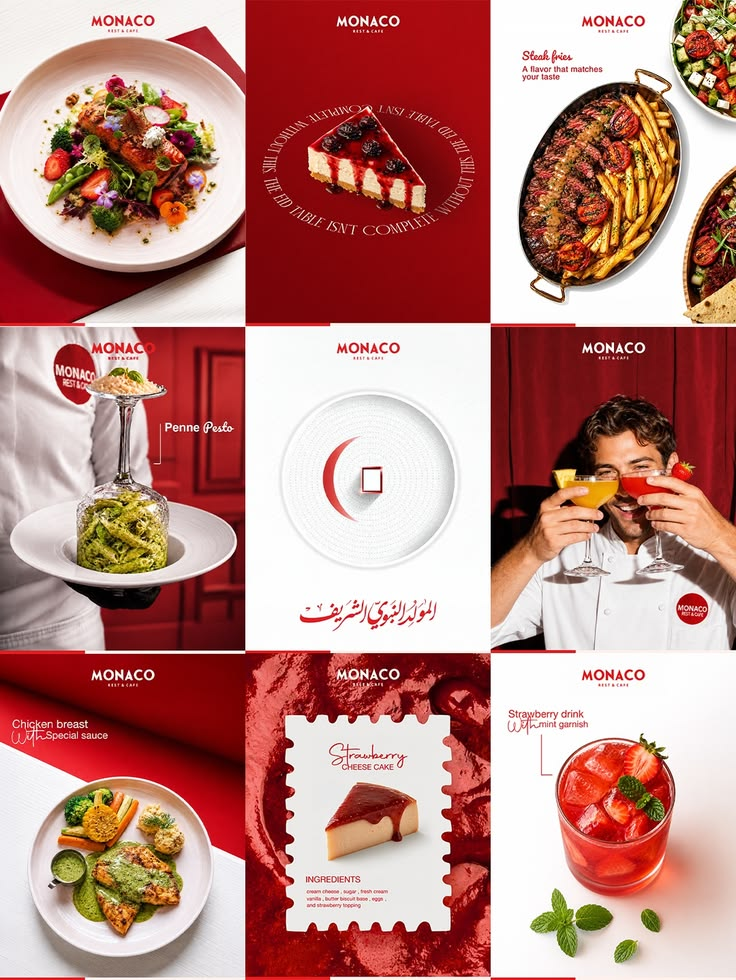
Red Plate template kit for Food & restaurant
Red PlateCrimson
Crimson · clean
Dish of the dayMenu launchCombo offerChef at work
Crispy Combo template kit for Food & restaurant
Crispy ComboLoud
Loud · fast food
Dish of the dayMenu launchCombo offerChef at work
Night Grill template kit for Food & restaurant
Night GrillMoody
Moody · smoky
Dish of the dayMenu launchCombo offerChef at work
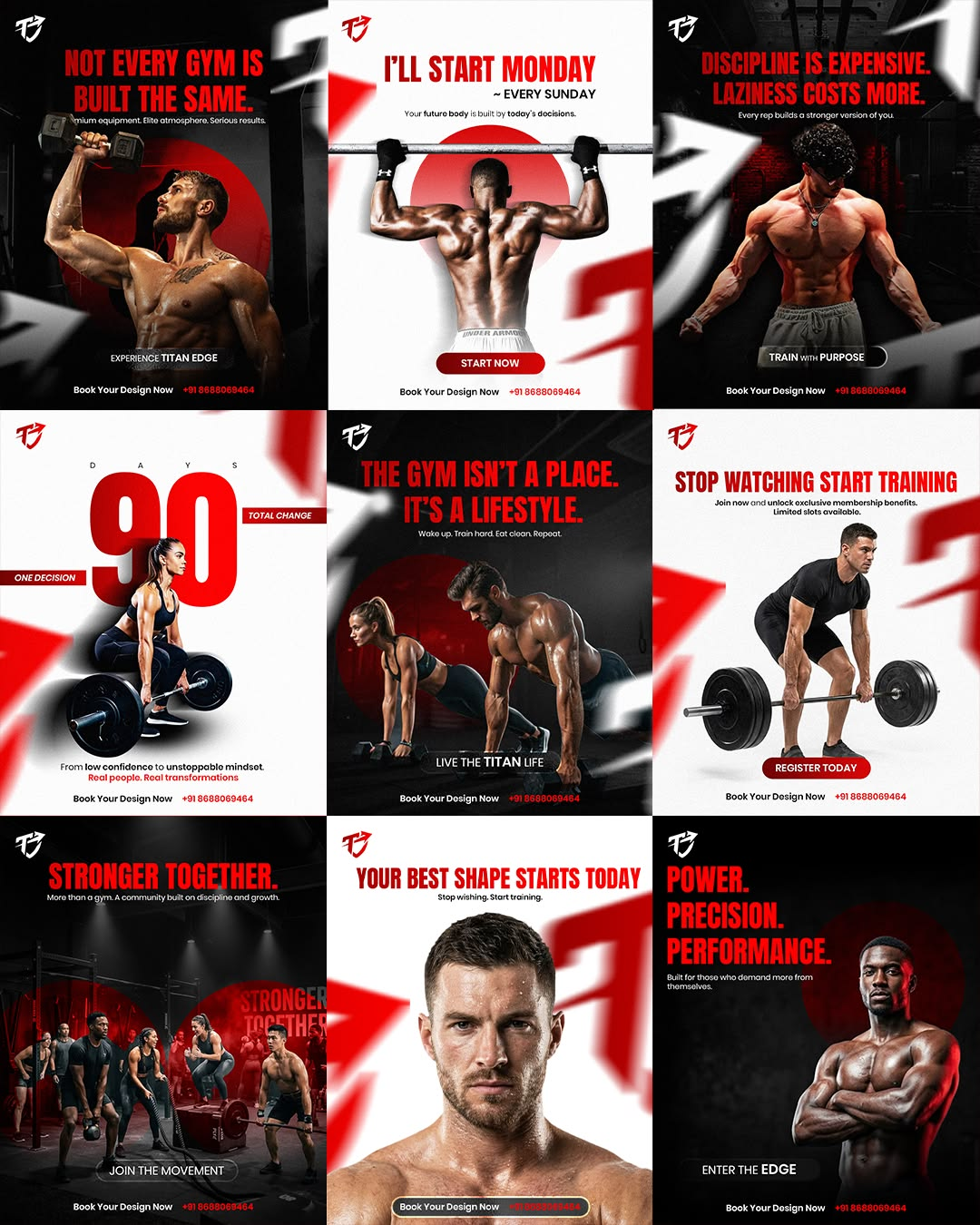
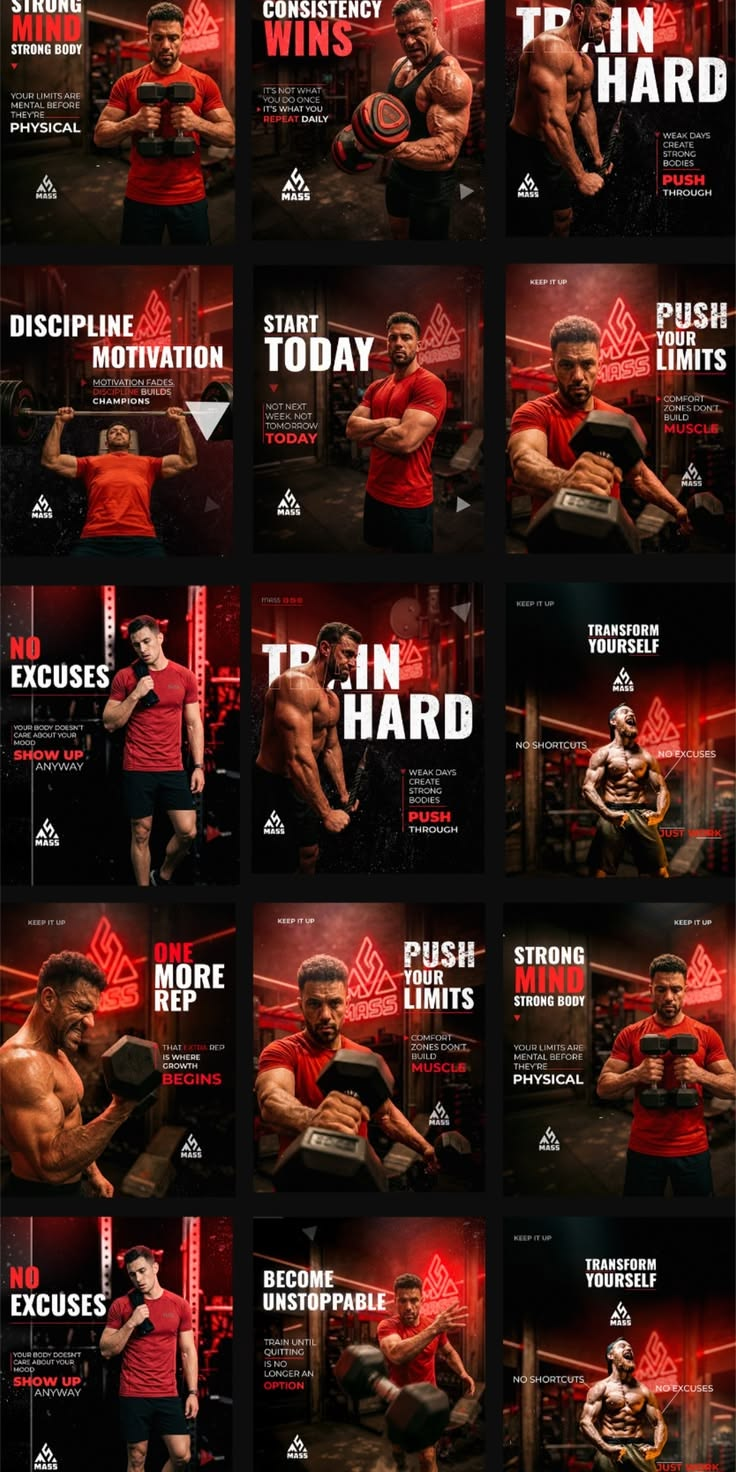
Power Red template kit for Fitness & gym
Power RedAggressive
Aggressive · bold
Workout of the dayClass scheduleMember winCoach tip
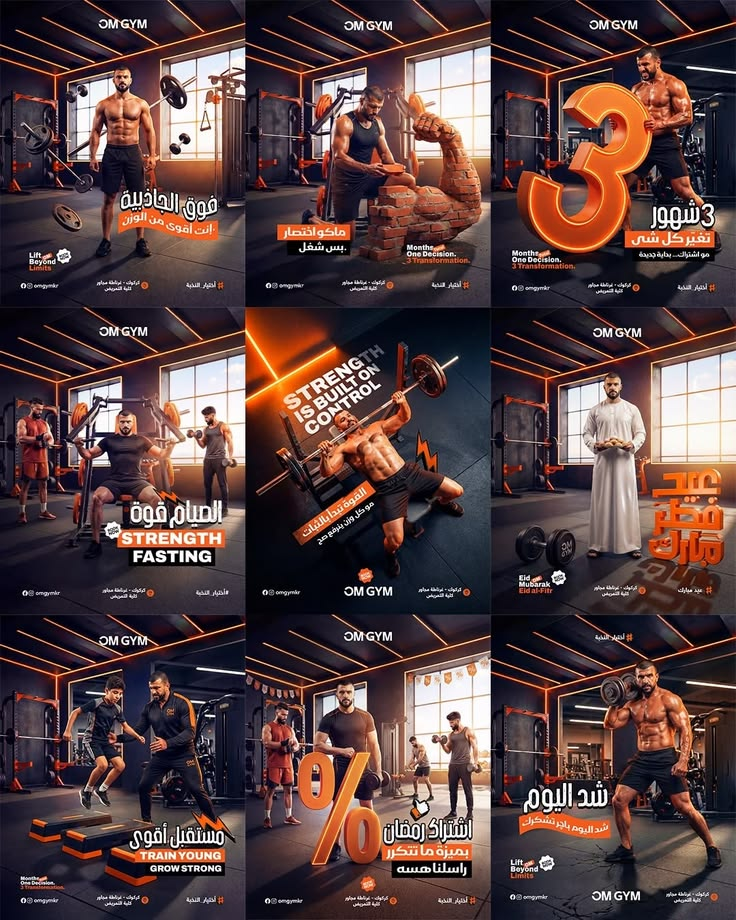
Iron Room template kit for Fitness & gym
Iron RoomDark
Dark · cinematic
Workout of the dayClass scheduleMember winCoach tip
Hard Mode template kit for Fitness & gym
Hard ModeBlack
Black · intense
Workout of the dayClass scheduleMember winCoach tip
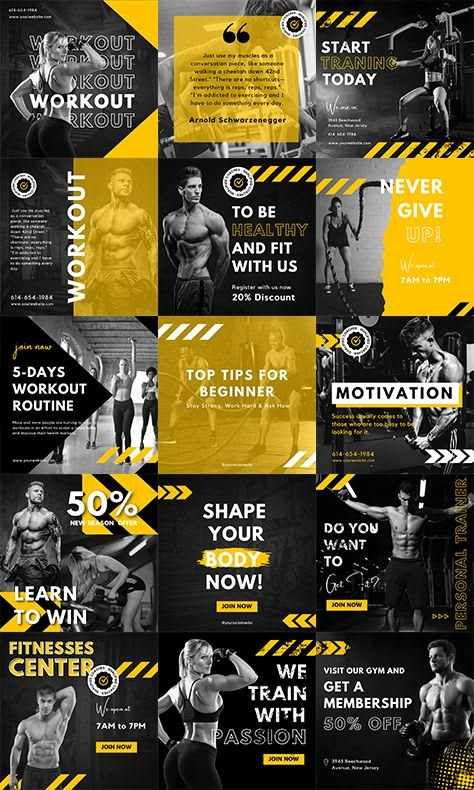
Caution Tape template kit for Fitness & gym
Caution TapeYellow
Yellow · industrial
Workout of the dayClass scheduleMember winCoach tip
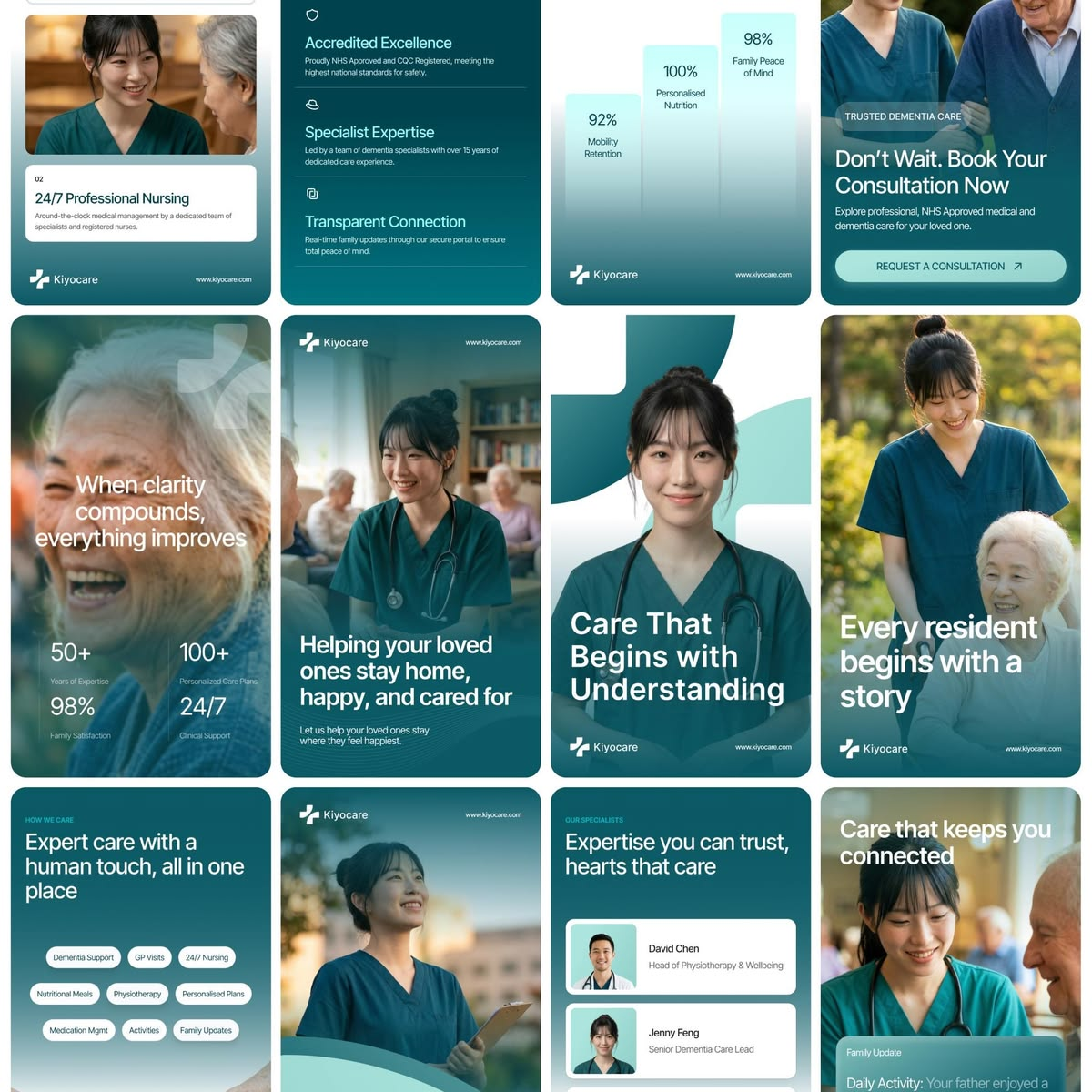
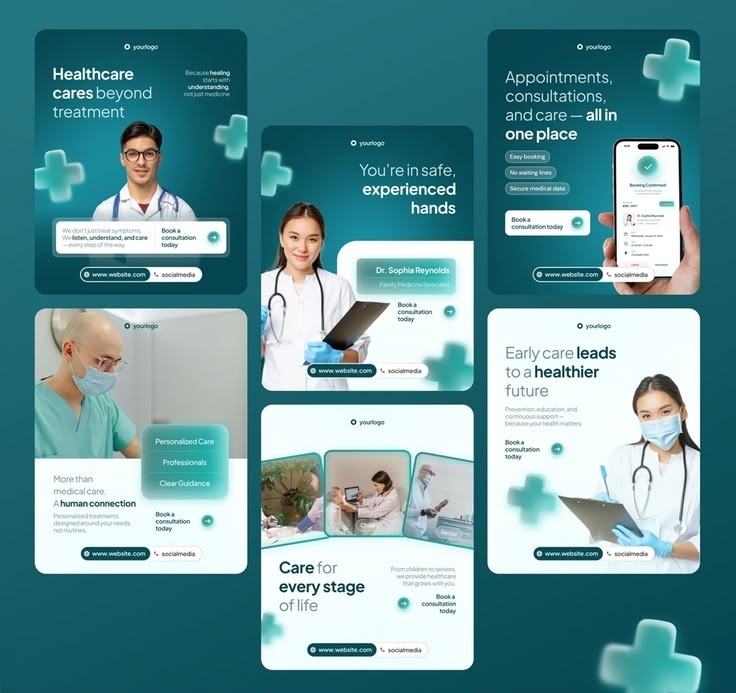
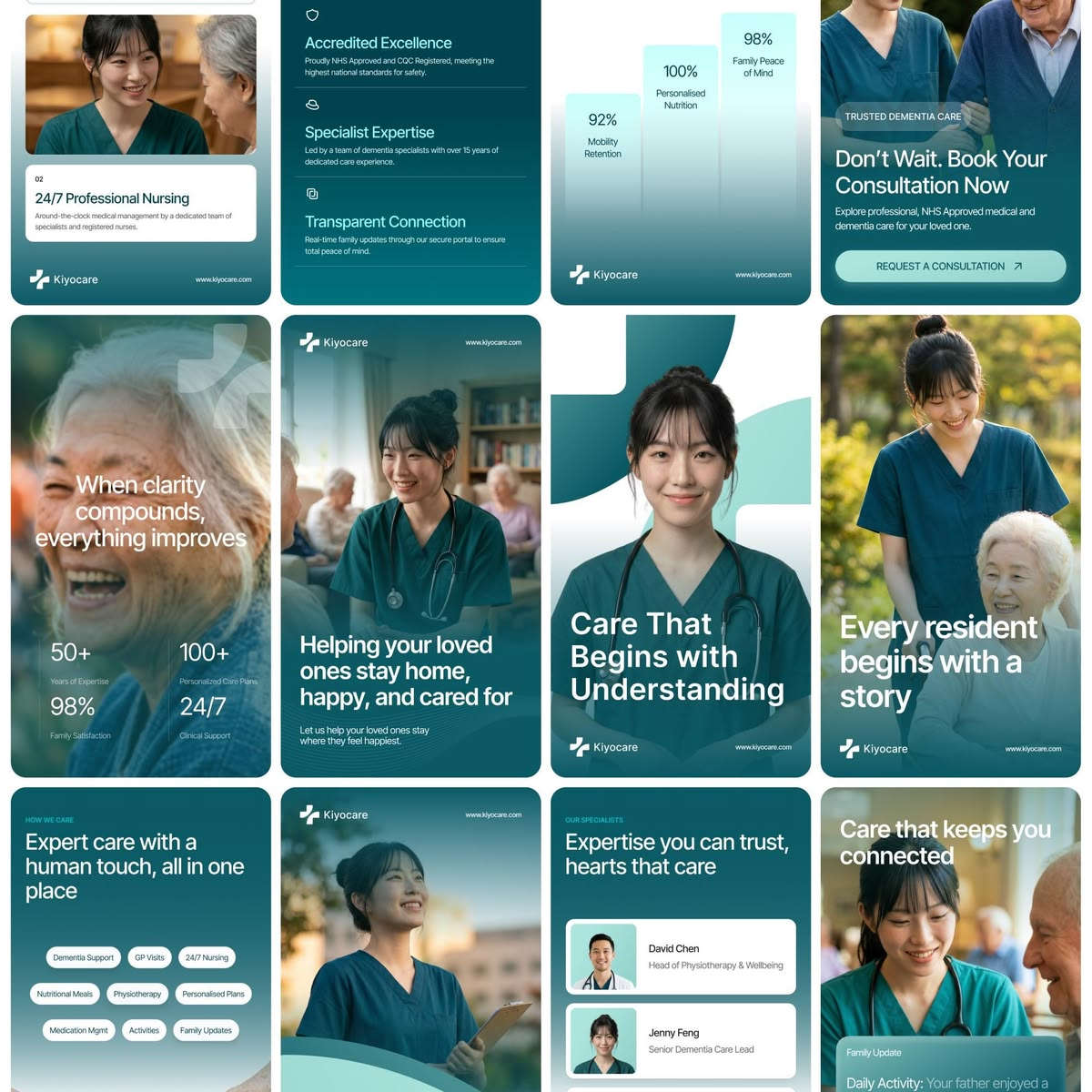
Care Teal template kit for Health & clinic
Care TealCalm
Calm · caring
Meet the teamHealth tipService explainerFAQ
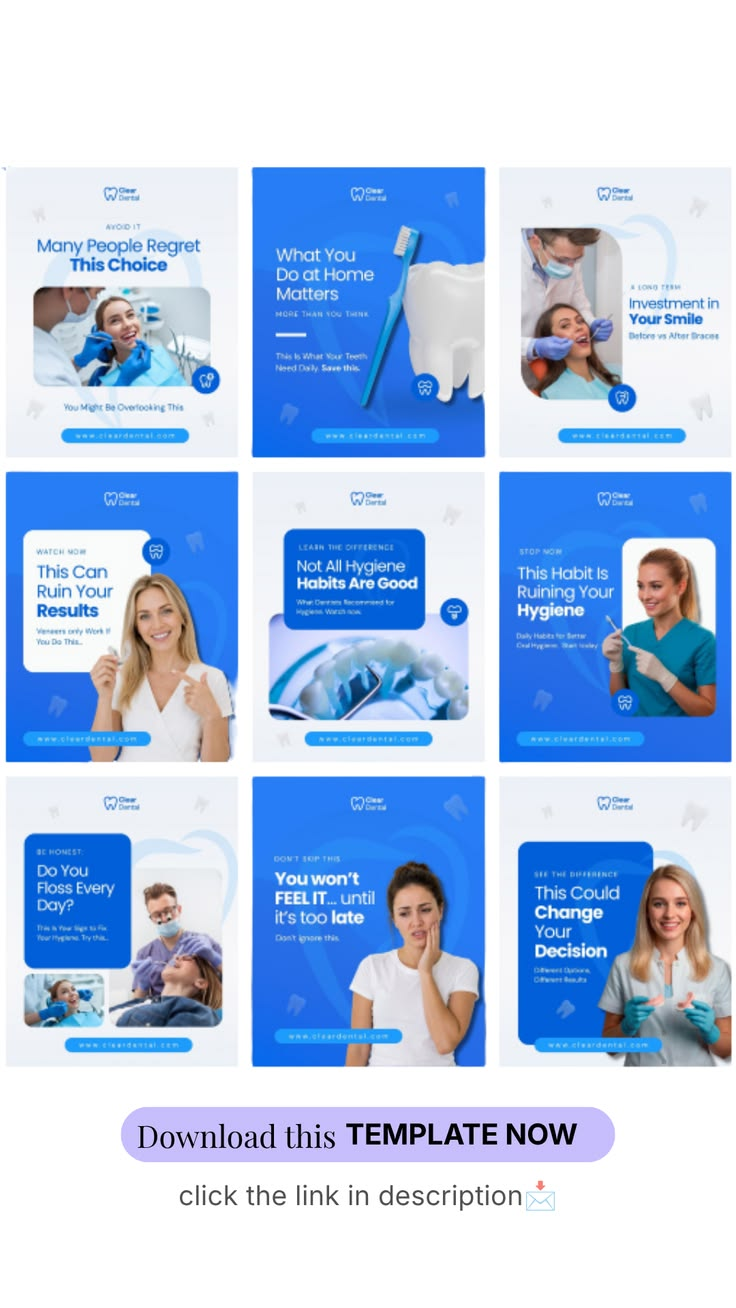
Clinic Blue template kit for Health & clinic
Clinic BlueClean
Clean · clinical
Meet the teamHealth tipService explainerFAQ
Care Plus template kit for Health & clinic
Care PlusTeal
Teal · modern
Meet the teamHealth tipService explainerFAQ
Med Wave template kit for Health & clinic
Med WaveBright
Bright · informative
Meet the teamHealth tipService explainerFAQ
Care Journey template kit for Health & clinic
Care JourneySoft
Soft · reassuring
Meet the teamHealth tipService explainerFAQ
START FREESEE TEMPLATE LIBRARY
WHAT'S INSIDE

What each location gets

Without starting from scratch.

Location workspace

Its own channels, calendar and inbox.

Shared brand rules

Voice, colours and fonts from head office.

Local facts

Hours, address and local offers.

Threads

Posts and replies per location.

Content Autopilot

A local plan for every location.

Review replies

Suggested in the brand voice.

Head office approval

Approvers can sign off local posts.

Link in Bio

Local booking and menu links.

Reports per location

Social Analytics and Create Report for each location.

IN DETAIL

Local and consistent at the same time

What stays the same

Voice, visual identity and brand-wide facts come from head office, so every location sounds and looks like the brand.

What changes locally

Opening hours, addresses, local offers and events are facts in each location's workspace, approved by the people who know them.

Who approves

Choose per location: the local manager, head office or both with Two approvers.

Reviews answered where they are left

Comments and Facebook recommendations arrive in each location's Social Inbox with a suggested reply that uses that location's facts, like its opening hours and address, so answers are local and correct.

One view for head office

Head office can open any location workspace, see its calendar, approvals and inbox, and compare activity. Local teams only see the locations they are invited to.

USE CASES

Who uses PQZ for locations

Three business types.

RESTAURANT GROUPS

Specials and events per venue

Each venue posts its own specials and answers its own reviews. See hospitality.

RETAIL CHAINS

Store news and local offers

Local posts sit beside national campaigns. See retail.

SERVICE FRANCHISES

Every branch found locally

Local posts and replies for every branch. See local services.

BEFORE AND AFTER

Multi-location social, before and after PQZ

The same locations.

WITHOUT PQZ
–Some locations post, most go quiet
–Local posts that don't look like the brand
–Google reviews left unanswered
–No view of which locations are active
–Brand guidelines emailed as a PDF
WITH PQZ
✓Autopilot keeps every location active
✓Shared brand rules in every workspace
✓Suggested review replies per location
✓Analytics and reports for each location
✓Brand rules built into every draft
FAQ

Questions about Multi-location

How many locations can I run?

Agency includes 25 workspaces, one per location. See pricing.

Can head office approve local posts?

Yes. Set approvers per workspace, and require two approvers if you want both local and head office sign-off.

Is Google Business included?

Not yet. Google Business Profile is coming soon. Until then each location posts to Instagram, Facebook and its other channels.

Can locations post in different languages?

Yes. Each workspace can write in its own language.

Can I compare locations?

Yes. Each location has its own Social Analytics and reports, so you can put them side by side.

Do locations need their own logins?

Invite local managers as editors or approvers in their workspace.

Can I roll out gradually?

Yes. Add locations one at a time.

Can one person manage several locations?

Yes. Invite them to each location workspace and switch between them in one click.

What does a location manager see?

Only the workspaces they are invited to: that location's calendar, approvals, Social Inbox and results. Head office sees every location.

Can each location have its own Link in Bio?

Yes. Each workspace has its own Link in Bio page with local links, like booking, menus or directions, in the shared brand style.

RELATED

Keep exploring PQZ

Social InboxLocal reviews.READ MORE Content AutopilotLocal plans.READ MORE EnterpriseGovernance.READ MORE TeamsRoles and approvals.READ MORE
7 days free · No card needed

Set up your first location today and roll out when you are ready.

START FREE

Every location, on brand